
October 18, 2026
ReadyTools Workspace Adds Databases and a Daily Today View
Explore how Workspace Databases organize connected records, while the Today block brings daily priorities into view alongside other Workspace tools.
Artikel lesen
Blog-Artikel
Vault by ReadyTools is your private, online file manager — upload, organize, and reuse files easily across tools. Fast, clean, and free to start.
readytools
July 7, 2025
3 Min. Lesezeit
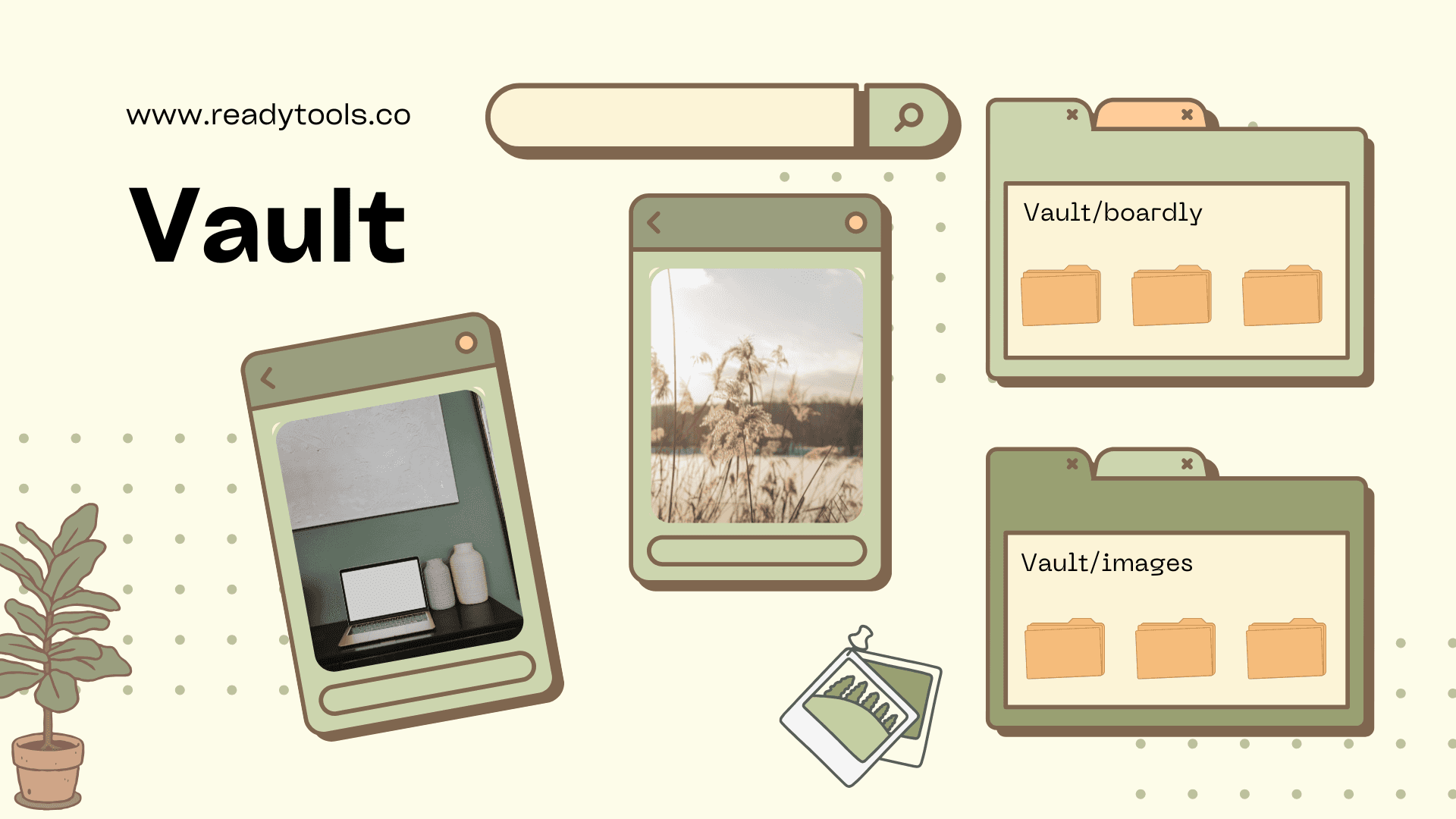
Image source: wzvrwotmuqgwlhyksags.supabase.co
Teilen
We’ve all been there.
You’re starting a new project, creating a design, editing something for a post, or building content — and then the search begins.
“Where did I save that logo?”
“Which folder had the latest version of the image?”
“Did I download that from email or upload it somewhere...?”
With Vault, you don’t need to ask those questions anymore.
Vault is your simple, private, online file manager inside ReadyTools.
It’s designed to help you store, organize, and reuse your files — without getting lost in endless folders or chaotic downloads.
Need to upload images you often use?
Want to keep icons, PDFs, QR codes, or social templates in one place?
Just drop them into your Vault — and they’re always ready when you need them.
Vault isn’t trying to replace the "Cloud" — it’s something else. It’s lighter, faster, cleaner, and tailored for creative, everyday workflows.
Whether you’re a:
Social media manager keeping reusable content blocks
Designer storing visual elements and logos
Freelancer keeping contracts and invoices safe
Student organizing notes and projects
Or someone who just wants a no-BS way to manage files online
Vault gives you what you need, without distractions.
🗂️ Organize your files easily
Create folders, rename them, and move files around — right from your browser.
📥 Upload anything important
From PNGs to PDFs and ZIPs — Vault accepts all major file types.
📤 Access anywhere, anytime
No app needed. Your files are always one click away at readytools.co/vault
🔗 Use files across tools
Vault works seamlessly with other ReadyTools features.
Need to put a file into your Boardly project? Just pick it from Vault.
Want to set a custom background image on Linksy? Upload it once and reuse it anytime.
Creating a new Notes collection? Grab images from Vault to build a clean visual gallery.
No more repetitive uploads — your files are always right where you need them.
🔒 Private by default
Your files are yours — and they stay that way.
Nothing is shared unless you choose to, and not even ReadyTools can open the content of your uploads.
It’s like your own digital locker — secure, personal, and fully under your control.
We built Vault because most cloud storage is overkill.
You don’t need 25 tabs open, syncing issues, or huge apps just to find your image or reuse a logo.
Vault is:
Fast
Clean
Integrated into your workflow
And completely free to start using
You can keep using your favorite storage providers — Vault just fills the gap between “downloaded chaos” and “what you actually need right now.”
If you're tired of:
Losing track of files
Uploading the same image 10 times
Wasting time re-downloading from emails or old folders
Constantly switching between apps
…then give Vault a try.
It's not just "cloud storage."
It's file management that fits your flow.
👉 Try Vault now: https://readytools.co/vault
A simpler way to keep your work together.
Entdecke ReadyTools: die ultimative Produktivitätssuite für Creator. Wunderschöne Linksy-Seiten, smarte Lara-KI, Projektmanagement, sicherer Cloud-Speicher und alles andere, was du brauchst – vereint an einem Ort. Starte noch heute deine 7-tägige kostenlose Testphase.
ReadyTools erkundenWeiterlesen
October 18, 2026
Explore how Workspace Databases organize connected records, while the Today block brings daily priorities into view alongside other Workspace tools.
Artikel lesen

October 11, 2026
Learn how to add a Canvas block in ReadyTools, sketch ideas, build diagrams with Lara, embed files, collaborate, and export your work.
Artikel lesen

October 6, 2026
the platform has continued moving from individual API endpoints toward something much closer to the infrastructure we originally wanted to build.
Artikel lesen