October 4, 2026
What Is an AI Agent? How Agents Work and Where They Fit
Learn what an AI agent is, how it differs from a chatbot or automation, and what to consider before using one for real tasks.
Leer artículo
Artículo de blog
Discover the top 5 most loved HTML elements in 2026 — from the eternal to semantic heroes. Why devs adore them for accessibility, SEO, and modern web magic
readytools
January 15, 2026
5 min de lectura
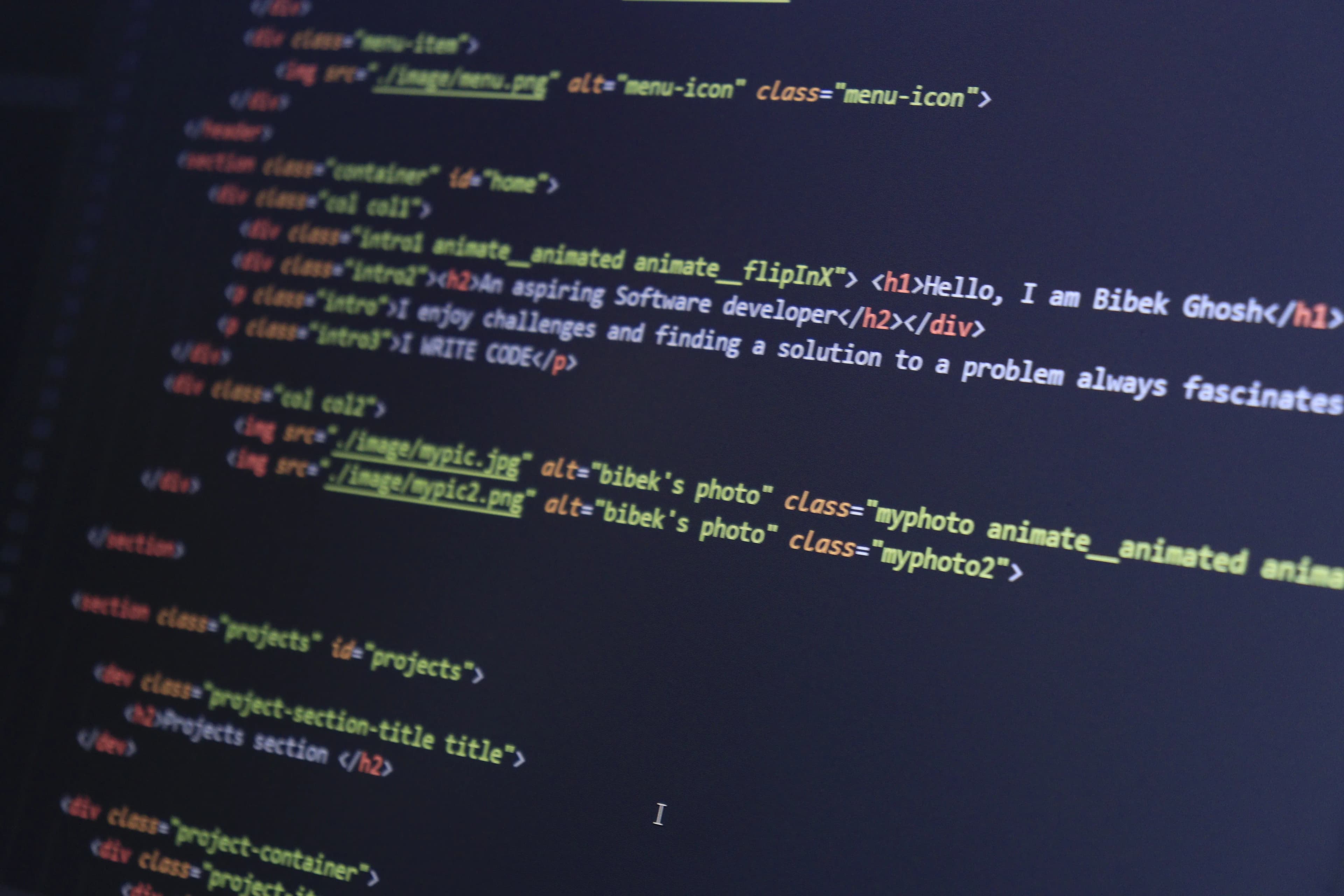
Image source: images.pexels.com
Compartir
If you’ve ever built a website — from a simple landing page to a full-blown web app — you know that HTML is the quiet backbone of everything we do on the web. It’s been around since the 90s, yet somehow HTML elements still spark heated debates, endless memes, and genuine affection in developer communities. Ask any front-end developer what their favorite HTML tag is and you’ll get passionate answers (and probably a rant about <div> soup).
In 2026, with HTML5 long established and new web standards constantly emerging, some elements have risen to legendary status. They’re the ones we reach for first, the ones that make our lives easier, and the ones we secretly love a little too much. Today, I’m counting down the top 5 most loved HTML elements that modern web developers swear by — complete with real-world examples, tips, and a dash of nostalgia.
Let’s dive in.
Everyone loves a good button. Seriously. The <button> element is the gateway drug to interactive web design.
Before <button>, we were stuck using <input type="button"> or styled <a> tags pretending to be buttons. Now? Native <button> gives us built-in keyboard accessibility, proper focus states, and the ability to contain literally anything — text, icons, images, even other elements.
<button type="button" class="fancy-btn">
  <svg><!-- icon --></svg>
  Submit Magic
</button>
Why developers love it in 2026:
Pro tip: Never use <div> or <span> styled as buttons for primary actions. Real <button> elements are always the right choice for forms and critical interactions.
Images are the soul of the web. Without <img>, the internet would be a very boring wall of text.
The modern <img> tag is a powerhouse thanks to attributes like srcset, sizes, loading="lazy", and decoding="async". We’ve come a long way from the bad old days of slow-loading pages and broken alt text.
<picture>
  <source srcset="hero.avif" type="image/avif">
  <source srcset="hero.webp" type="image/webp">
  <img
    src="hero.jpg"
    alt="A vibrant sunset over mountains – symbolizing epic web experiences"
    loading="lazy"
    width="1200"
    height="600">
</picture>
Why it’s beloved:
In 2026, with AI-generated imagery everywhere, <img> remains the simplest, most reliable way to display visuals. No framework needed — just pure HTML magic.
The anchor tag. The original killer feature of the World Wide Web. Without <a>, there is no “web” — just isolated pages.
We take it for granted, but <a> is still one of the most powerful elements in HTML. It can link to pages, download files, trigger emails, open phone dialers, and even control JavaScript behavior with target="_blank" and rel="noopener".
<a
  href="https://example.com"
  target="_blank"
  rel="noopener noreferrer"
  download="report.pdf">
  Download the Ultimate Guide
</a>
Why developers adore it:
Fun fact: Tim Berners-Lee invented the <a> tag in 1991. It’s the reason you’re reading this blog post right now.
Remember the dark ages of <div class="header">, <div class="content">, <div id="footer">? Semantic HTML changed everything.
<section> (along with its siblings <article>, <aside>, <nav>, and <header>) brought meaning to markup. Suddenly, our code wasn’t just a pile of boxes — it told a story.
<section aria-labelledby="features-heading">
  <h2 id="features-heading">Key Features</h2>
  <p>Here’s why developers love semantic tags...</p>
</section>
Why it’s a developer favorite in 2026:
Using proper semantic elements feels professional. It’s the difference between writing poetry and writing a grocery list.
I know what you’re thinking: “<div>? The most hated element?” Hear me out.
<div> is the Swiss Army knife of HTML. It has no semantic meaning, no opinions, no baggage. It just sits there and lets you build whatever you want. And that freedom is exactly why developers secretly (or not so secretly) love it.
In modern web development — with CSS Grid, Flexbox, and component-based frameworks — <div> is the perfect blank canvas.
<div class="grid-container">
  <div class="card">Card 1</div>
  <div class="card">Card 2</div>
  <div class="card">Card 3</div>
</div>
Why <div> takes the top spot:
Yes, we should use semantic elements when they make sense. But let’s be honest: every beautiful, complex website you admire is built on a foundation of carefully placed <div>s.
HTML elements are more than just tags — they’re the building blocks of the entire internet. In 2026, with progressive web apps, AI-assisted coding, and ever-evolving standards, these five elements remain indispensable.
Whether you’re a beginner learning HTML basics or a seasoned front-end engineer crafting pixel-perfect designs, take a moment to appreciate the humble tags that make it all possible.
What’s YOUR most loved HTML element? Is <div> your guilty pleasure, or do you swear by semantic tags?
Descubre ReadyTools: la suite de productividad definitiva para creadores. Hermosas páginas de Linksy, la IA inteligente de Lara, gestión de proyectos, almacenamiento seguro en la nube y todo lo que necesitas, todo junto. Comienza tu prueba gratuita de 7 días hoy mismo.
Explorar ReadyToolsSigue leyendo
October 4, 2026
Learn what an AI agent is, how it differs from a chatbot or automation, and what to consider before using one for real tasks.
Leer artículo

October 2, 2026
Capture a webpage, place the screenshot in an iPhone frame, adjust the scene, and export a polished image or animation from one browser extension.
Leer artículo

September 30, 2026
No settings to flip.No plan changes required. If you’re already on Max, Lara is running the new model. If you use Agent mode on Plus you are getting it too
Leer artículo