
October 18, 2026
ReadyTools Workspace Adds Databases and a Daily Today View
Explore how Workspace Databases organize connected records, while the Today block brings daily priorities into view alongside other Workspace tools.
Cikk elolvasása
Blog cikk
Plus and Max subscribers can now style every module on their Linksy page with backgrounds, borders, shadows, glass effects, and a one-click button style...
readytools
July 22, 2026
2 perc olvasás
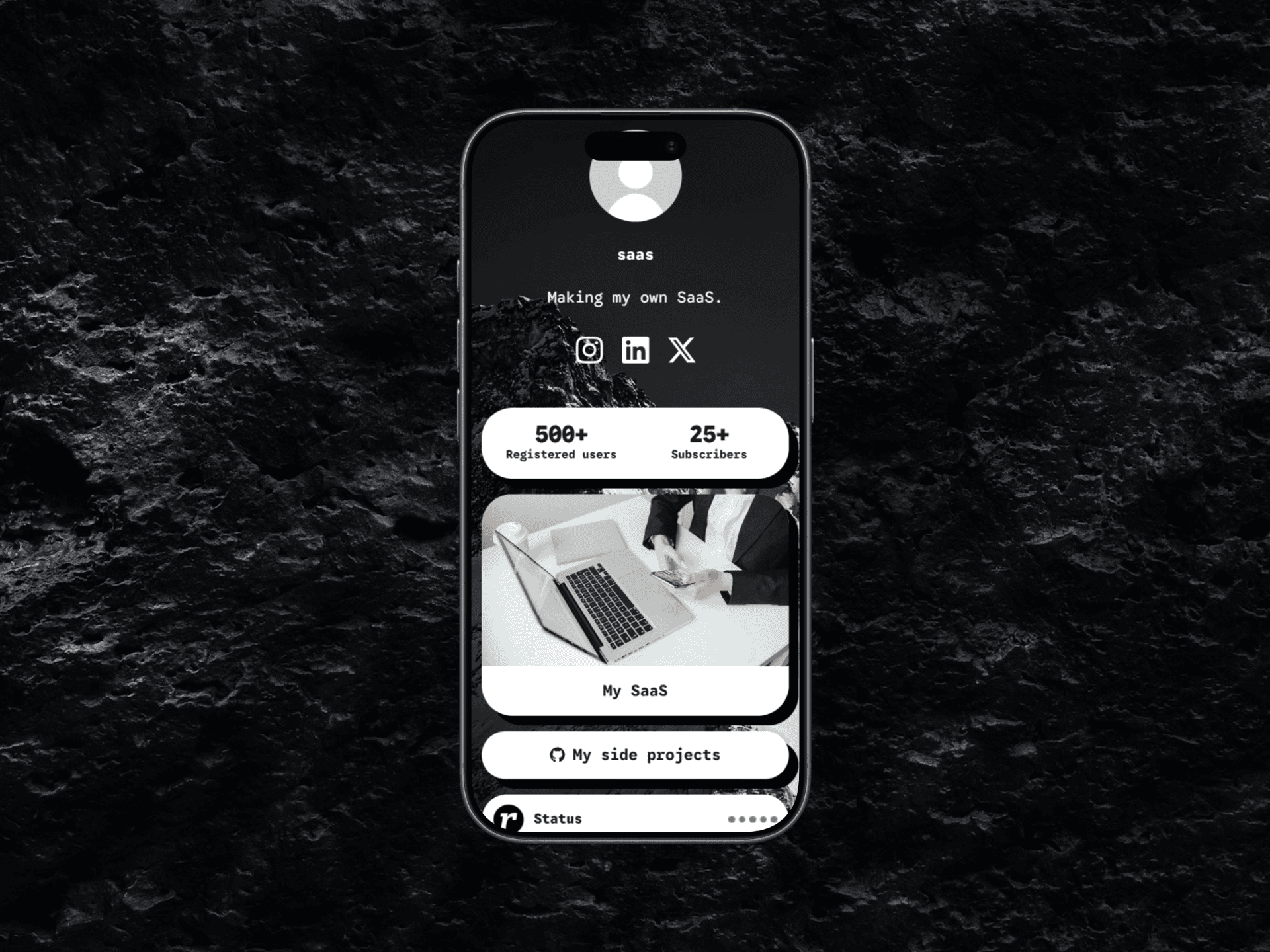
Image source: cloud.readytools.co
Megosztás
Linksy modules used to share a single, uneditable look. That limitation is gone for Plus and Max subscribers.
Starting today, the Appearance page includes a complete set of visual controls for every supported module. You can adjust background and text colors, borders and border styles, corner radius, shadows, transparent and glass effects, and page font usage. The module preset system mirrors the button preset order, so the same design language applies across the entire page without manual rebuilding.
A new Copy button style option transfers the current appearance of your Linksy buttons directly to your modules. The transfer covers backgrounds and gradients, transparency, glass blur effects, borders, border radius, shadows, outlines, and other supported visual effects. Text formatting and button-specific layout settings are intentionally excluded so modules keep their own readable structure while matching the overall design. You can also copy the page font separately if you only need typography consistency.
Previous glass styles often flattened to a transparent background. The updated implementation preserves the full effect: layered transparent gradients, backdrop blur with Safari and iPhone support, semi-transparent borders, inset highlights, and multi-layer shadows. The result renders consistently in both the editor preview and the published Linksy page.
The editor now ships with a much larger collection of color styles, border styles, shapes, and shadow effects. Border, shape, color, and shadow controls use the same options as the Linksy button editor, making both systems predictable and consistent. Free and Go users continue to use modules with their standard appearance, while Plus and Max unlock the complete customization toolkit.
If you want to see how the updated modules work inside a full link-in-bio page, explore the ReadyTools Linksy editor and try the new Appearance controls yourself.
Fedezd fel a ReadyTools-t: a tökéletes produktivitási csomagot alkotók számára. Gyönyörű Linksy oldalak, intelligens Lara AI, projektmenedzsment, biztonságos felhőtárhely és minden más, amire szükséged van — mind egy helyen. Kezdd el a 7 napos ingyenes próbaidőszakot még ma.
ReadyTools felfedezéseOlvasd tovább
October 18, 2026
Explore how Workspace Databases organize connected records, while the Today block brings daily priorities into view alongside other Workspace tools.
Cikk elolvasása

October 11, 2026
Learn how to add a Canvas block in ReadyTools, sketch ideas, build diagrams with Lara, embed files, collaborate, and export your work.
Cikk elolvasása

October 6, 2026
the platform has continued moving from individual API endpoints toward something much closer to the infrastructure we originally wanted to build.
Cikk elolvasása