
October 4, 2026
What Is an AI Agent? How Agents Work and Where They Fit
Learn what an AI agent is, how it differs from a chatbot or automation, and what to consider before using one for real tasks.
Read article
Blog article
Plus and Max subscribers can now style every module on their Linksy page with backgrounds, borders, shadows, glass effects, and a one-click button style...
readytools
July 22, 2026
2 min read
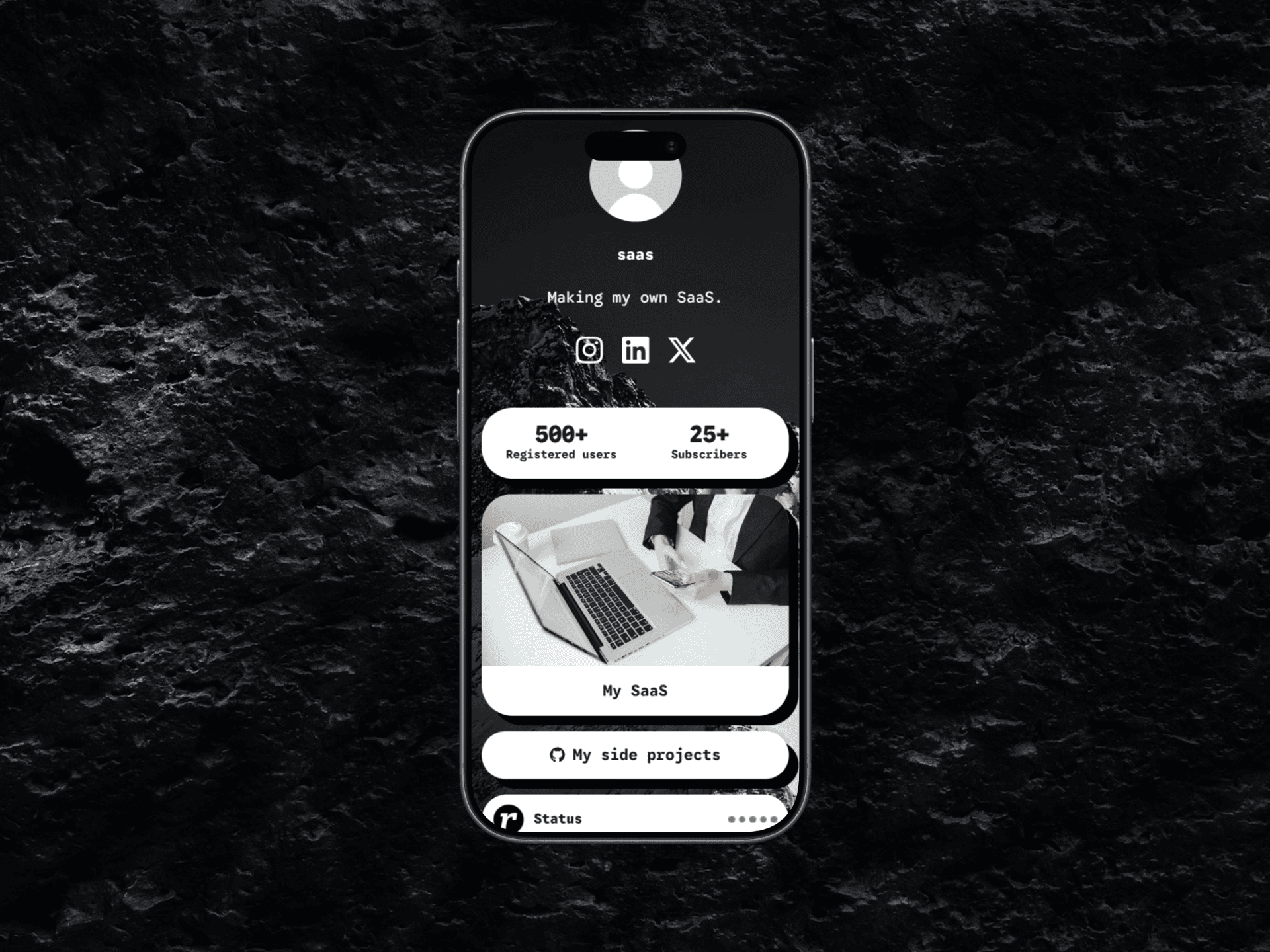
Image source: cloud.readytools.co
Share
Linksy modules used to share a single, uneditable look. That limitation is gone for Plus and Max subscribers.
Starting today, the Appearance page includes a complete set of visual controls for every supported module. You can adjust background and text colors, borders and border styles, corner radius, shadows, transparent and glass effects, and page font usage. The module preset system mirrors the button preset order, so the same design language applies across the entire page without manual rebuilding.
A new Copy button style option transfers the current appearance of your Linksy buttons directly to your modules. The transfer covers backgrounds and gradients, transparency, glass blur effects, borders, border radius, shadows, outlines, and other supported visual effects. Text formatting and button-specific layout settings are intentionally excluded so modules keep their own readable structure while matching the overall design. You can also copy the page font separately if you only need typography consistency.
Previous glass styles often flattened to a transparent background. The updated implementation preserves the full effect: layered transparent gradients, backdrop blur with Safari and iPhone support, semi-transparent borders, inset highlights, and multi-layer shadows. The result renders consistently in both the editor preview and the published Linksy page.
The editor now ships with a much larger collection of color styles, border styles, shapes, and shadow effects. Border, shape, color, and shadow controls use the same options as the Linksy button editor, making both systems predictable and consistent. Free and Go users continue to use modules with their standard appearance, while Plus and Max unlock the complete customization toolkit.
If you want to see how the updated modules work inside a full link-in-bio page, explore the ReadyTools Linksy editor and try the new Appearance controls yourself.
Discover ReadyTools: the ultimate productivity suite for creators. Beautiful Linksy pages, smart Lara AI, project management, secure cloud storage, and everything else you need — all together. Start your 7-day free trial today.
Explore ReadyToolsKeep reading
October 4, 2026
Learn what an AI agent is, how it differs from a chatbot or automation, and what to consider before using one for real tasks.
Read article

October 2, 2026
Capture a webpage, place the screenshot in an iPhone frame, adjust the scene, and export a polished image or animation from one browser extension.
Read article

September 30, 2026
No settings to flip.No plan changes required. If you’re already on Max, Lara is running the new model. If you use Agent mode on Plus you are getting it too
Read article