
October 4, 2026
What Is an AI Agent? How Agents Work and Where They Fit
Learn what an AI agent is, how it differs from a chatbot or automation, and what to consider before using one for real tasks.
Read article
Blog article
A practical look at a simple, private tool that helps keep images fast and websites performing well.
readytools
June 3, 2026
3 min read
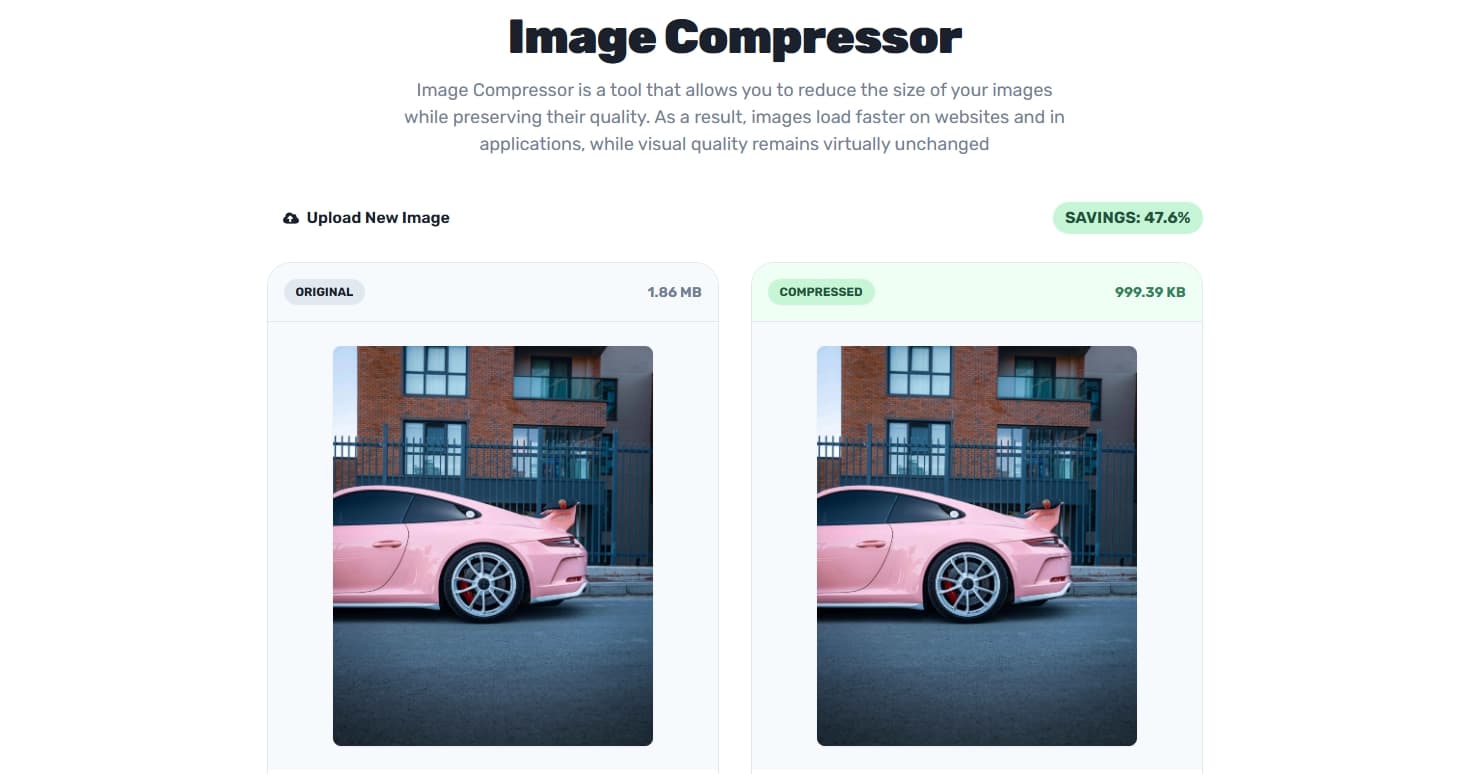
Image source: cloud.readytools.co
Share
Why Compressing Images Still Matters in 2026 (And How I Do It Quickly)
Page speed continues to be one of the most important factors for good user experience and search rankings. Even with better internet connections, large unoptimized images remain a common reason why websites feel slow.
I have tried many online compressors over the years. Most of them required uploading files to external servers, which raised privacy concerns, or they added unnecessary steps to my workflow. That is why I started using the Image Compressor inside ReadyTools.
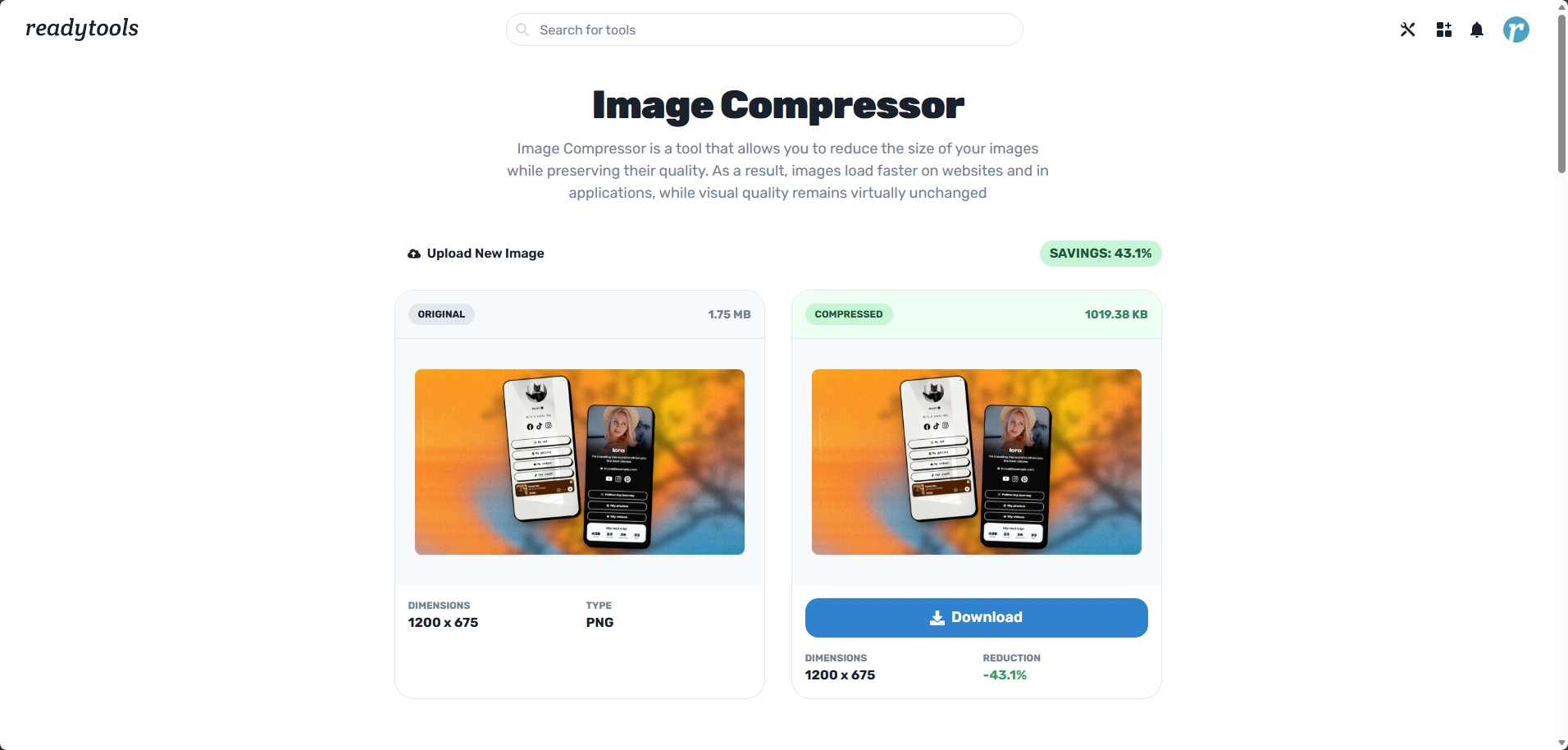
It is a clean browser-based compressor with a straightforward interface. You can drag and drop an image or select one from your computer. It supports JPG, PNG, WebP, and BMP files.
You have one important option: whether to keep the original resolution or allow the tool to reduce dimensions slightly for better compression. After processing you get a clear side-by-side view showing the original and the compressed version, along with exact file sizes and dimensions.
Everything happens locally in your browser. No files are uploaded to any server.
On regular photos and screenshots I usually achieve between 60 and 85 percent size reduction while keeping good visual quality. For web use and social media this makes a real difference in loading times.
I like having control over the resolution setting. Sometimes I need to preserve every pixel for print or detailed work. Other times I want maximum compression for online content. The toggle makes it easy to adapt to different situations.
Good content creation involves many small details. Writing the text, choosing visuals, and making sure everything loads quickly all contribute to how people experience what I share.
This tool removes friction from the optimization step. I can compress images right before publishing a blog post, preparing social media content, or cleaning up screenshots for documentation. It has become one of those quiet productivity tools I use regularly without thinking much about it.
The Image Compressor is one of many tools available in ReadyTools. Having image optimization together with AI features like Lara, note-taking, project management, and other utilities keeps everything in one place and reduces the need to switch between different applications.
If you frequently work with images for websites, blogs, social media, or client projects, having a fast and private way to compress them can save time and improve performance.
You can try the Image Compressor here: https://www.readytools.co/image/image-compressor/
New users get 7 days of Plus access completely free with no credit card required. This gives full access to the compressor and the rest of the platform.
Have you found a good image optimization workflow? Do you compress images manually or use a specific tool?
Discover ReadyTools: the ultimate productivity suite for creators. Beautiful Linksy pages, smart Lara AI, project management, secure cloud storage, and everything else you need — all together. Start your 7-day free trial today.
Explore ReadyToolsKeep reading
October 4, 2026
Learn what an AI agent is, how it differs from a chatbot or automation, and what to consider before using one for real tasks.
Read article

October 2, 2026
Capture a webpage, place the screenshot in an iPhone frame, adjust the scene, and export a polished image or animation from one browser extension.
Read article

September 30, 2026
No settings to flip.No plan changes required. If you’re already on Max, Lara is running the new model. If you use Agent mode on Plus you are getting it too
Read article