
October 4, 2026
What Is an AI Agent? How Agents Work and Where They Fit
Learn what an AI agent is, how it differs from a chatbot or automation, and what to consider before using one for real tasks.
Read article
Blog article
ReadyTools Workspace Chat adds page-level and workspace-wide conversations with voice messages, file sharing, and Lara AI participation - all encrypted...
readytools
August 27, 2026
2 min read
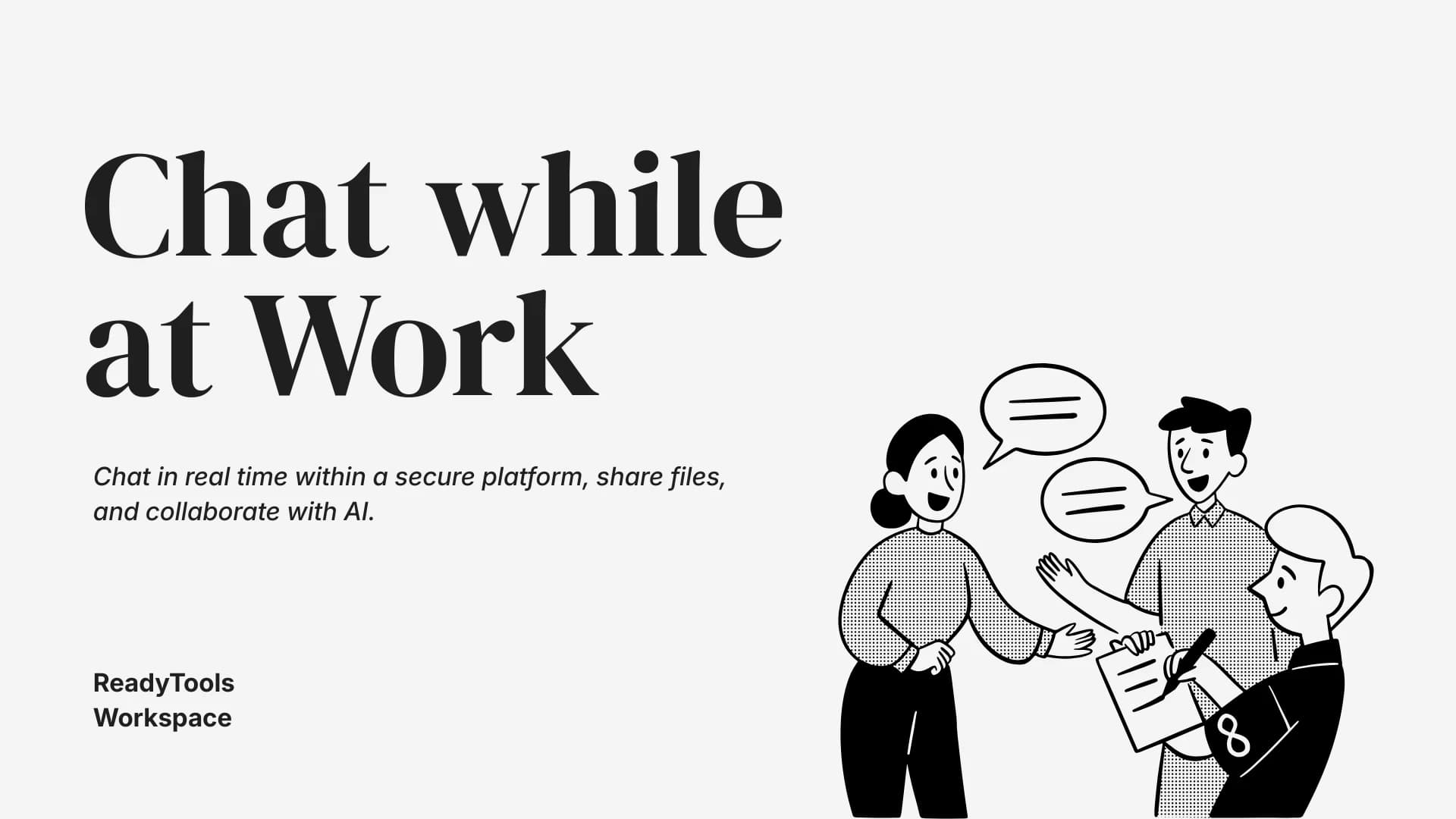
Image source: cloud.readytools.co
Share
Most teams still bounce between a document editor and a separate chat app. Feedback lives in Slack, decisions get buried in threads, and the AI assistant sits in its own window. ReadyTools Workspace Chat changes that by putting conversations directly on the page they belong to.
Every page now carries its own chat. Discuss a launch plan, a research doc, or a bug report right where the content lives. For broader topics - team announcements, recurring standups, cross-project questions - the Workspace-wide chat sits at the top level. Unread indicators track both, so nothing slips past you.
The first release already covers what you expect from a dedicated messenger. Reply to specific messages, edit or delete your own, react with emoji, and mention teammates or @everyone. Files drop straight into the thread from your computer or from ReadyTools Vault, keeping assets next to the discussion. Rich previews render YouTube links, Spotify tracks, images, video, audio, and GIFs inline.
Sometimes speaking is faster than typing. Press to record, pause when you need to think, resume, and send. Playback feels native - not like an attached file you have to download first.
Mention @Lara in any chat and she participates with full context. She can summarize decisions so far, compare the current page against a website you just shared, or rewrite a section based on the discussion. When you explicitly allow edits, Lara can execute Workspace actions - creating tasks, restructuring headings, updating tables - with changes tracked and rollback available. Actions that need confirmation pause and ask first.
Because Lara runs inside the shared chat, her responses appear for everyone. The team sees the result in the same thread where the request started, not in a private AI sidebar. ReadyTools also coordinates concurrent requests so two people don't accidentally trigger competing Lara tasks in the same Workspace.
Chat content and metadata are encrypted with AES-GCM before storage. Conversations are not treated as ordinary unprotected Workspace data.
Switch between Compact, Medium, and Sidebar views. Keep chat tucked away while you write, expand it for an active discussion, or pin it open alongside the page.
All of this lives inside ReadyTools Workspace, where notes, files, AI help, collaboration, and publishing already stay connected from the first idea to the final page.
Discover ReadyTools: the ultimate productivity suite for creators. Beautiful Linksy pages, smart Lara AI, project management, secure cloud storage, and everything else you need — all together. Start your 7-day free trial today.
Explore ReadyToolsKeep reading
October 4, 2026
Learn what an AI agent is, how it differs from a chatbot or automation, and what to consider before using one for real tasks.
Read article

October 2, 2026
Capture a webpage, place the screenshot in an iPhone frame, adjust the scene, and export a polished image or animation from one browser extension.
Read article

September 30, 2026
No settings to flip.No plan changes required. If you’re already on Max, Lara is running the new model. If you use Agent mode on Plus you are getting it too
Read article