For creators
Link in bio for content creators
One bio link has to do a lot when you’re sharing content, products and brand deals across platforms. Put it all on one page, give brands a clear way to reach you, and see what your audience clicks.
Free to start
No code needed
Ready-made templates
New message
@yourname
@yourname
1.2k
Sound familiar?
The problems this page solves
The problem
I have content, products and brand deals to share, but each platform gives me just one bio link.
With Linksy
Social posts
Add link buttons and social icons for your channels, then use Social posts to embed live posts on the same page.
@yourname
1.2k
The problem
Brands have to DM me, and it’s hard to keep inquiries organized.
With Linksy
Contact form
Add a Contact form so brands can send you a message without seeing your email address. Submissions appear in your Linksy dashboard, and new ones send a notification.
Name
Message
Send
The problem
I can’t tell which link or post is actually bringing people in.
With Linksy
Social posts
Check Linksy analytics for views over time, social icon clicks and clicks by link type. Use link buttons to keep the things you want to measure easy to find.
@yourname
1.2k
The problem
Followers want to support me, but I don’t have one simple place to send them.
With Linksy
Support and payments
Add Support and payments to your page so fans can support you or pay.
Support my work
Built for you
The blocks that do the work
Embedded video
Embedded video plays right on your page, so followers can watch without leaving your bio link.
Social posts
Social posts lets you embed live posts on your page, alongside your other links and content.
Support and payments
Give fans a place to support you or pay, right alongside your content.
Products and shop
Show products with images and prices, then send buyers straight to checkout.
Contact form
Collect brand messages and leads without putting your email address on display.
Poll
Ask followers a question and see their answers live when you want direct audience feedback.
Step by step
Build your page in four steps
Choose a template
Start with a ready-made template, then edit its colors, fonts, background and button styles.
Add your content
Add link buttons, social icons and the modules you need, such as videos, Social posts, products or a Contact form.
Make it yours
Arrange your page around what you want people to watch, explore or get in touch about.
Share your page
Add the page link to your social bio, or download its QR code to share it elsewhere.
Start faster
Templates to start from
Browse all templates
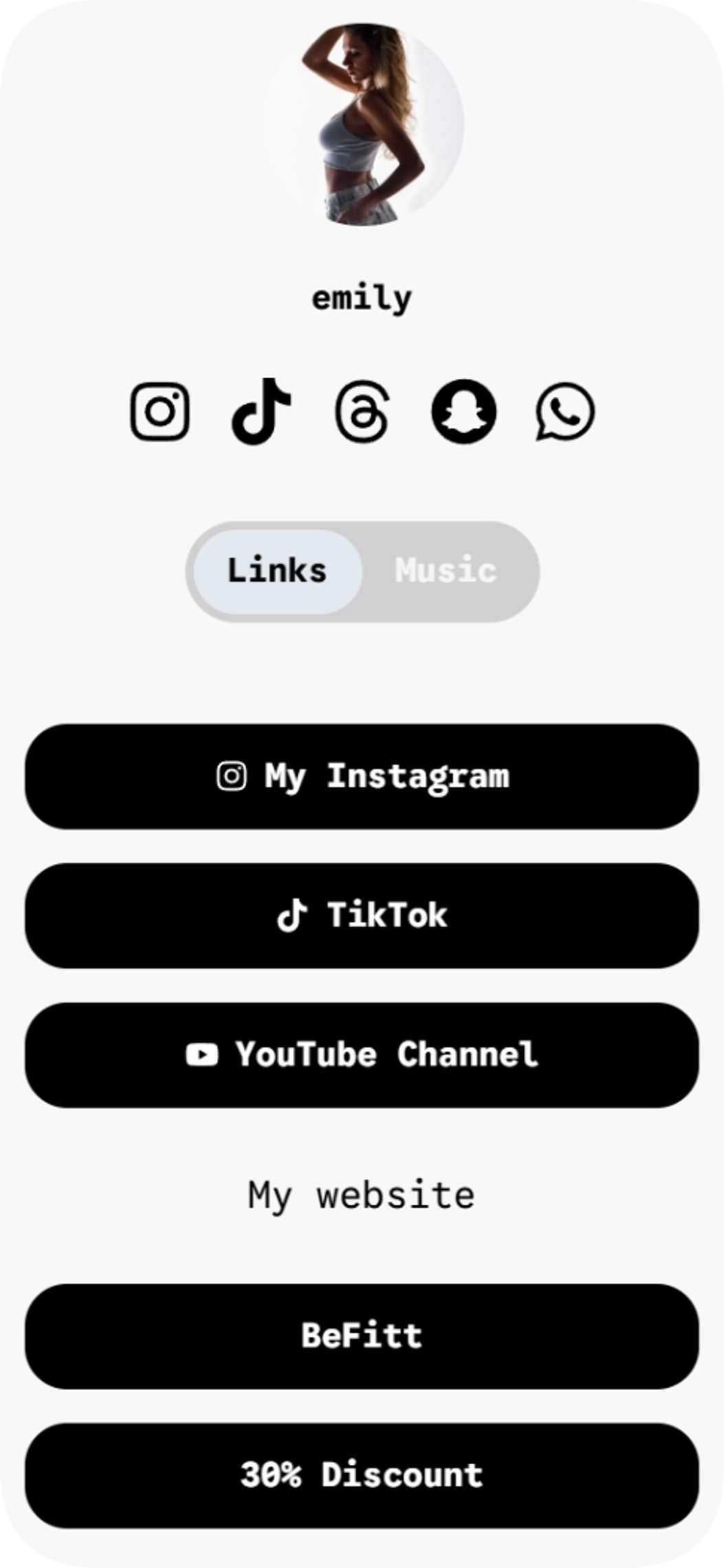
BeFitt founder
BeFitt founder is a link in bio template for creators who want to share their links and music across two easy-to-browse pages.
View template
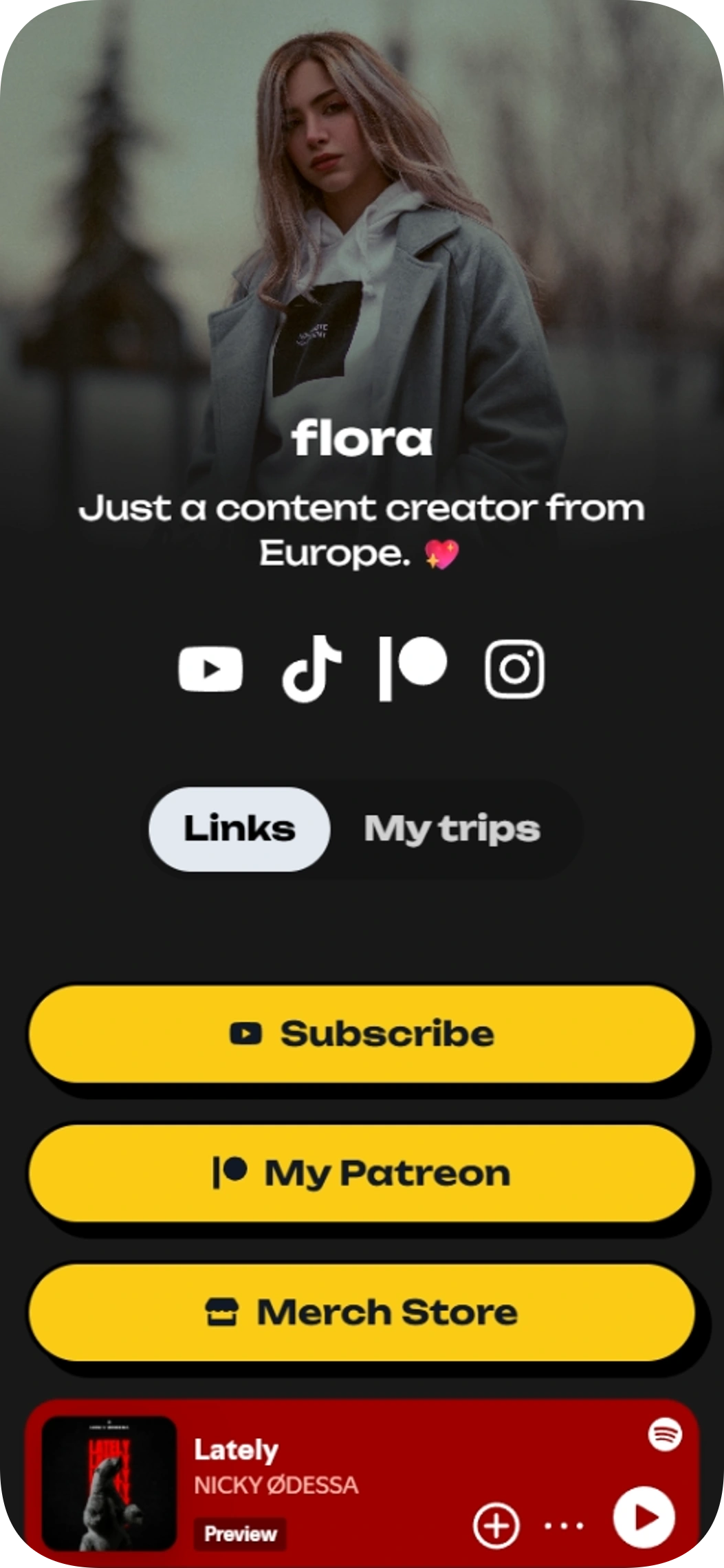
Flóra - Content Creator
Flóra - Content Creator is a link in bio template for creators who want to share their channels, music, and image gallery in one place. Give followers quick routes to YouTube, Patreon, and Spring, then let them browse your playlist and second page.
View template
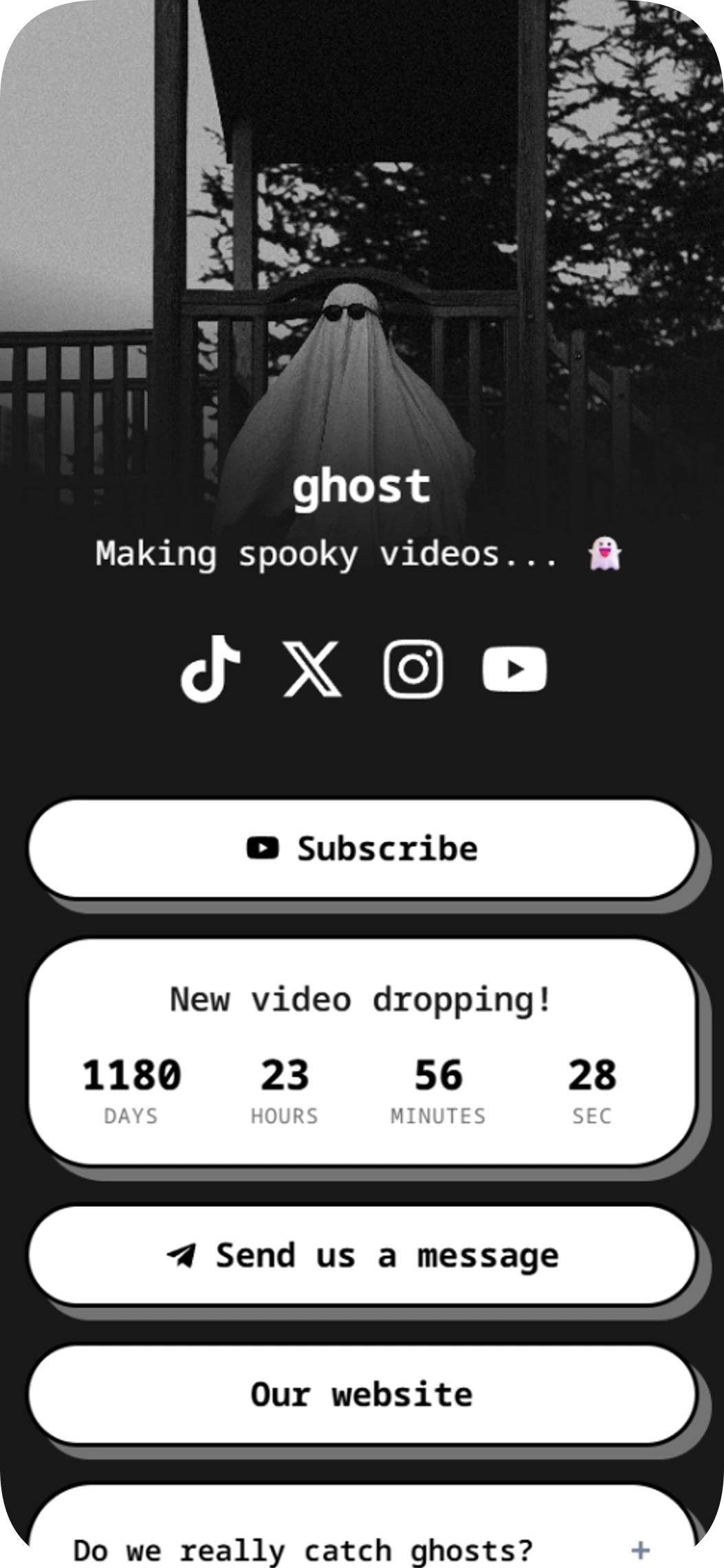
Ghost hunters
Ghost hunters is a link in bio template for creators sharing spooky videos and building a community. Use this link in bio template to bring your YouTube, Telegram, social profiles and next video countdown together.
View template
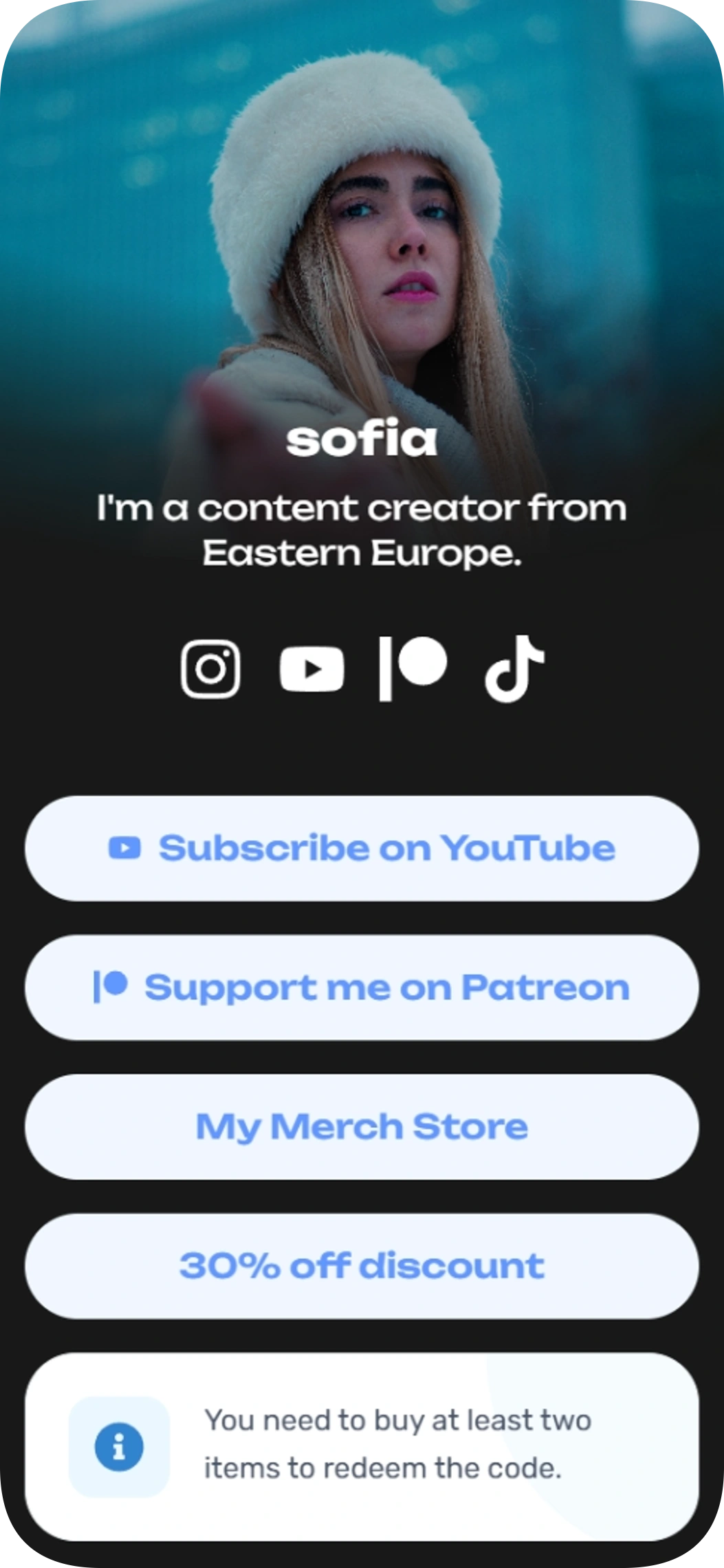
Creator with a discount
Creator with a discount is a link in bio template for content creators who want to bring their videos, Patreon, merch, and a deal together. Use its profile, social links, action buttons, and redemption note to give visitors a clear path to your content and offers.
View template
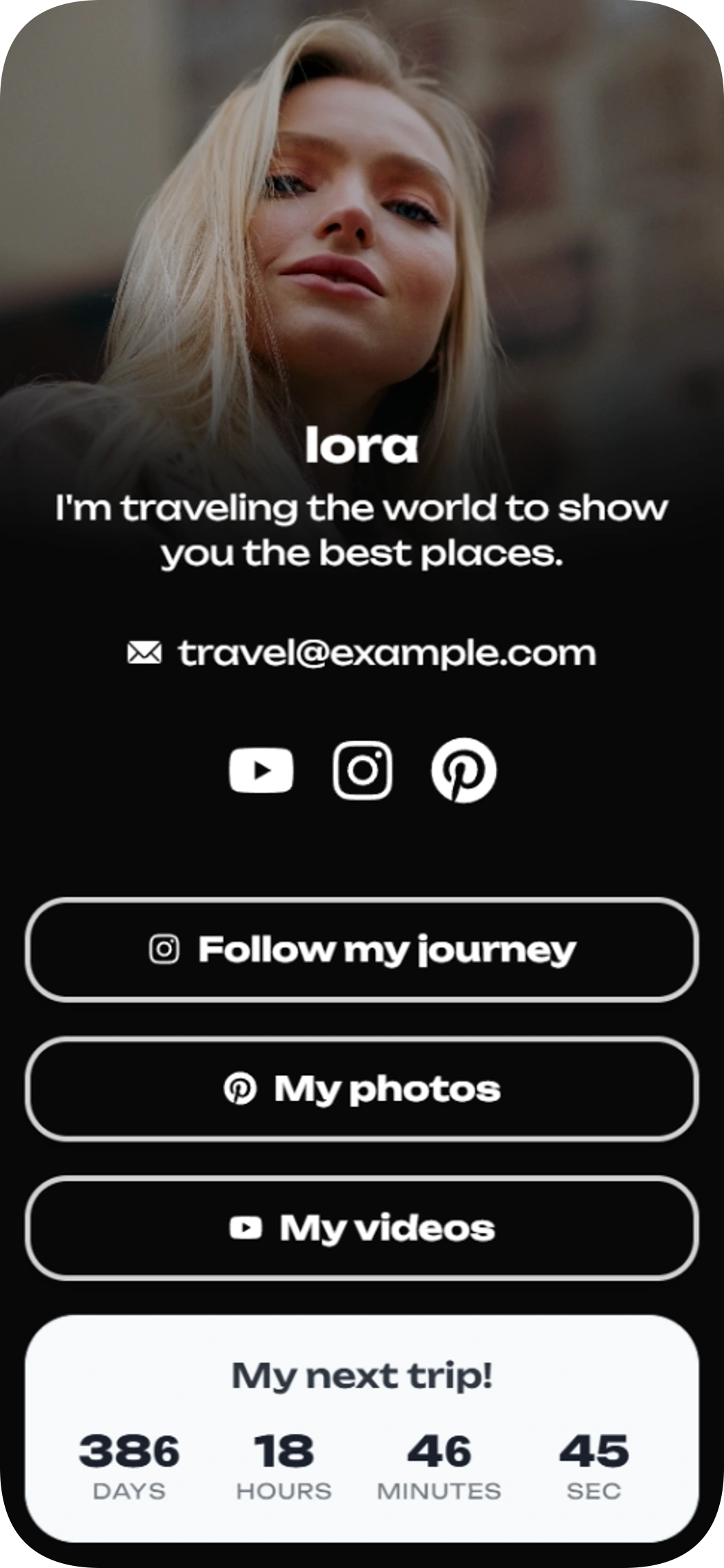
Lora's journey
Lora's journey is a link in bio template for travelers who want to share their trips, photos and videos in one place. Add it to your profile to give visitors a simple way to follow your journey, find your social channels and see when your next trip is coming up.
View template
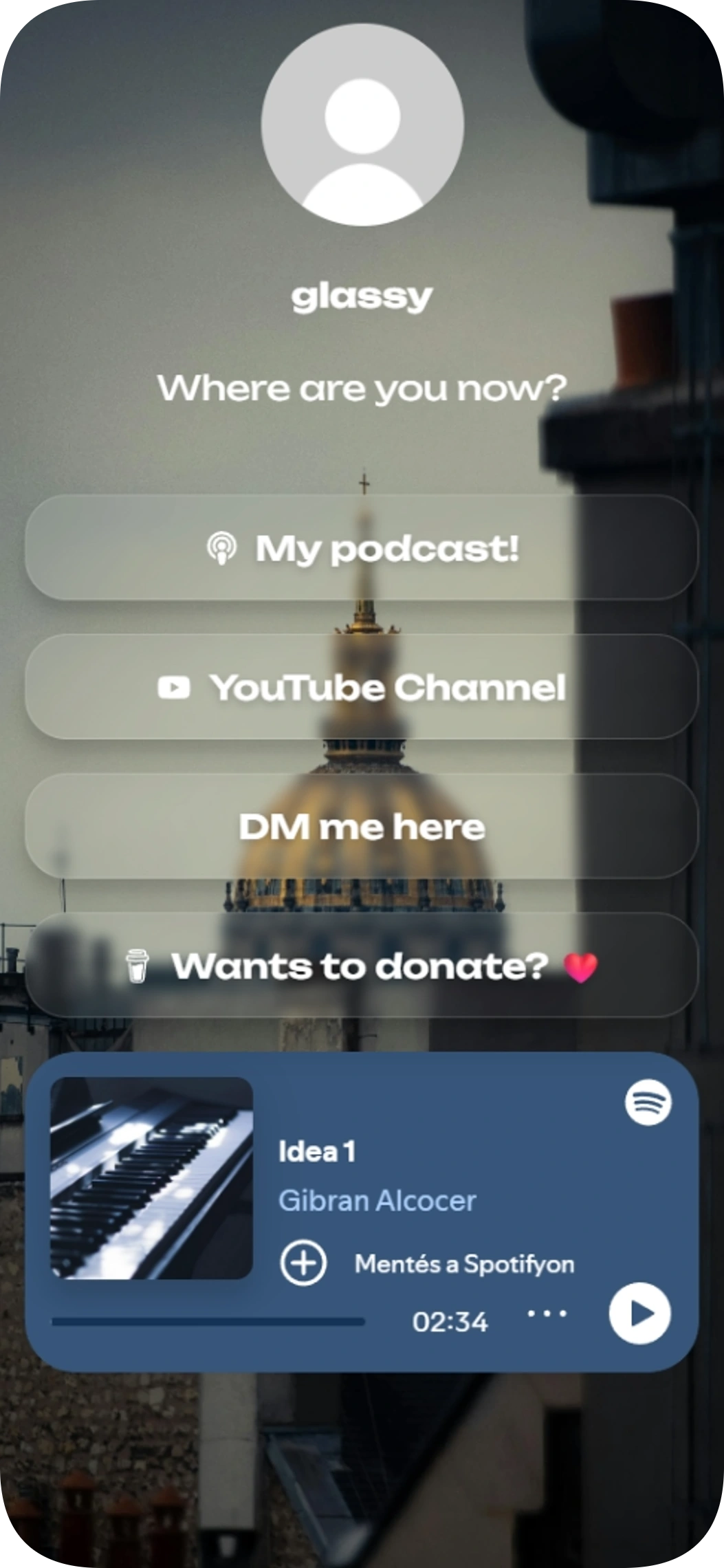
Glassy
Glassy is a link in bio template for podcast listeners who want to bring their show, music, and other links together in one place. Its translucent buttons give visitors a simple way to find your podcast, YouTube channel, Spotify pick, and support link.
View template
Views
2 481
Clicks
736
Countries
Plus
Best time to post
Plus
Measure
See what your audience clicks
Analytics for everyone includes views over time, overview stats, social icon clicks and clicks by link type. On Plus or higher, you also get top countries and a world map, activity by hour, best time to post, click quality, scroll depth, top visuals and Linksy Coach suggestions.
Advanced analytics on PlusFrequently asked questions
Can I make a link-in-bio page for free?
Yes. Starting with Linksy is free. Your page lives at readytools.co/linksy/<username>.
Can I add my Instagram, TikTok and YouTube links?
Yes. Add link buttons and social icons to bring your channels together on one page.
Can I embed videos and social posts on my page?
Yes. Embedded video plays on the page, and Social posts lets you embed live posts.
Can brands contact me without finding my email?
Yes. Add a Contact form to collect messages and leads without exposing your email address. New submissions appear in your dashboard and send a notification.
Can I see how many people click my links?
Yes. Analytics for everyone includes views over time, overview stats, social icon clicks and clicks by link type. Plus or higher adds more audience and engagement insights.
Make one link work harder
Start with a template and build a page that brings your content, products and brand inquiries together.
Free to start
No code needed
Ready-made templates