AI with credits: link in bio template for image upscaling
AI with credits is a link in bio template for AI platforms that want to showcase image upscaling. Use its before-and-after image comparison to show visitors how your tool sharpens an image, then guide them to your key links.
Image gallery
Included with Plus and Max
Free to start
No coding needed
Edit everything later
What is inside this template
Detected automatically from the template itself — every block below is already set up.
1
Blocks
2
Link buttons
Image gallery
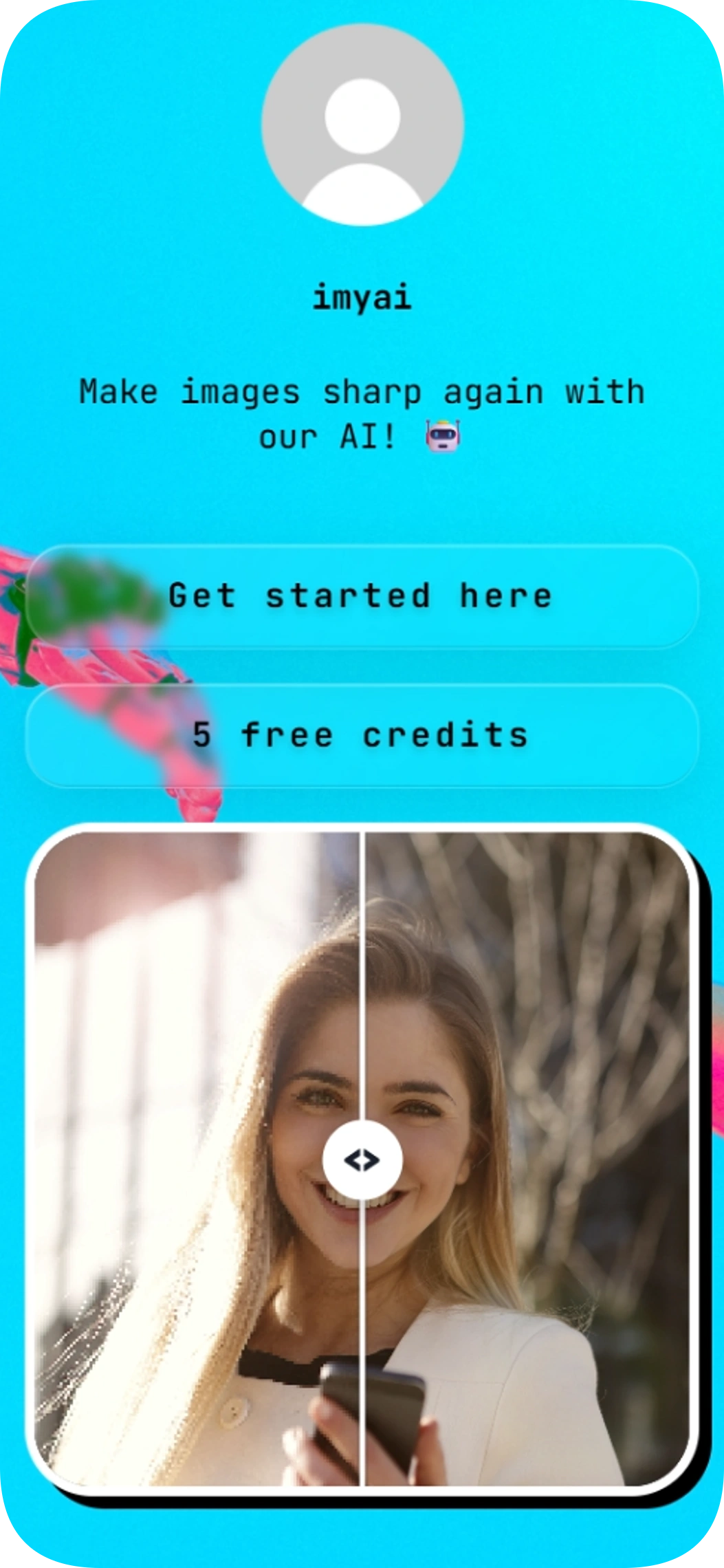
The image comparison lets visitors inspect the before-and-after result of an upscaled image directly on the page.
Link buttons
2 ready-made buttons
About this template
This single-page template puts your AI image-upscaling offer front and center. Visitors can compare an image before and after processing, then choose between two prominent buttons.
The sample page includes a short message about sharpening images and button labels for getting started and exploring credits. Customize the copy and links to fit your platform.
Made for
AI image-upscaling platforms
Creators launching an AI image tool
Small teams promoting an image-enhancement service
Ways to use it
Show the difference your image upscaler can make
Direct visitors to a signup or product page
Highlight a credits-related call to action
Why it works
Makes the image-quality change easy to see
Keeps key destinations prominent with two buttons
Presents your AI offer in a focused, single-page layout
Template spec sheet
Every fact below is read from the template itself.
- Category
- Tech & startup
- Price
- Included with Plus or higher
- Blocks
- Image gallery
- Font
- JetBrains Mono
- Last updated
- November 6, 2026
Design at a glance
The page has a centered vertical layout, with a profile icon and brief text above two rounded buttons and an image comparison. Its image-backed background appears as a bright cyan gradient, with black, white, gray, and pink accents; JetBrains Mono gives the typography a technical feel.
Color palette
#000000
#F7F7F7
How to use AI with credits to promote an image upscaler
Add a short explanation of what your AI tool does, then use the comparison to demonstrate how it can make an image sharper. Point the two buttons to your most useful destinations, such as a product page and a credits page.
How to customize the AI with credits page for your platform
Update the sample message and button labels to match your product and voice. Set the buttons to the destinations you want visitors to reach, and choose page styling that fits your brand.
How to get more clicks with an AI image-upscaling link in bio
Keep the value of your tool clear in the brief intro and let the before-and-after image provide a visual example. Use the two buttons for distinct next steps so visitors can quickly choose where to go.
Go live in three steps
Pick this template
Open it in the Linksy builder with one click.
Add your links and details
Enter your name, socials and buttons once — the layout stays polished.
Share your page
Put your lnksy.co link in your bio and watch what people click.
Linksy
Everything you need after the template
Analytics
See views, clicks and where your visitors come from.
Full customization
Change colors, fonts, buttons and backgrounds any time.
Business blocks
Add bookings, forms, polls and reviews when you need them.
QR code & sharing
Share your page anywhere with a link or QR code.
Frequently asked questions
Can I add AI with credits to my Instagram or TikTok bio?
Yes. Publish your Linksy page, copy its URL, and add that link to your Instagram or TikTok bio.
Can I customize the colors and buttons in AI with credits?
You can adapt the page styling and button labels to suit your brand and update the button destinations for your platform.
Is AI with credits free to use?
This template requires the Plus plan. Check Linksy’s current plan details for availability and pricing.
What does the image comparison on AI with credits do?
It displays a before-and-after image comparison so visitors can see the difference in image sharpness. The template also includes two buttons for your links.
Is the AI with credits template a good fit for tech & startup pages?
Yes. AI with credits is listed in the tech & startup category and is made for ai image-upscaling platforms and creators launching an ai image tool. You can change every text, link and color after applying it.
You might also like

Clean portfolio
Clean portfolio is a link in bio template for developers who want to bring their work, skills and social profiles together on one page. Its dark design puts your portfolio and code profiles front and center, with a skills display and easy-to-find contact links.
Feature showcase
Use template
Gamer Girl
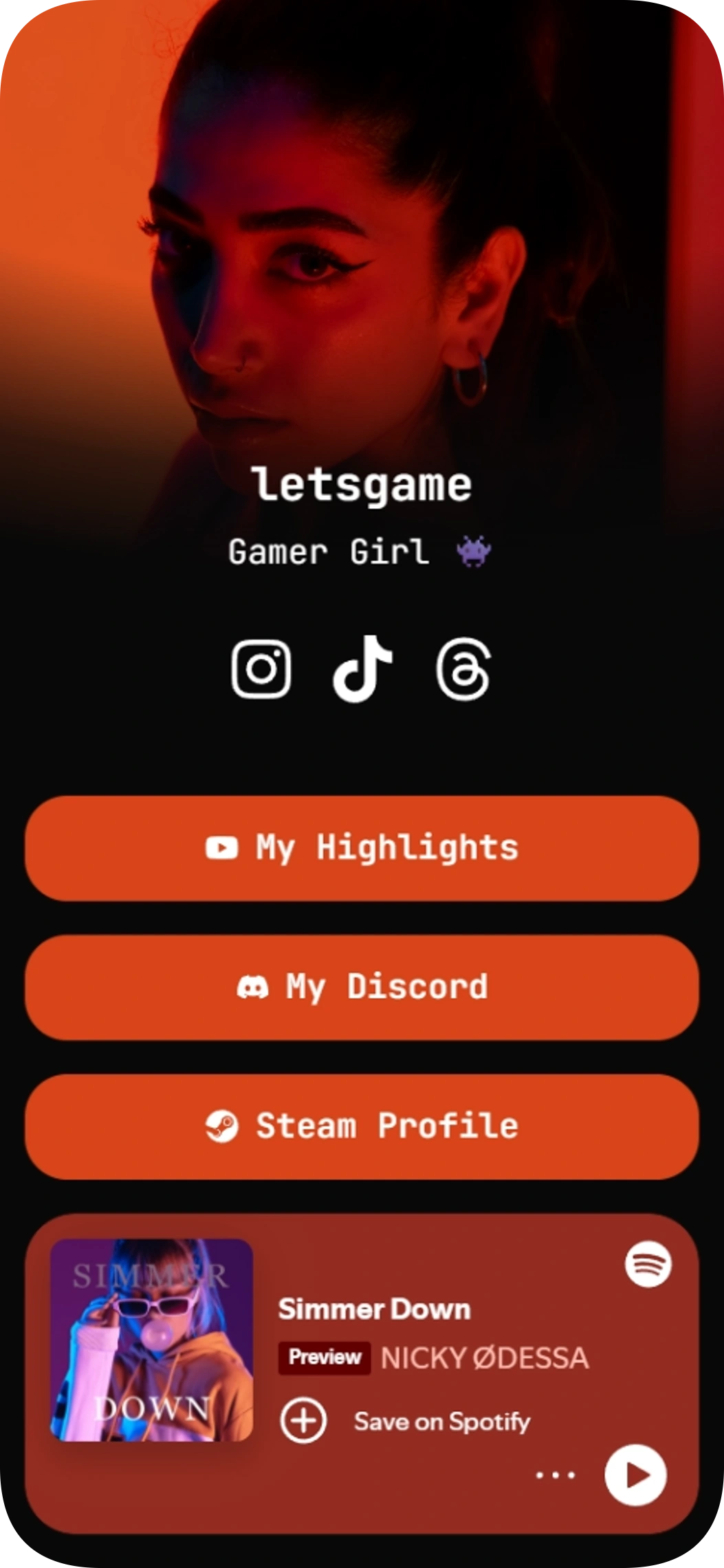
Gamer Girl is a link in bio template for gamers who want to share their social profiles, community, highlights, and Spotify music in one place. Give your audience a clear path to your content and the places you play and connect.
Music player on the page
Community links
Use template
Photographer template
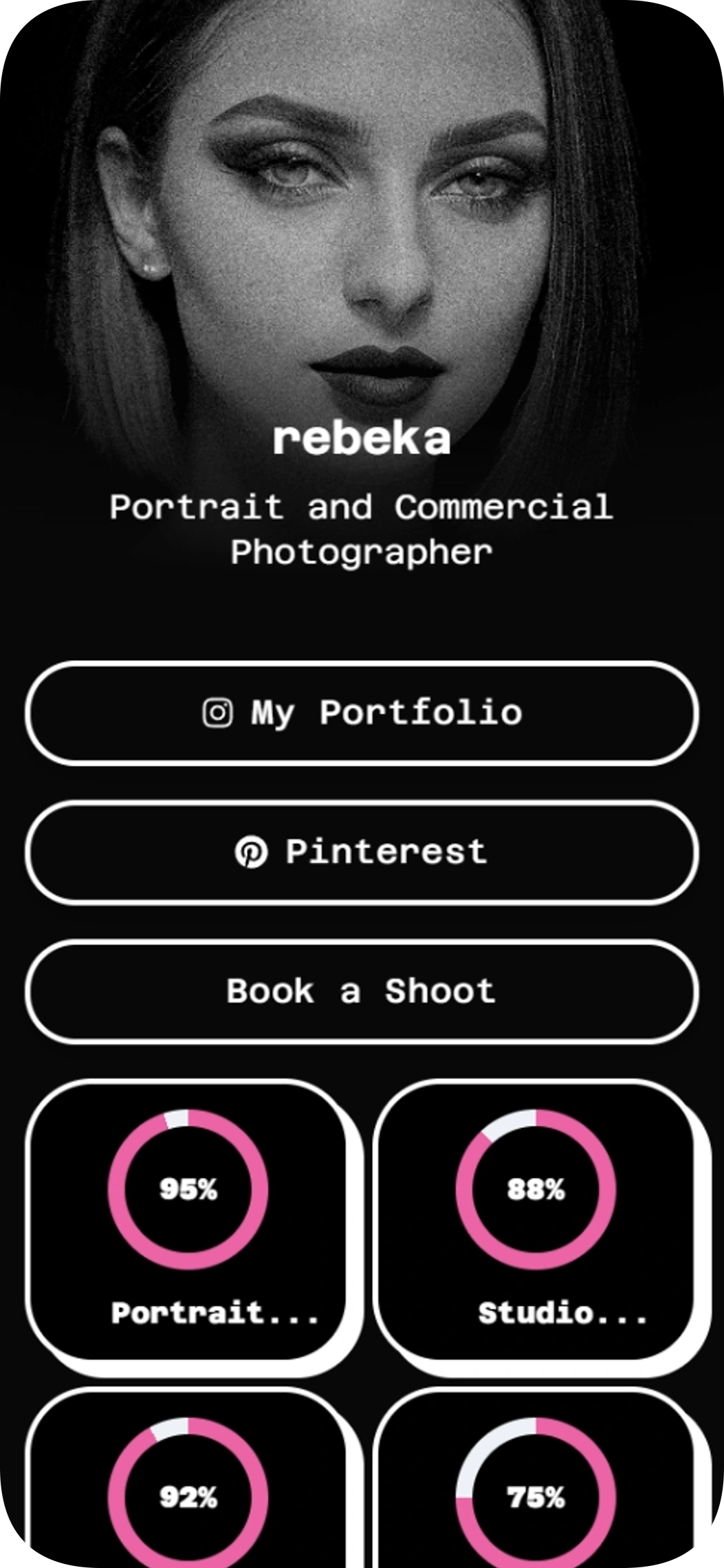
The Photographer template is a link in bio template for portrait and commercial photographers who want to share their work and invite booking inquiries. Bring your portfolio, social profiles, skills and booking link together in one easy-to-scan page.
Feature showcase
Use template
BeFitt founder
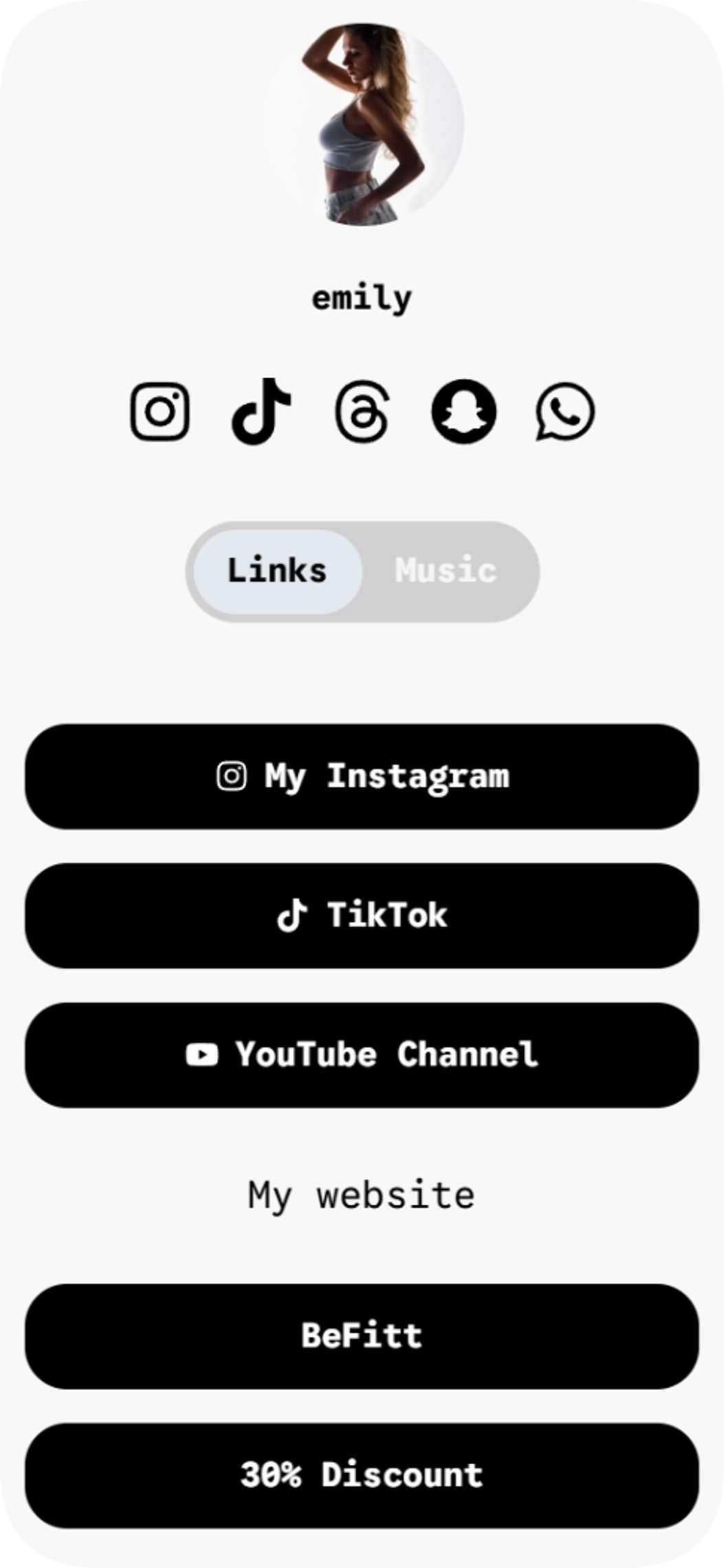
BeFitt founder is a link in bio template for creators who want to share their links and music across two easy-to-browse pages.
Music player on the page
2 pages
Use template
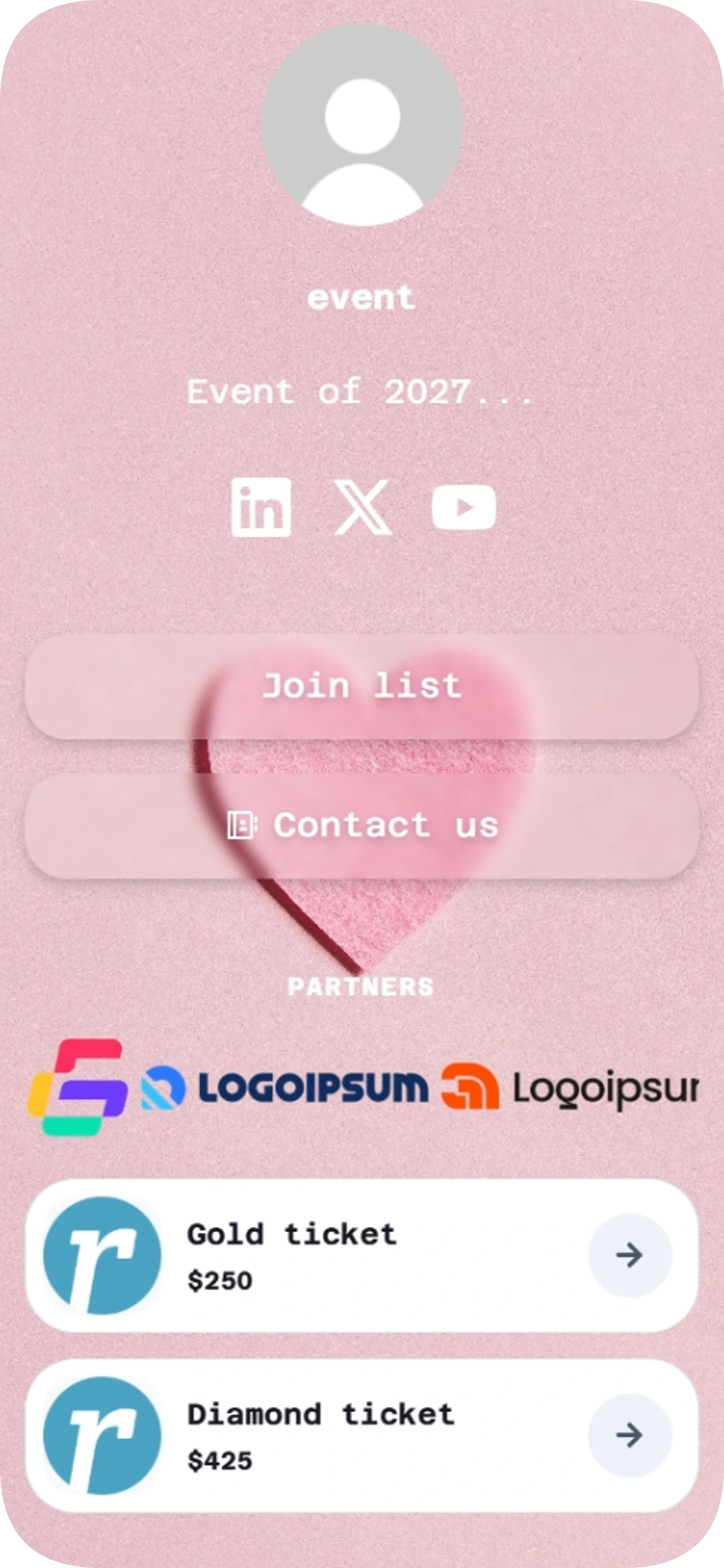
Event of 2027
Event of 2027 is a link in bio template for event organizers who want to share partner information and ticket options in one place. Use it to guide visitors from your social profile to the details they need, with a clear way to get in touch.
Products and shop
Feature showcase
Contact details
Use template
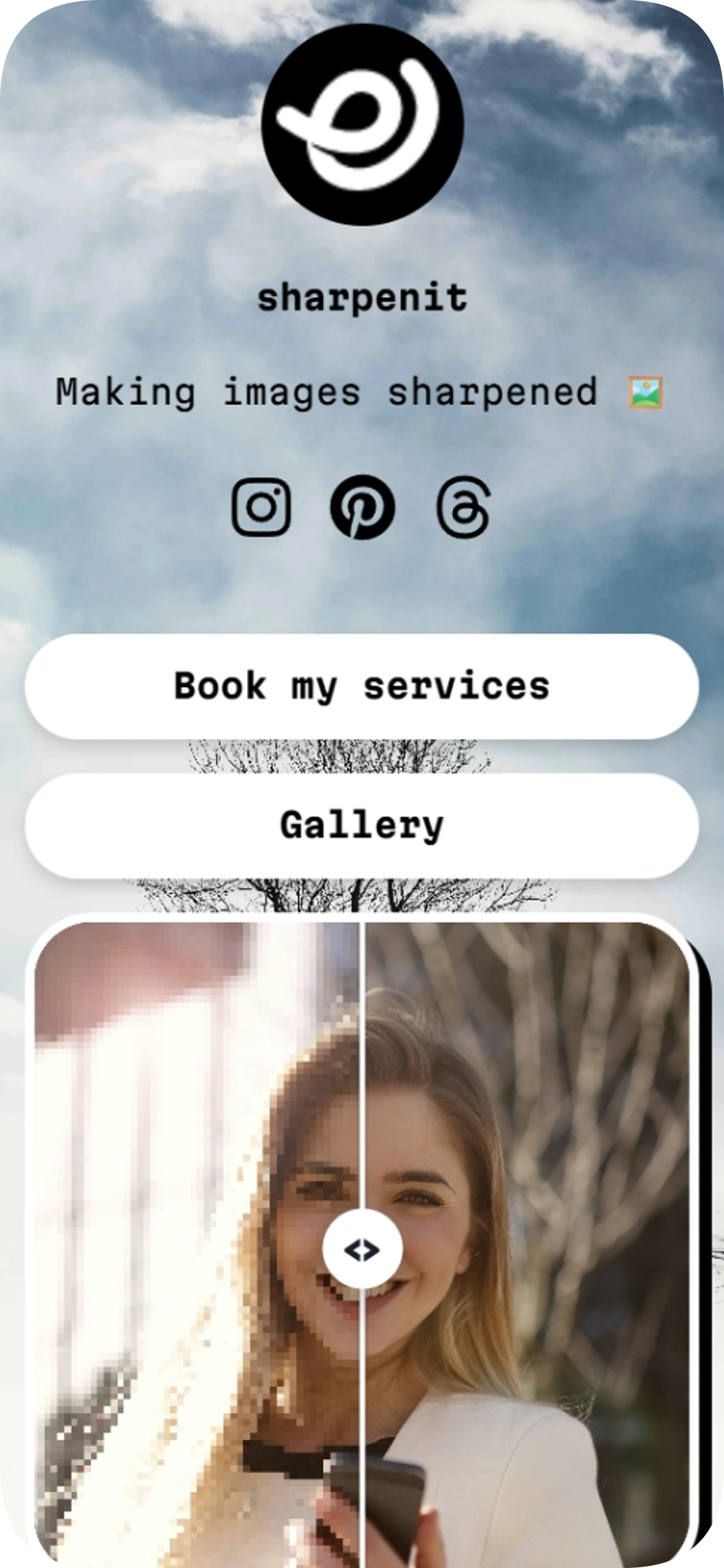
Sharpening images
Sharpening images is a link in bio template for photo editors, video editors, and other creative service providers. This link in bio template puts your service and gallery links alongside an image comparison so visitors can see your work.
Image gallery
Use template
Browse by category
Your link in bio, ready in minutes
Start with a template, make it yours, and share one link that holds everything.
Free to start
No coding needed
Edit everything later
AI with credits
Included with Plus and Max