Feed the dogs: link in bio template
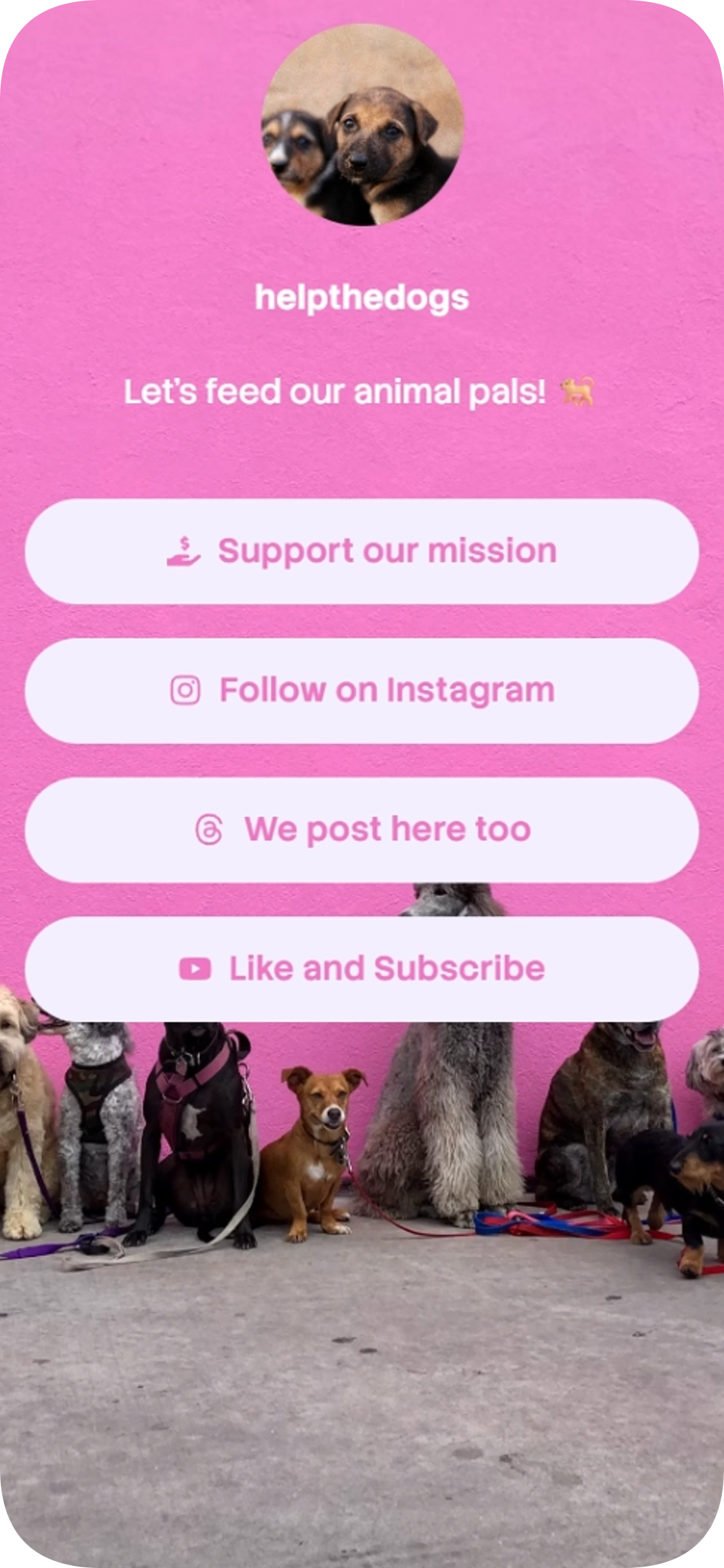
Feed the dogs is a link in bio template for charities and nonprofits that feed dogs on the streets. It puts a GoFundMe link and links to Instagram, Threads, and YouTube in one straightforward page.
Support and payments
Free to start
No coding needed
Edit everything later
What is inside this template
Detected automatically from the template itself — every block below is already set up.
1
Blocks
4
Link buttons
Support and payments
The GoFundMe support link gives visitors a direct route to your campaign to help fund your work feeding dogs.
Link buttons
4 ready-made buttons · Links to GoFundMe, Instagram, Threads and YouTube
About this template
Feed the dogs gives your organization a simple home for its mission and key links. Visitors can find your GoFundMe campaign and follow your updates on Instagram, Threads, and YouTube.
The page keeps things focused with four prominent buttons and a short, friendly message. Use it to make your dog-feeding work easier to discover from your social profiles.
Made for
Charities feeding dogs on the streets
Nonprofits sharing animal welfare work
Dog rescue groups seeking a simple link page
Ways to use it
Direct visitors to a GoFundMe campaign
Share social profiles from one page
Give supporters a clear link to your mission
Why it works
Keep your important links easy to find
Use a simple layout focused on buttons
Start with a template available on the free plan
Template spec sheet
Every fact below is read from the template itself.
- Category
- Nonprofit
- Price
- Free
- Blocks
- Support and payments
- Font
- Stack Sans Text
- Last updated
- November 6, 2026
Design at a glance
The mobile-first design centers a circular profile image and short message above a vertical stack of rounded buttons. A photographic background and dog imagery give the page a warm, approachable feel, while pink, white, light purple, and tan accents complement the bold sans-serif typography.
Color palette
#FF7E5F
#FEB47B
#FFFFFF
#F2EFFF
#EF77C2
How to use Feed the dogs to share your charity's mission
Add your page link to your social profiles so visitors can find your campaign and other channels in one place. The short message and four buttons keep the path to your work clear.
How to customize Feed the dogs for your organization
Make the page your own by updating its text, links, and visual choices to suit your organization. Its centered layout, warm colors, and rounded buttons provide a simple starting point.
How to get more clicks with Feed the dogs
Give each button a clear destination, such as your GoFundMe campaign or your Instagram, Threads, and YouTube profiles. Keep link labels easy to understand so visitors can quickly choose where to go.
Go live in three steps
Pick this template
Open it in the Linksy builder with one click.
Add your links and details
Enter your name, socials and buttons once — the layout stays polished.
Share your page
Put your lnksy.co link in your bio and watch what people click.
Linksy
Everything you need after the template
Analytics
See views, clicks and where your visitors come from.
Full customization
Change colors, fonts, buttons and backgrounds any time.
Business blocks
Add bookings, forms, polls and reviews when you need them.
QR code & sharing
Share your page anywhere with a link or QR code.
Frequently asked questions
Can I add Feed the dogs to my Instagram or TikTok bio?
Yes. Add your Linksy page URL to your Instagram or TikTok bio so visitors can open the page and choose from its GoFundMe and social links.
Can I customize the colors and buttons in Feed the dogs?
Yes. You can customize the page's appearance and button links. The template starts with a warm color palette and rounded buttons.
Is the Feed the dogs template free?
Yes. This template is available on Linksy's free plan.
What does the support block do in Feed the dogs?
It provides a GoFundMe link where visitors can view and support your campaign.
Is the Feed the dogs template a good fit for nonprofit pages?
Yes. Feed the dogs is listed in the nonprofit category and is made for charities feeding dogs on the streets and nonprofits sharing animal welfare work. You can change every text, link and color after applying it.
You might also like

Clean portfolio
Clean portfolio is a link in bio template for developers who want to bring their work, skills and social profiles together on one page. Its dark design puts your portfolio and code profiles front and center, with a skills display and easy-to-find contact links.
Feature showcase
Use template
Gamer Girl
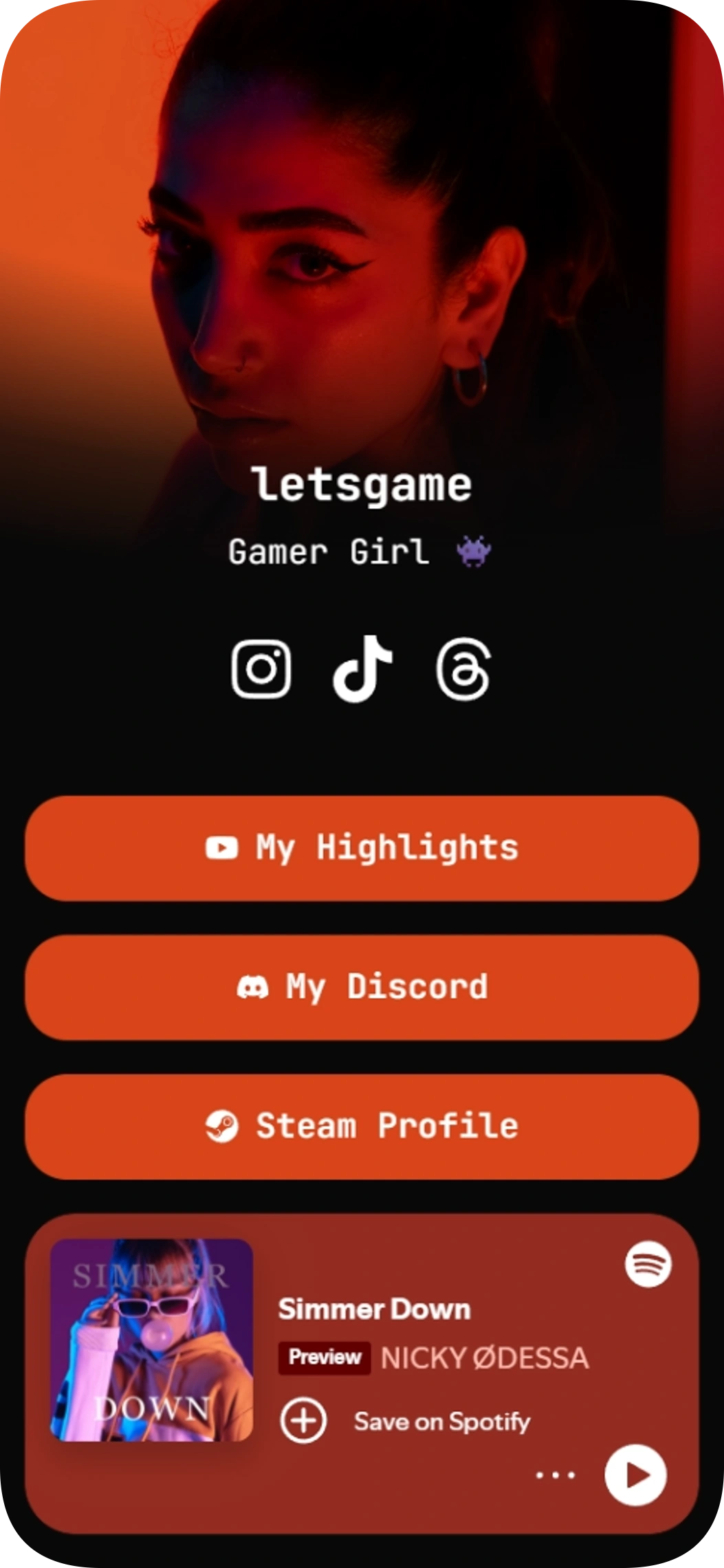
Gamer Girl is a link in bio template for gamers who want to share their social profiles, community, highlights, and Spotify music in one place. Give your audience a clear path to your content and the places you play and connect.
Music player on the page
Community links
Use template
Photographer template
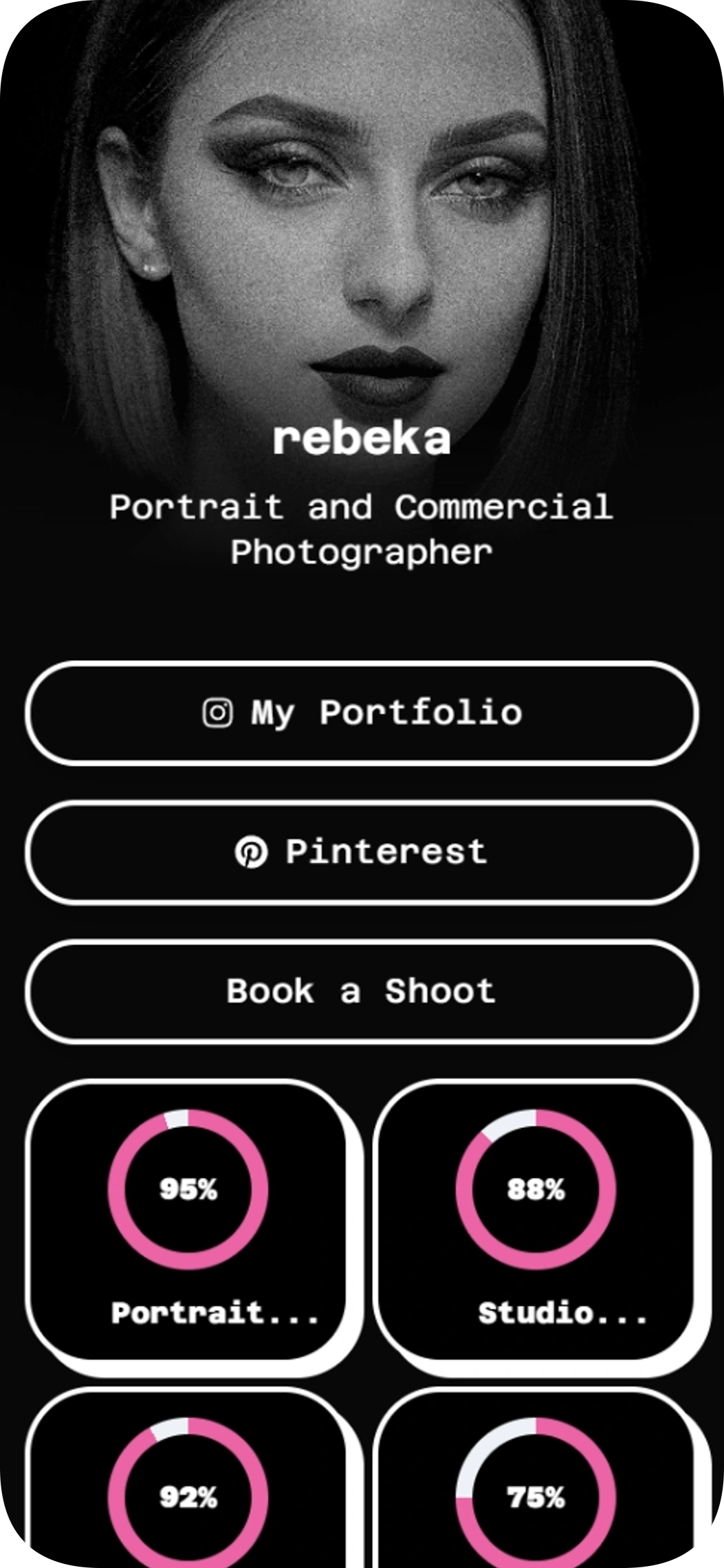
The Photographer template is a link in bio template for portrait and commercial photographers who want to share their work and invite booking inquiries. Bring your portfolio, social profiles, skills and booking link together in one easy-to-scan page.
Feature showcase
Use template
BeFitt founder
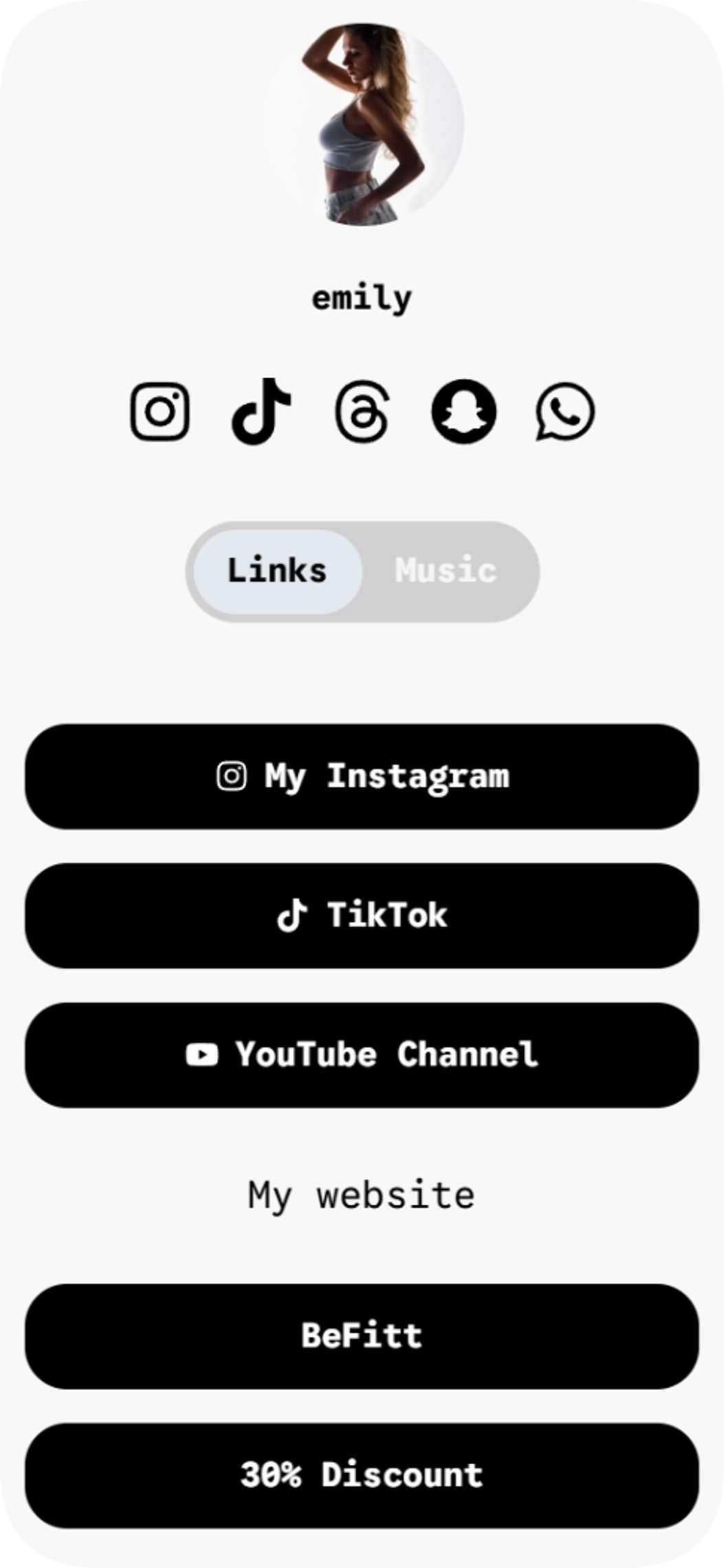
BeFitt founder is a link in bio template for creators who want to share their links and music across two easy-to-browse pages.
Music player on the page
2 pages
Use template

Event of 2027
Event of 2027 is a link in bio template for event organizers who want to share partner information and ticket options in one place. Use it to guide visitors from your social profile to the details they need, with a clear way to get in touch.
Products and shop
Feature showcase
Contact details
Use template
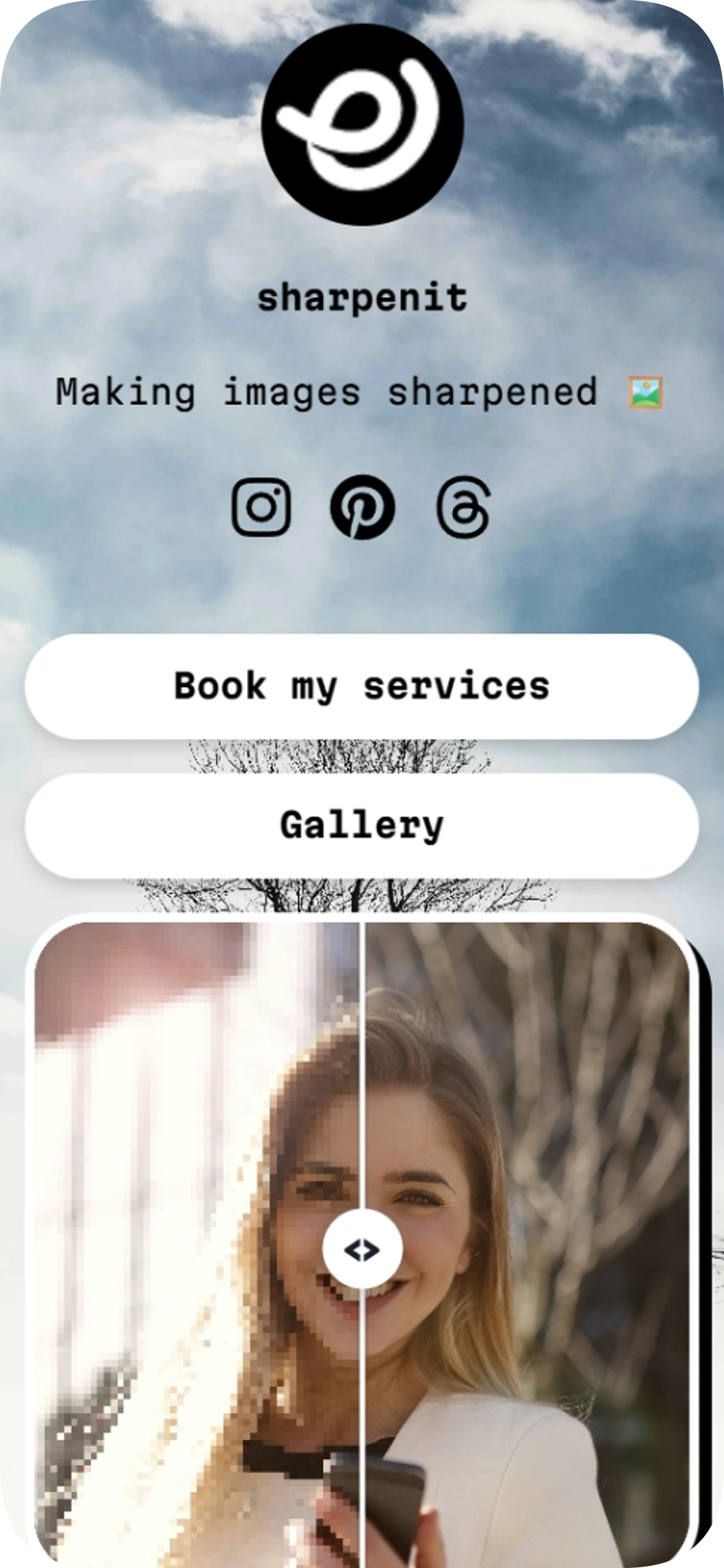
Sharpening images
Sharpening images is a link in bio template for photo editors, video editors, and other creative service providers. This link in bio template puts your service and gallery links alongside an image comparison so visitors can see your work.
Image gallery
Use template
Browse by category
Your link in bio, ready in minutes
Start with a template, make it yours, and share one link that holds everything.
Free to start
No coding needed
Edit everything later
Feed the dogs
Free