Let's Design Link in Bio Template for Designers
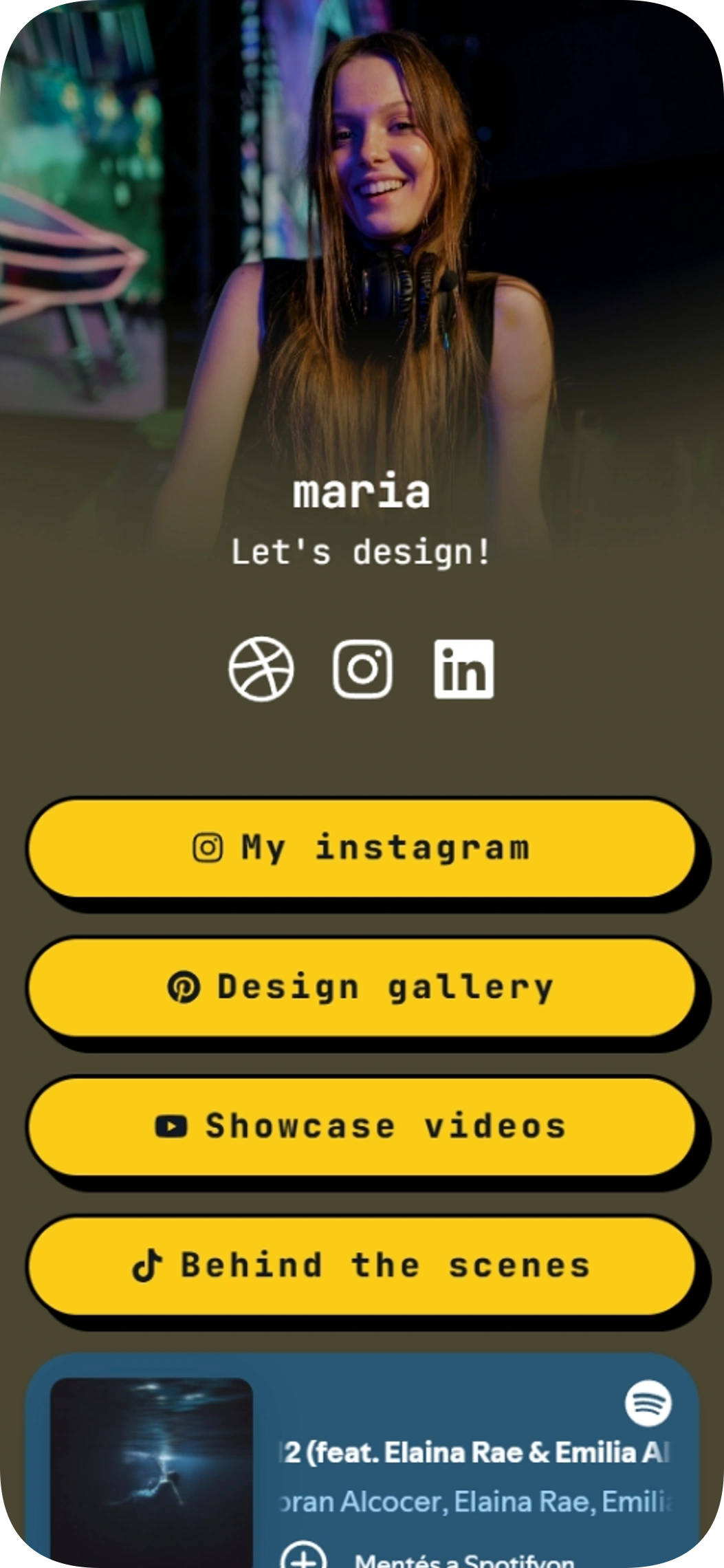
Let's Design is a simple portfolio page for designers who want a prominent profile and an easy way to share their work. This link in bio template brings social profiles, portfolio links, and Spotify music together in one place.
Music player on the page
Social profiles
Included with Plus and Max
Free to start
No coding needed
Edit everything later
What is inside this template
Detected automatically from the template itself — every block below is already set up.
1
Blocks
4
Link buttons
3
Social profiles
Music player on the page
The Spotify player lets visitors listen to the featured track without leaving your page.
Link buttons
4 ready-made buttons · Links to Instagram, Pinterest, YouTube and TikTok
Made for your social profiles
This template already links these networks. Here is how your Linksy page works with each one.
Dribbble
Your Dribbble profile is one tap away on your Linksy page.
Instagram gives you one clickable link in your bio. Make it this page and every post, offer and profile is one tap away.
Show your professional side — portfolio, booking and contact details on one tidy page.
About this template
Put your profile image and short tagline at the top, then guide visitors to your Instagram, Pinterest, YouTube, and TikTok links. Social profiles and a Spotify player add more ways to discover your work and taste.
Made for
Designers building a simple portfolio landing page
Creatives who want to share several social profiles
Artists who want their music tastes alongside their links
Ways to use it
Direct visitors from a social profile to your design gallery
Share video showcases and behind-the-scenes content
Bring portfolio links and a Spotify track together on one page
Why it works
A prominent hero profile introduces you at a glance
Four clear buttons make key destinations easy to find
Social profiles and Spotify content add more ways to connect
Template spec sheet
Every fact below is read from the template itself.
- Category
- Portfolio
- Price
- Included with Plus or higher
- Blocks
- Music player on the page
- Social profiles
- Dribbble, Instagram, LinkedIn
- Font
- JetBrains Mono
- Last updated
- November 6, 2026
Design at a glance
The page uses a large hero header over an image background, with a centered, vertical layout and JetBrains Mono typography. White text contrasts with a dark background, while bright yellow pill-shaped buttons with dark shadows make the calls to action stand out.
Color palette
#FFFFFF
#FACC15
#111827
How to use Let's Design to share a design portfolio
Place your profile image and a short introduction in the hero area so visitors know whose work they are viewing. Use the Instagram, Pinterest, YouTube, and TikTok buttons to point to a gallery, showcase videos, or other portfolio destinations.
How to customize the Let's Design portfolio page
Make the page feel like yours by choosing a profile image and writing a concise tagline. Its design pairs an image background and white text with bright yellow pill-shaped buttons, so keep your link labels easy to scan.
How to get more clicks with the Let's Design link in bio page
Give each button a clear label that tells visitors what they will find, such as a design gallery or showcase videos. Keep your most useful destination prominent, and use the social icons and Spotify player to offer additional ways to explore.
Go live in three steps
Pick this template
Open it in the Linksy builder with one click.
Add your links and details
Enter your name, socials and buttons once — the layout stays polished.
Share your page
Put your lnksy.co link in your bio and watch what people click.
Linksy
Everything you need after the template
Analytics
See views, clicks and where your visitors come from.
Full customization
Change colors, fonts, buttons and backgrounds any time.
Business blocks
Add bookings, forms, polls and reviews when you need them.
QR code & sharing
Share your page anywhere with a link or QR code.
Frequently asked questions
Can I add the Let's Design page to my Instagram or TikTok bio?
Yes. Share your Linksy page URL in your Instagram or TikTok bio so visitors can open the page and follow its links.
Can I customize the colors and buttons in Let's Design?
The template preview uses a dark image background, white text, and bright yellow pill-shaped buttons. You can adapt the page styling and link labels to suit your portfolio.
Is Let's Design free, or which plan do I need?
Let's Design requires the Plus plan.
What do the Spotify player and social icons do?
The Spotify player lets visitors play featured music on the page. The Dribbble, Instagram, and LinkedIn icons link visitors to your social profiles.
Is the Let's Design template a good fit for portfolio pages?
Yes. Let's Design is listed in the portfolio category and is made for designers building a simple portfolio landing page and creatives who want to share several social profiles. You can change every text, link and color after applying it.
You might also like
Photographer template
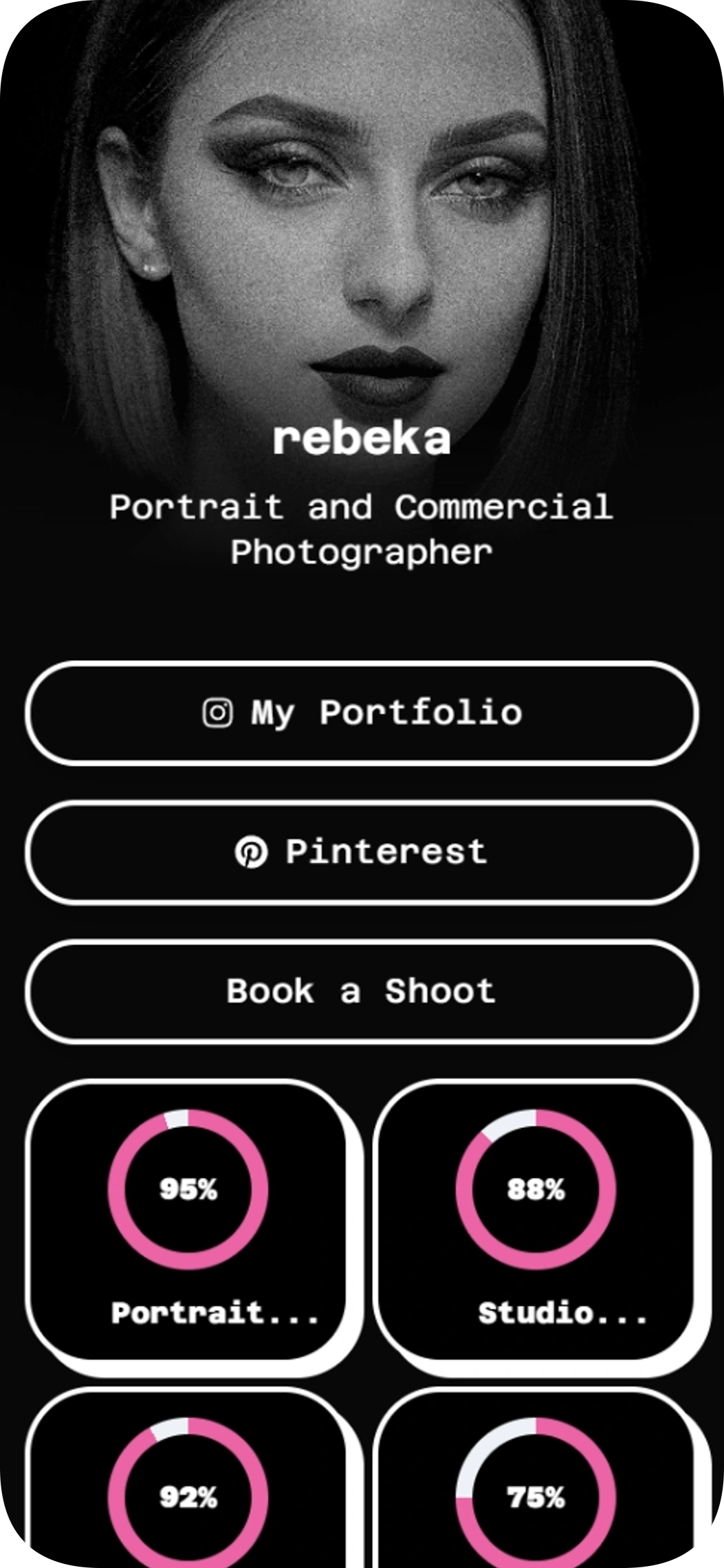
The Photographer template is a link in bio template for portrait and commercial photographers who want to share their work and invite booking inquiries. Bring your portfolio, social profiles, skills and booking link together in one easy-to-scan page.
Feature showcase
Use template
Developer & skills
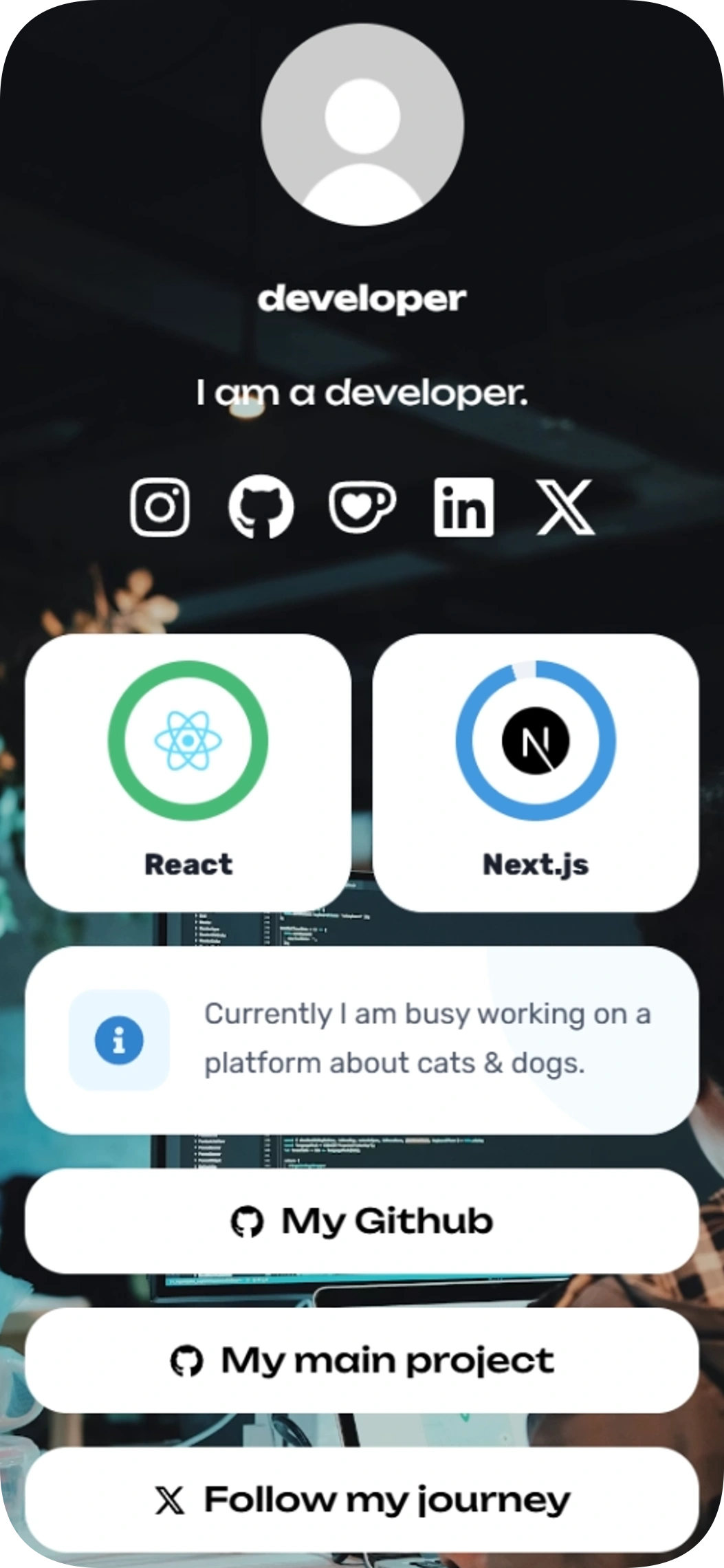
Developer & skills is a link in bio template for developers who want to highlight React and Next.js skills and share their key links. Add your social profiles, project links, and a notice for visitors when you’re busy.
Feature showcase
Announcement bar
Use template
Beach photos
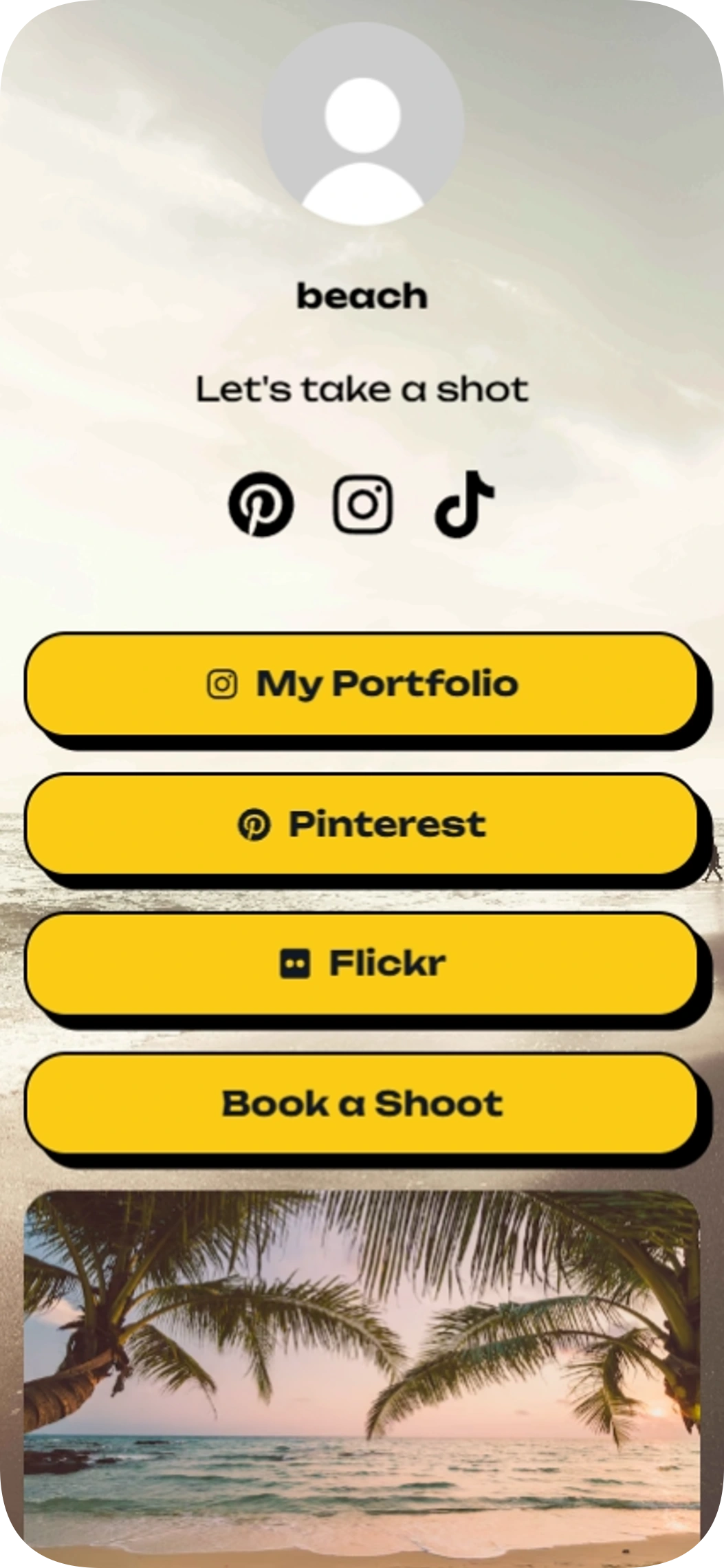
Beach photos is a link in bio template for photographers who want to showcase their work and share useful links. Give visitors a clear way to browse your portfolio, find your social profiles and book a shoot.
Image gallery
Use template
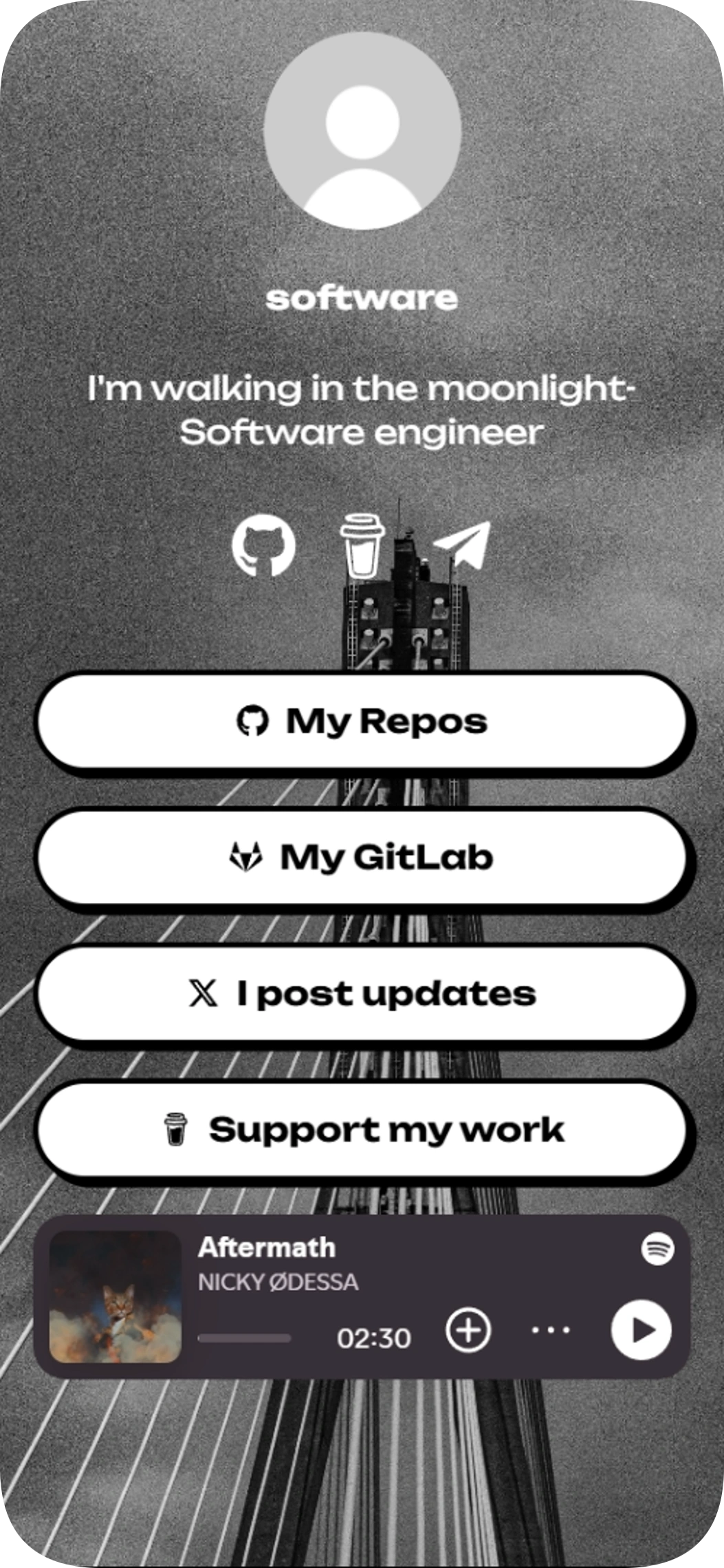
Software engineer
This link in bio template gives programmers one focused page to share their work and professional profiles. Add your Linksy page to your social bio to help visitors find your GitHub, GitLab, updates, and more.
Music player on the page
Support and payments
Use template
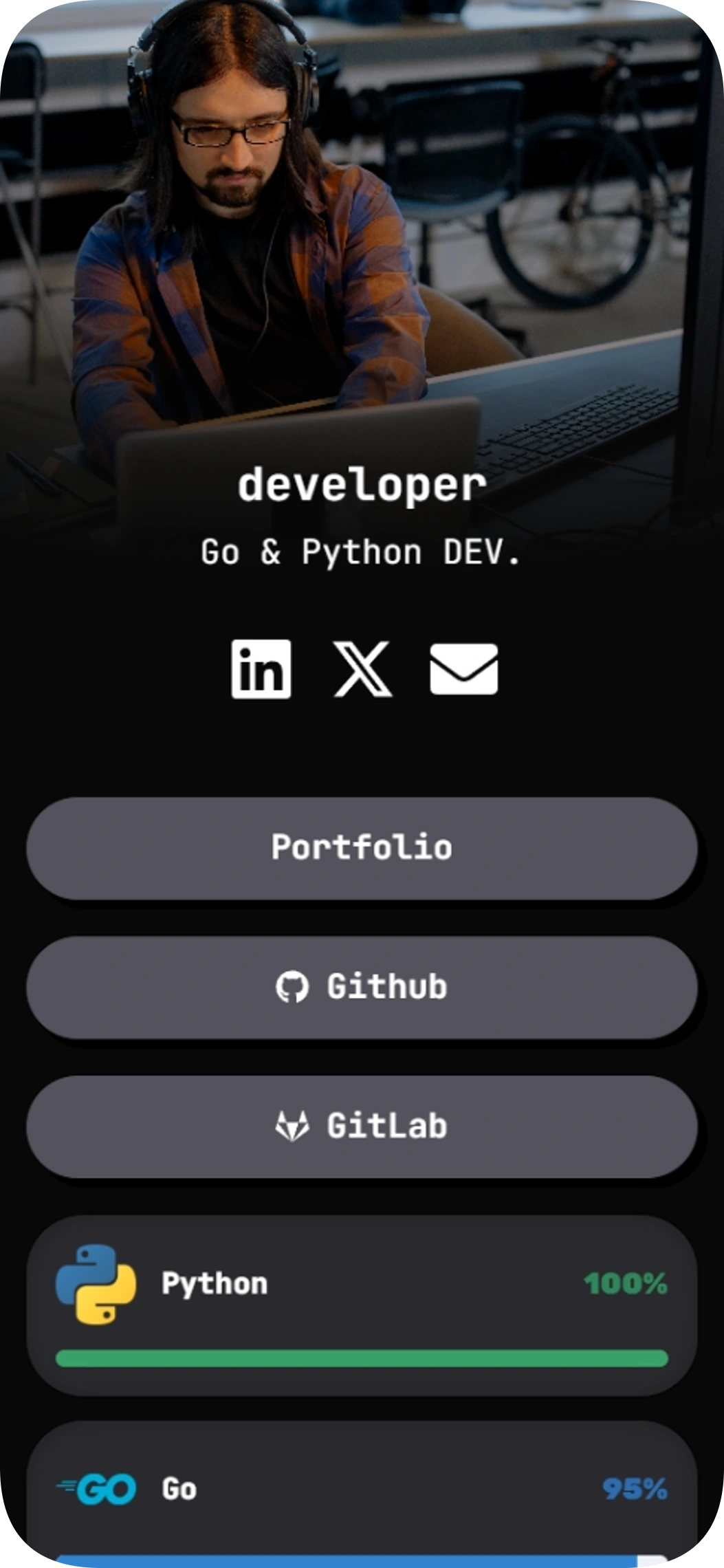
Clean portfolio
Clean portfolio is a link in bio template for developers who want to bring their work, skills and social profiles together on one page. Its dark design puts your portfolio and code profiles front and center, with a skills display and easy-to-find contact links.
Feature showcase
Use template
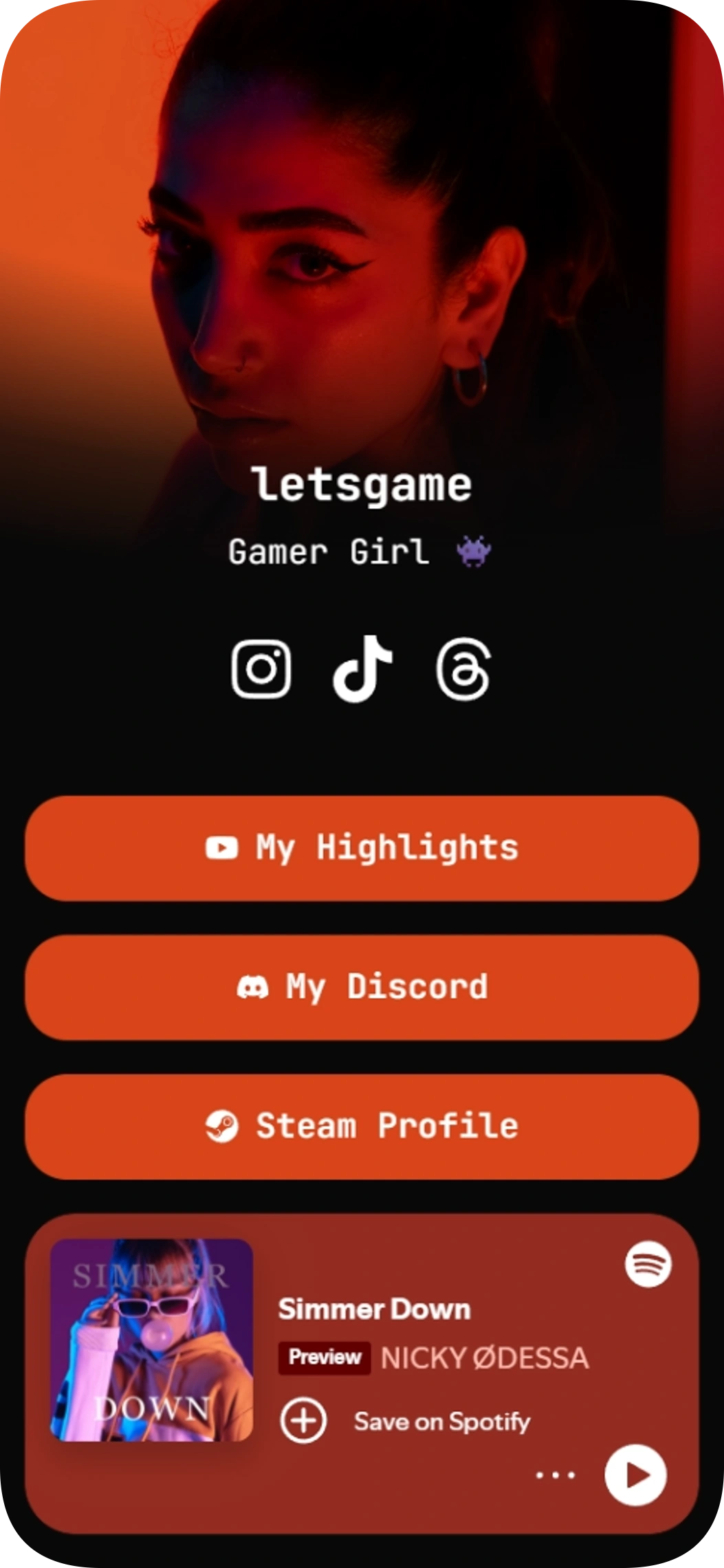
Gamer Girl
Gamer Girl is a link in bio template for gamers who want to share their social profiles, community, highlights, and Spotify music in one place. Give your audience a clear path to your content and the places you play and connect.
Music player on the page
Community links
Use template
Browse by category
Your link in bio, ready in minutes
Start with a template, make it yours, and share one link that holds everything.
Free to start
No coding needed
Edit everything later
Let's Design
Included with Plus and Max