New to fashion link in bio template
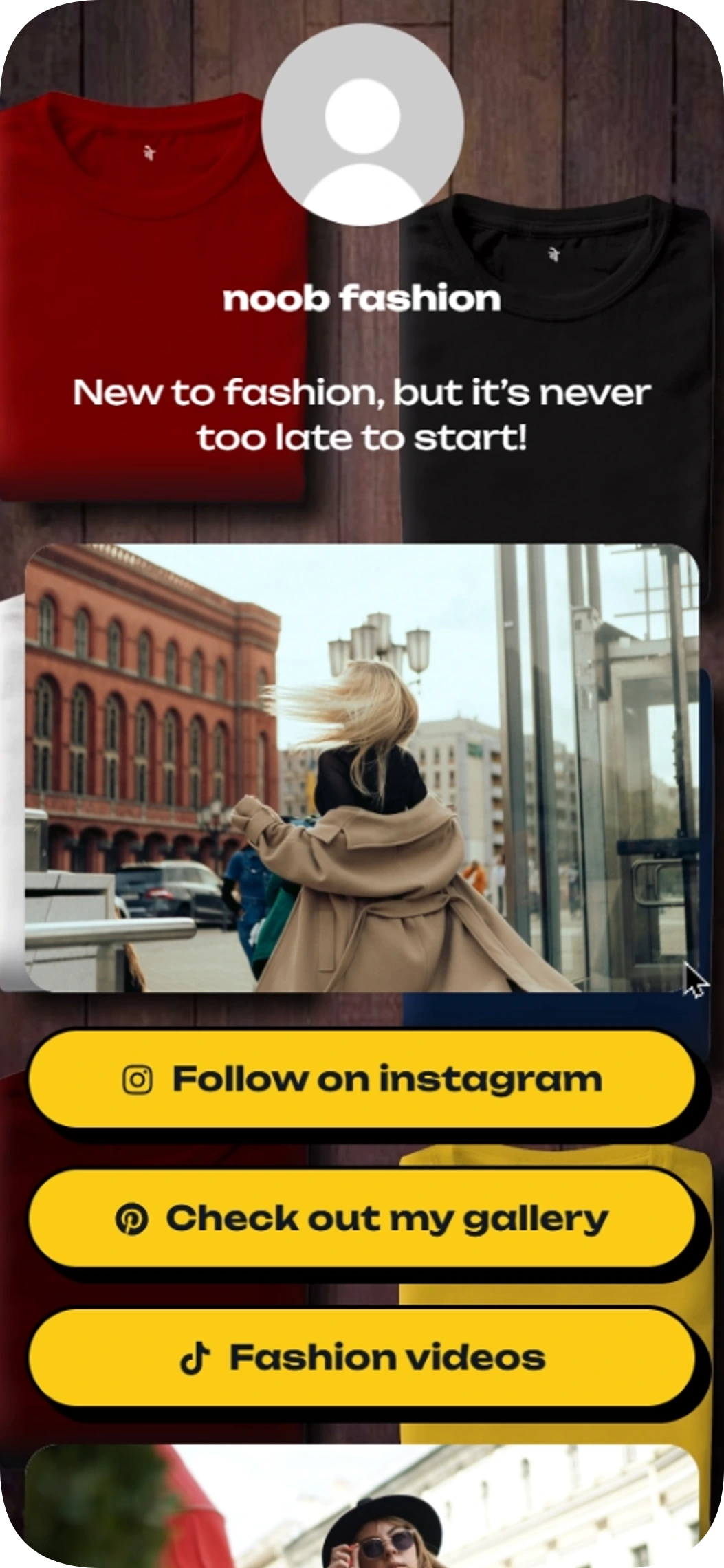
New to fashion is a link in bio template for people working in fashion who want to share images and social links from one page. It gives visitors a quick way to explore your looks and find you on Instagram, Pinterest and TikTok.
Image gallery
Free to start
No coding needed
Edit everything later
What is inside this template
Detected automatically from the template itself — every block below is already set up.
1
Blocks
3
Link buttons
Image gallery
Two image galleries give visitors a visual introduction to your fashion work before they explore your social links.
Link buttons
3 ready-made buttons · Links to Instagram, Pinterest and TikTok
About this template
New to fashion brings fashion imagery and social links together on a single page. It includes two image galleries and buttons for Instagram, Pinterest and TikTok.
Use it to introduce your fashion work and direct visitors to your social profiles. The template is free and has one page.
Made for
People starting out in fashion
Fashion creators sharing their work
Stylists and fashion professionals building a social hub
Ways to use it
Showcase fashion looks and images
Send visitors to your Instagram, Pinterest and TikTok
Share one page link in your social bios
Why it works
Puts fashion imagery and social links together
Makes three social destinations easy to find
Free to use on a single-page layout
For small shops
Give shoppers one bio link to products, offers, reviews and shipping answers.
For small shops →Template spec sheet
Every fact below is read from the template itself.
- Category
- Fashion & beauty
- Price
- Free
- Blocks
- Image gallery
- Font
- Unbounded
- Last updated
- November 6, 2026
Design at a glance
The page pairs a photographic, wood-grain background with centered white text and bold headings. Yellow pill-shaped buttons stand out against the darker backdrop, while fashion images give the layout its visual focus. The template uses Unbounded for its main typography.
Color palette
#FFFFFF
#FACC15
#111827
How to use New to fashion to share your fashion work
Add your fashion images to the two gallery blocks so visitors can see your work on the page. The Instagram, Pinterest and TikTok buttons give them direct routes to your social profiles.
How to customize New to fashion colors and buttons
The template has a photographic background, centered white text and bold yellow pill-shaped buttons. Set the social destinations for its Instagram, Pinterest and TikTok buttons so visitors can reach the right profiles.
How to get more clicks from a fashion link in bio page
Keep your fashion imagery and social links together on this one-page layout. Place the page link in your Instagram or TikTok bio so visitors can open it and choose where to go next.
Go live in three steps
Pick this template
Open it in the Linksy builder with one click.
Add your links and details
Enter your name, socials and buttons once — the layout stays polished.
Share your page
Put your lnksy.co link in your bio and watch what people click.
Linksy
Everything you need after the template
Analytics
See views, clicks and where your visitors come from.
Full customization
Change colors, fonts, buttons and backgrounds any time.
Business blocks
Add bookings, forms, polls and reviews when you need them.
QR code & sharing
Share your page anywhere with a link or QR code.
Frequently asked questions
Can I add New to fashion to my Instagram or TikTok bio?
Yes. Share your page link in your Instagram or TikTok bio to direct visitors to your fashion images and social links.
Can I customize the colors and buttons in New to fashion?
The template’s design uses a photographic background, white text and yellow pill-shaped buttons. You can set the destinations for its Instagram, Pinterest and TikTok buttons.
Is the New to fashion template free?
Yes. New to fashion is a free template and requires the free plan.
What do the galleries do in New to fashion?
The two image galleries let you show fashion imagery on the page, giving visitors a visual preview of your work.
Is the New to fashion template a good fit for fashion & beauty pages?
Yes. New to fashion is listed in the fashion & beauty category and is made for people starting out in fashion and fashion creators sharing their work. You can change every text, link and color after applying it.
You might also like
Patricia - Model
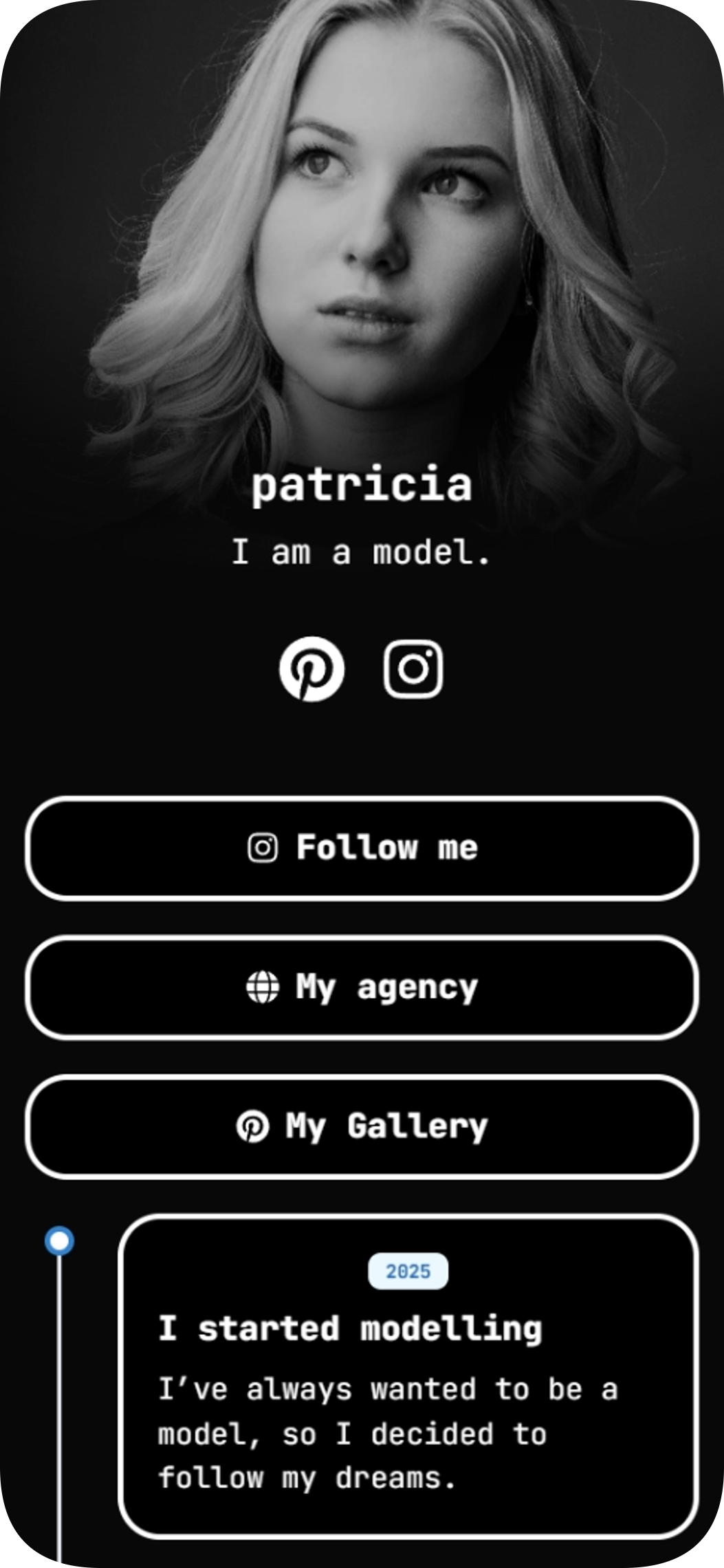
Patricia - Model is a link in bio template for models who want to bring their social profiles, agency link and career story together. Its portrait-led layout gives visitors a clear path to follow you, view your gallery or contact your agency.
Timeline
Use template
Free fashion
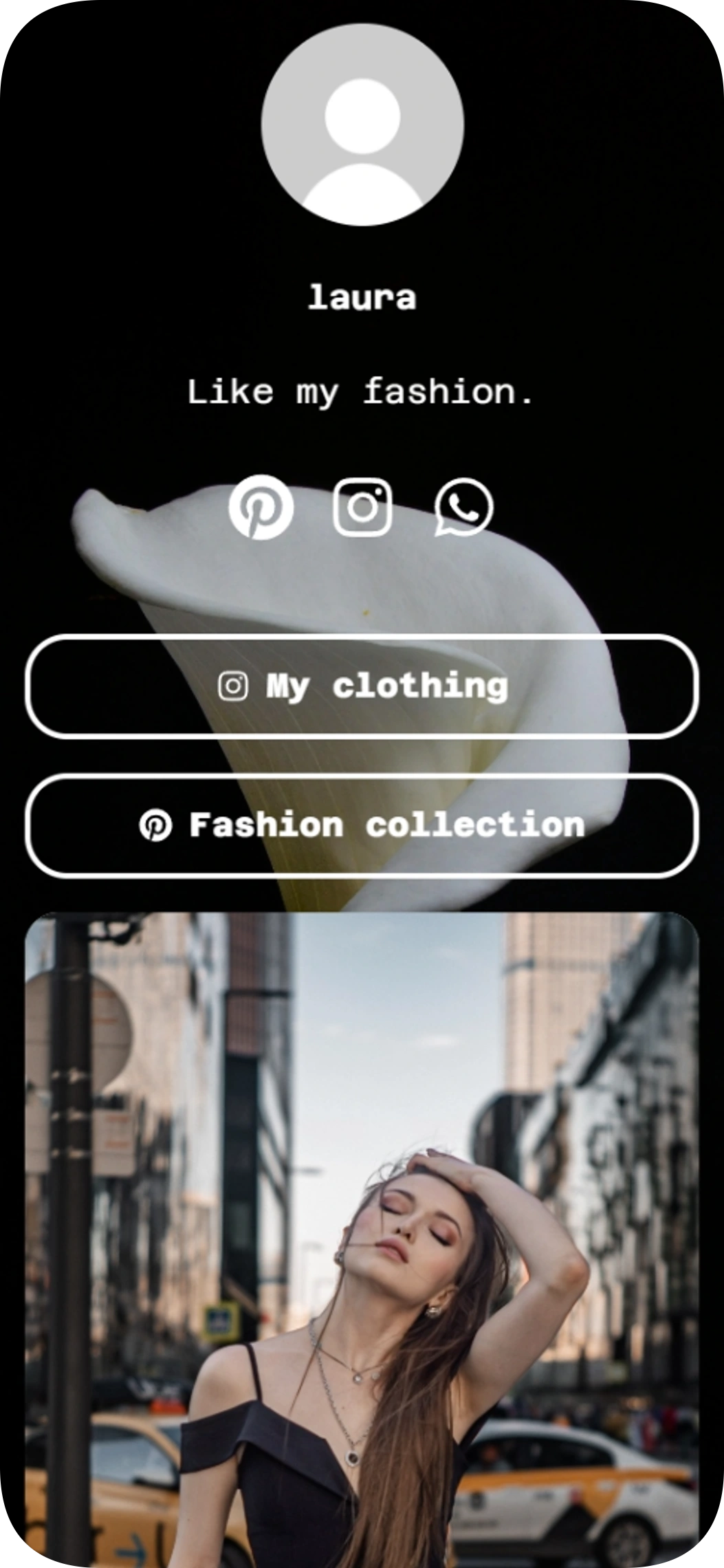
Free fashion is a simple link in bio template for fashion creators who want to share an image, key links and social profiles. It brings two link buttons and social icons together on one straightforward page.
Image gallery
Use template
Sophie - the girl from France
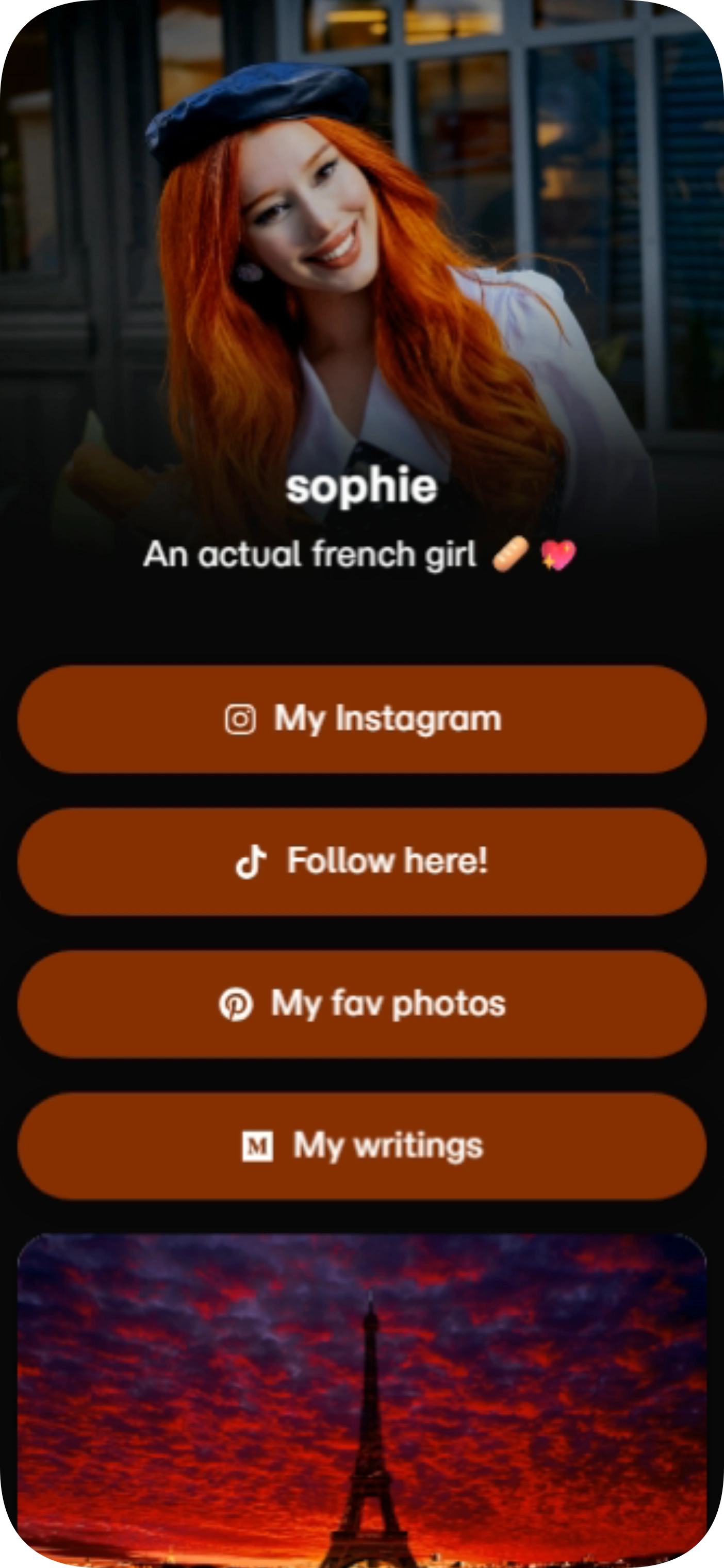
Sophie - the girl from France is a link in bio template for anyone who wants a simple personal page for social profiles and an image. It brings Instagram, TikTok, Pinterest and Medium links together in one place.
Image gallery
Use template
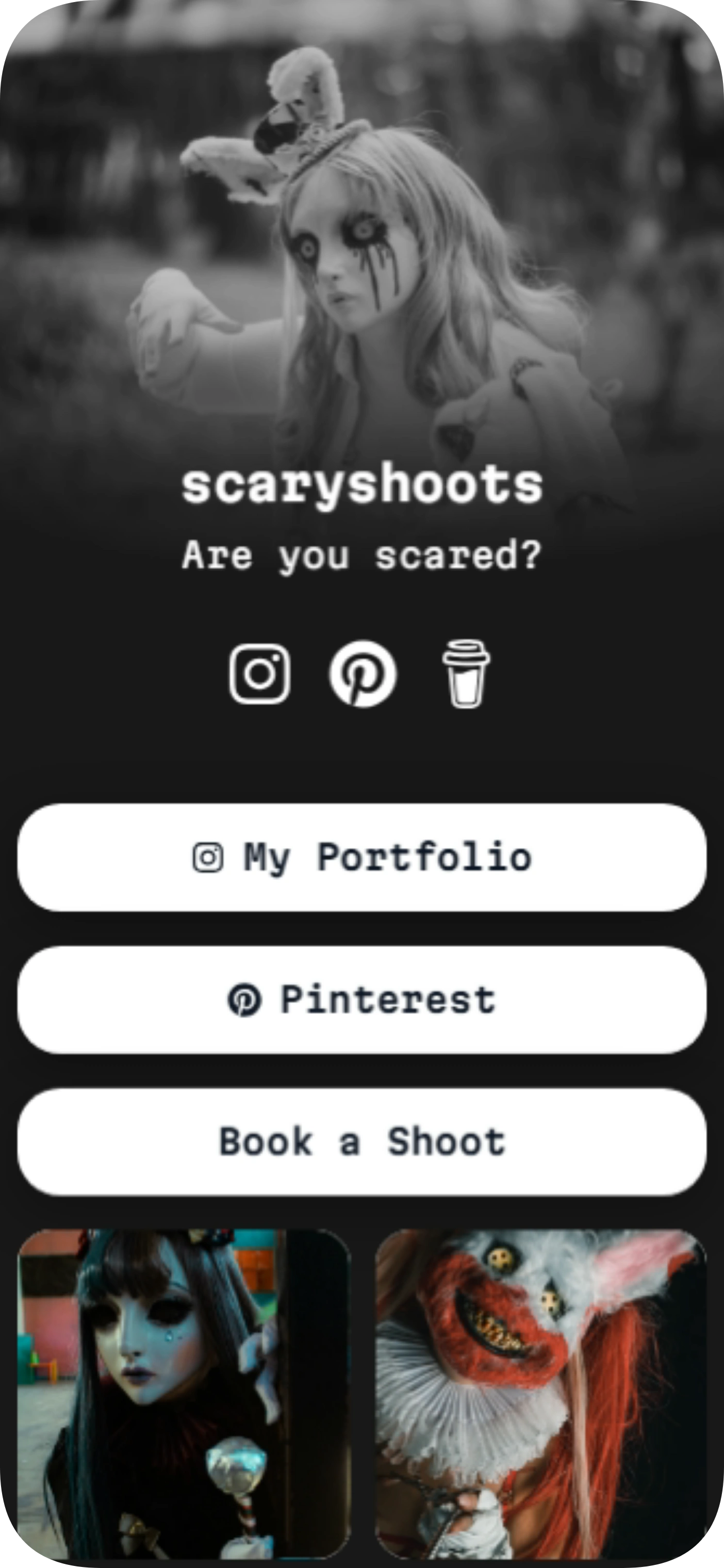
Scary photo shooting
Scary photo shooting is a link in bio template for photographers who want to showcase their work and invite clients to book a shoot. Bring your portfolio, social profiles, customer reviews and experience together in one atmospheric page.
Reviews and testimonials
Image gallery
Timeline
Use template
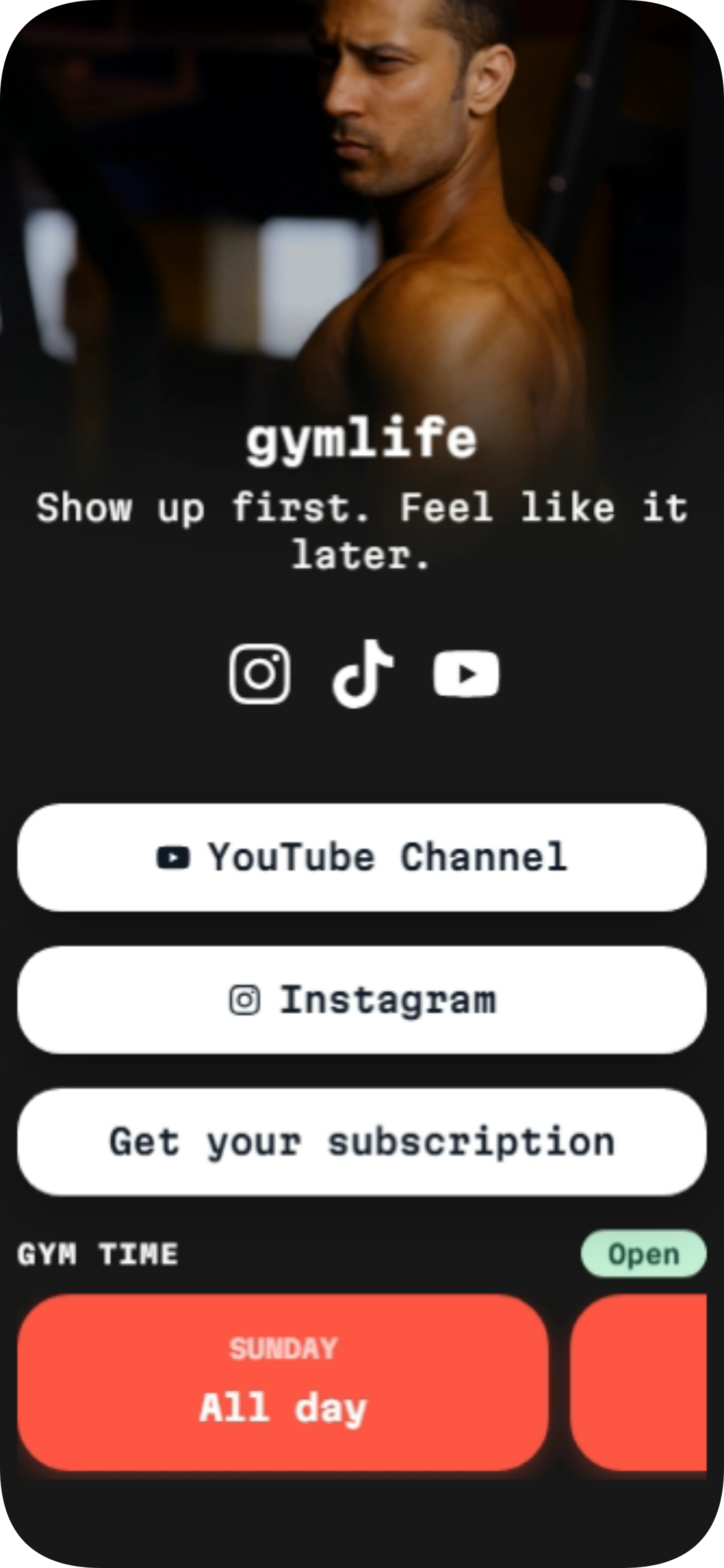
Gym - Fitness creator template
This link in bio template is for gym owners and fitness creators who want to share their content, social profiles, subscription link, and hours in one place. Make it easy for visitors to find your YouTube channel, Instagram, and other key links.
Opening hours
Use template

AI maps link in bio profile template
This link in bio template gives AI mapping startups a compact home for an event, company milestones, and a location map. Use it to introduce RouteAI, share meetup details, and help visitors find your location from one page.
Events and tickets
Timeline
Map and location
Use template
Browse by category
Your link in bio, ready in minutes
Start with a template, make it yours, and share one link that holds everything.
Free to start
No coding needed
Edit everything later
New to fashion
Free