Sharpening images link in bio template
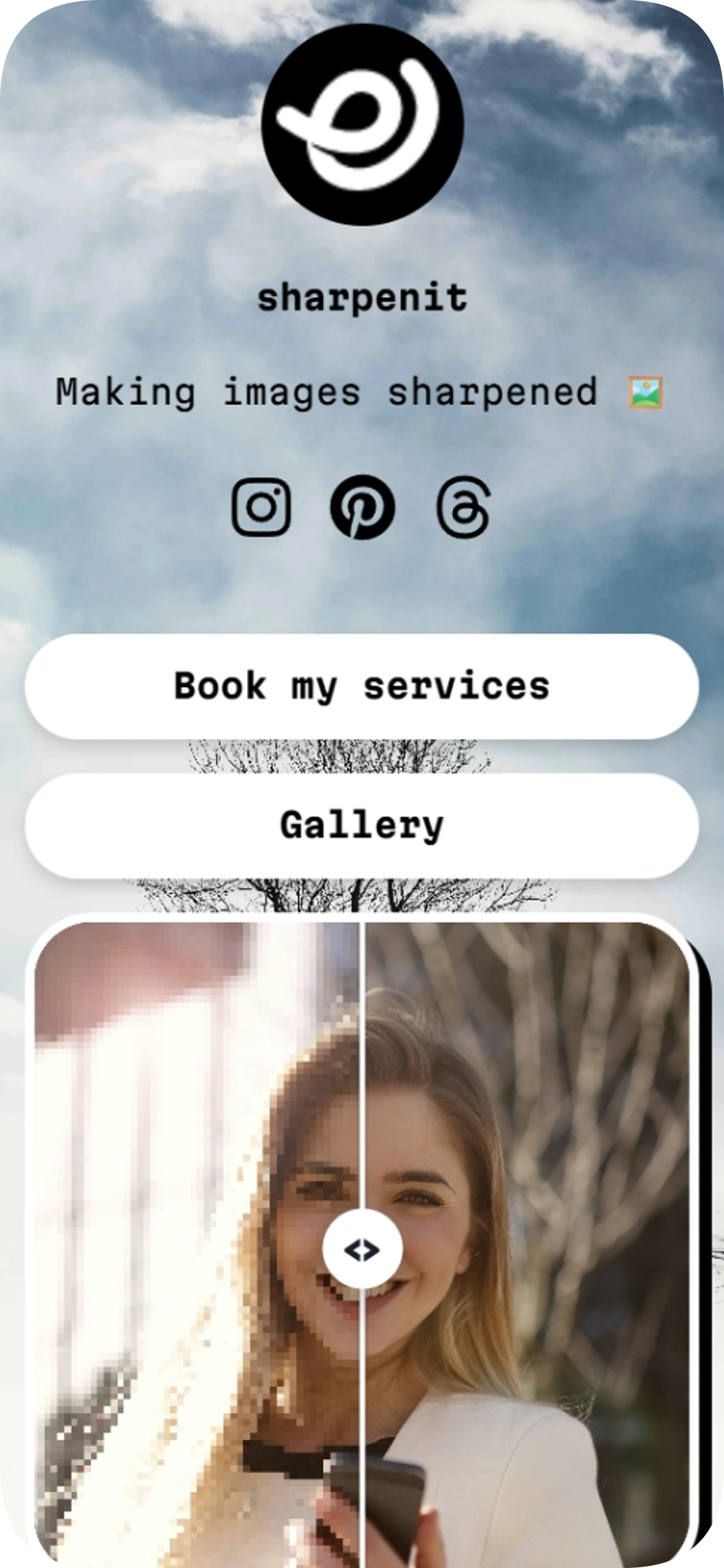
Sharpening images is a link in bio template for photo editors, video editors, and other creative service providers. This link in bio template puts your service and gallery links alongside an image comparison so visitors can see your work.
Image gallery
Social profiles
Included with Plus and Max
Free to start
No coding needed
Edit everything later
What is inside this template
Detected automatically from the template itself — every block below is already set up.
1
Blocks
2
Link buttons
3
Social profiles
Image gallery
The image comparison lets visitors view an original and edited image side by side, helping them understand the results of your creative work.
Link buttons
2 ready-made buttons
Made for your social profiles
This template already links these networks. Here is how your Linksy page works with each one.
Instagram gives you one clickable link in your bio. Make it this page and every post, offer and profile is one tap away.
Send people from your boards straight to your products and posts.
Threads
Add the link to your Threads bio so new followers discover everything you share.
About this template
Give potential clients a focused place to explore your creative services and see an image before and after editing. The page includes two prominent links for booking services and viewing a gallery, plus an image comparison block.
Instagram, Pinterest, and Threads icons provide additional ways for visitors to find you. Share the page from your social profiles and direct interested visitors to your work and services.
Made for
Photo editors showcasing image retouching
Video editors offering creative services
Creative professionals who want a simple page for services and work
Ways to use it
Direct visitors to a service booking link
Share a portfolio or gallery link from social profiles
Show an edited image alongside its original
Why it works
Make your service link easy for visitors to find
Show the difference your editing makes with an image comparison
Bring key social profiles together on one page
Template spec sheet
Every fact below is read from the template itself.
- Category
- Personal
- Price
- Included with Plus or higher
- Blocks
- Image gallery
- Social profiles
- Instagram, Pinterest, Threads
- Font
- Martian Mono
- Last updated
- November 6, 2026
Design at a glance
The design uses a centered, single-column layout suited to mobile screens, with a cloudy sky background and a minimal black-and-white palette. Rounded, prominent buttons keep the calls to action clear, while a split image comparison puts the editing result in focus. The typography is sans-serif, with varied sizes and weights to create hierarchy.
Color palette
#000000
#F7F7F7
How to use Sharpening images to promote photo editing services
Use the service link to direct interested visitors to your booking or enquiry destination. Add examples to your gallery, and use the image comparison to show how an edit changes a photograph. This gives visitors a quick way to explore both your offer and your work.
How to customize Sharpening images for your creative portfolio
Keep the page focused on the services and examples you want people to notice first. Update the available page details and design settings to suit your work, and make sure the service and gallery links point to the right destinations. The layout centers the content and uses rounded buttons for clear calls to action.
How to get more clicks with a before-and-after editing page
Place your most useful destinations in the two visible link buttons, such as a service booking destination and a gallery. The image comparison can make the value of an edit easier to grasp at a glance. Add your Instagram, Pinterest, and Threads profiles so visitors can continue exploring your work.
Go live in three steps
Pick this template
Open it in the Linksy builder with one click.
Add your links and details
Enter your name, socials and buttons once — the layout stays polished.
Share your page
Put your lnksy.co link in your bio and watch what people click.
Linksy
Everything you need after the template
Analytics
See views, clicks and where your visitors come from.
Full customization
Change colors, fonts, buttons and backgrounds any time.
Business blocks
Add bookings, forms, polls and reviews when you need them.
QR code & sharing
Share your page anywhere with a link or QR code.
Frequently asked questions
Can I add Sharpening images to my Instagram or TikTok bio?
Yes. Share your published page link in your Instagram bio or TikTok bio where links are available. The template includes Instagram, Pinterest, and Threads social links; TikTok is not listed as a social icon in this template.
Can I customize the colors and buttons in Sharpening images?
The template has a black-and-white palette and rounded buttons. You can adjust the available page design settings in Linksy to tailor the look to your creative work.
Is Sharpening images free to use?
Sharpening images requires the Plus plan, so it is not available on the free plan.
What does the image comparison do in Sharpening images?
It presents an image comparison so visitors can see an original and edited version of your work. The page also includes links for booking services and viewing a gallery.
Is the Sharpening images template a good fit for personal pages?
Yes. Sharpening images is listed in the personal category and is made for photo editors showcasing image retouching and video editors offering creative services. You can change every text, link and color after applying it.
You might also like

Clean portfolio
Clean portfolio is a link in bio template for developers who want to bring their work, skills and social profiles together on one page. Its dark design puts your portfolio and code profiles front and center, with a skills display and easy-to-find contact links.
Feature showcase
Use template
Sunny day v2
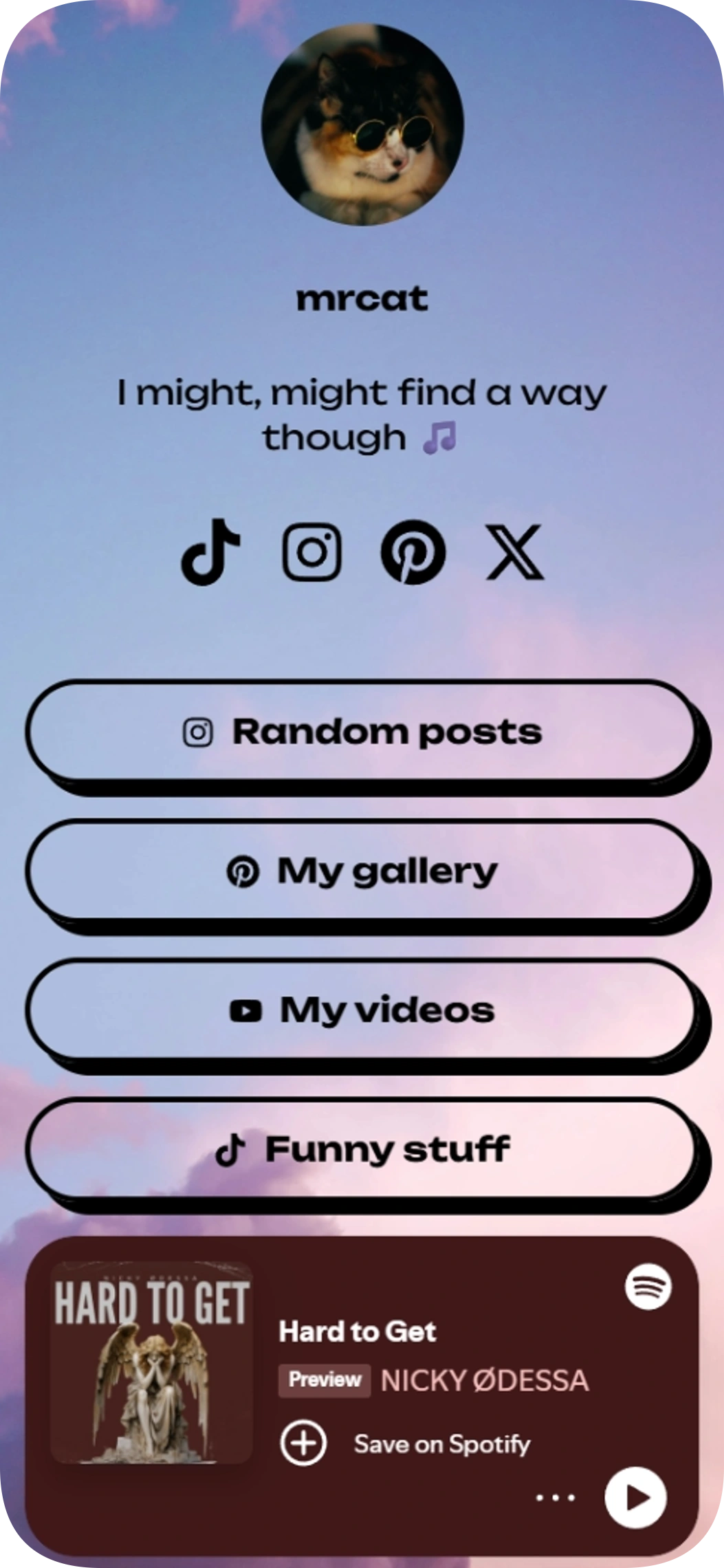
Sunny day v2 is a link in bio template for personal creators who want to share social profiles, content links, and a Spotify track from one page. Its simple layout puts your profile, links, and music together for visitors.
Music player on the page
Use template
UI & UX Designer
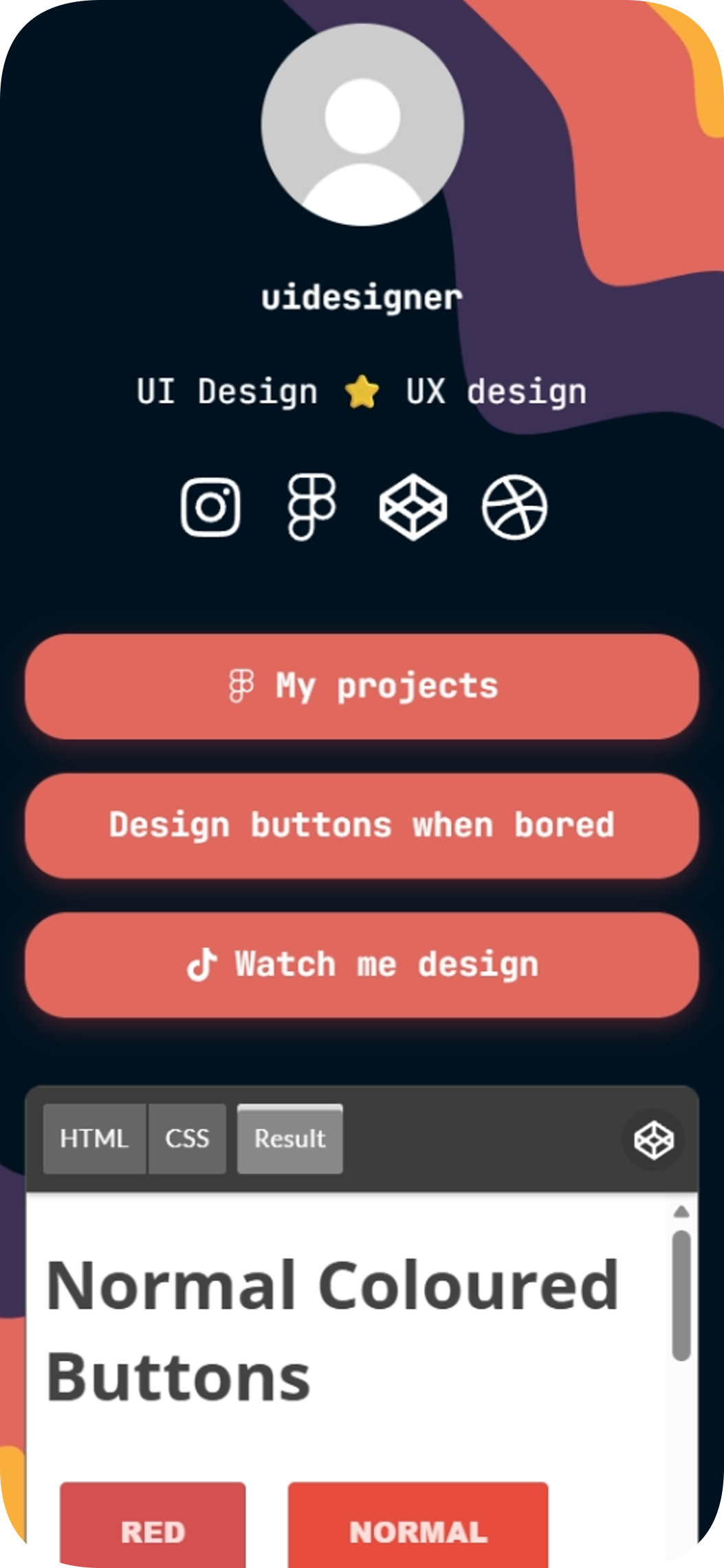
The UI & UX Designer link in bio template is a free, ready-to-edit page for UI and UX designers who want to showcase projects and connect their profiles. Swap in your own URLs and share one link to your work, social accounts, and CodePen embed.
Embedded content
Use template
Developer
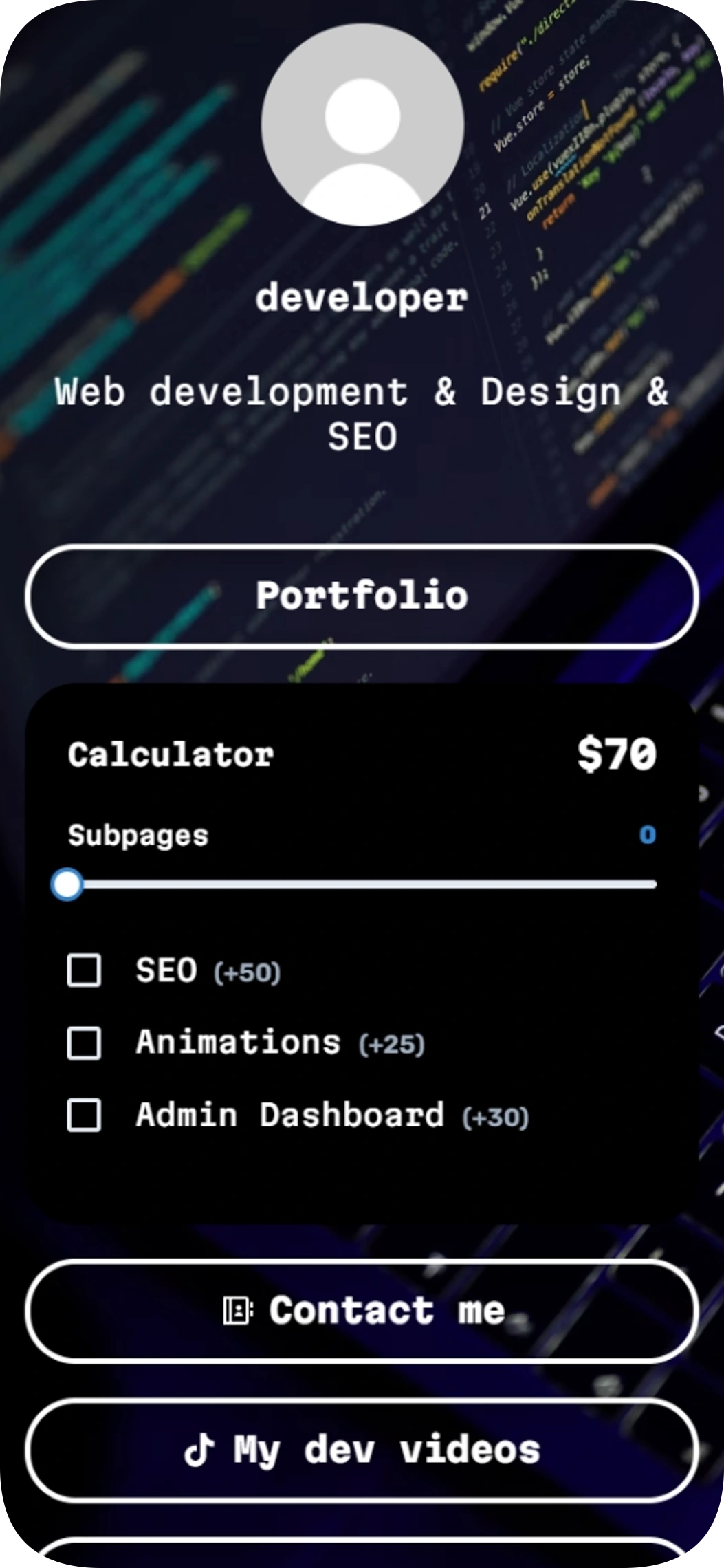
The Developer link in bio template helps web developers share their work, give visitors a way to estimate project costs, and make contact easy. Add it to your social profiles so people can find your portfolio and other links in one place.
Quick calculator
Contact details
Use template
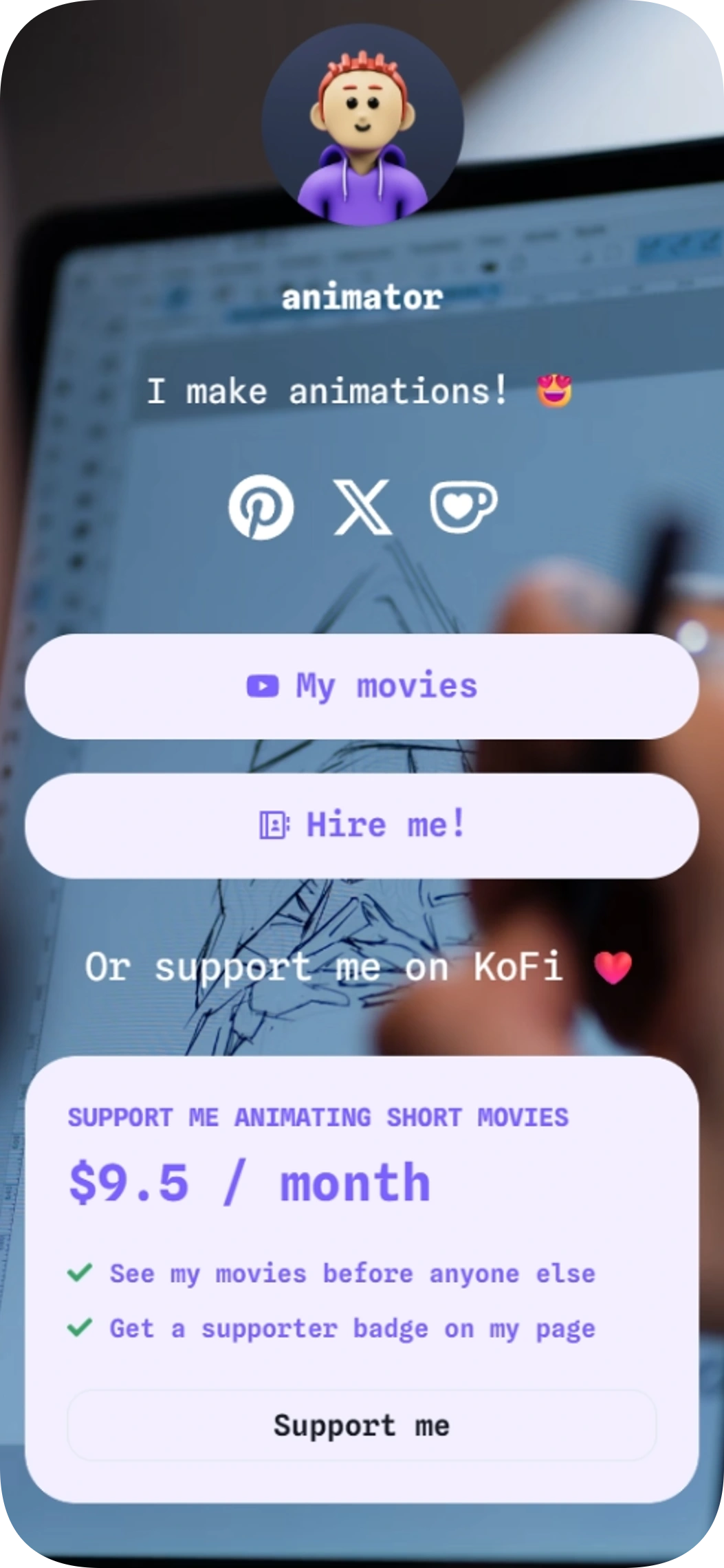
Short animations
Short animations is a link in bio template for animators who want to share videos, welcome commissions, and invite fan support.
Pricing cards
Contact form
Use template
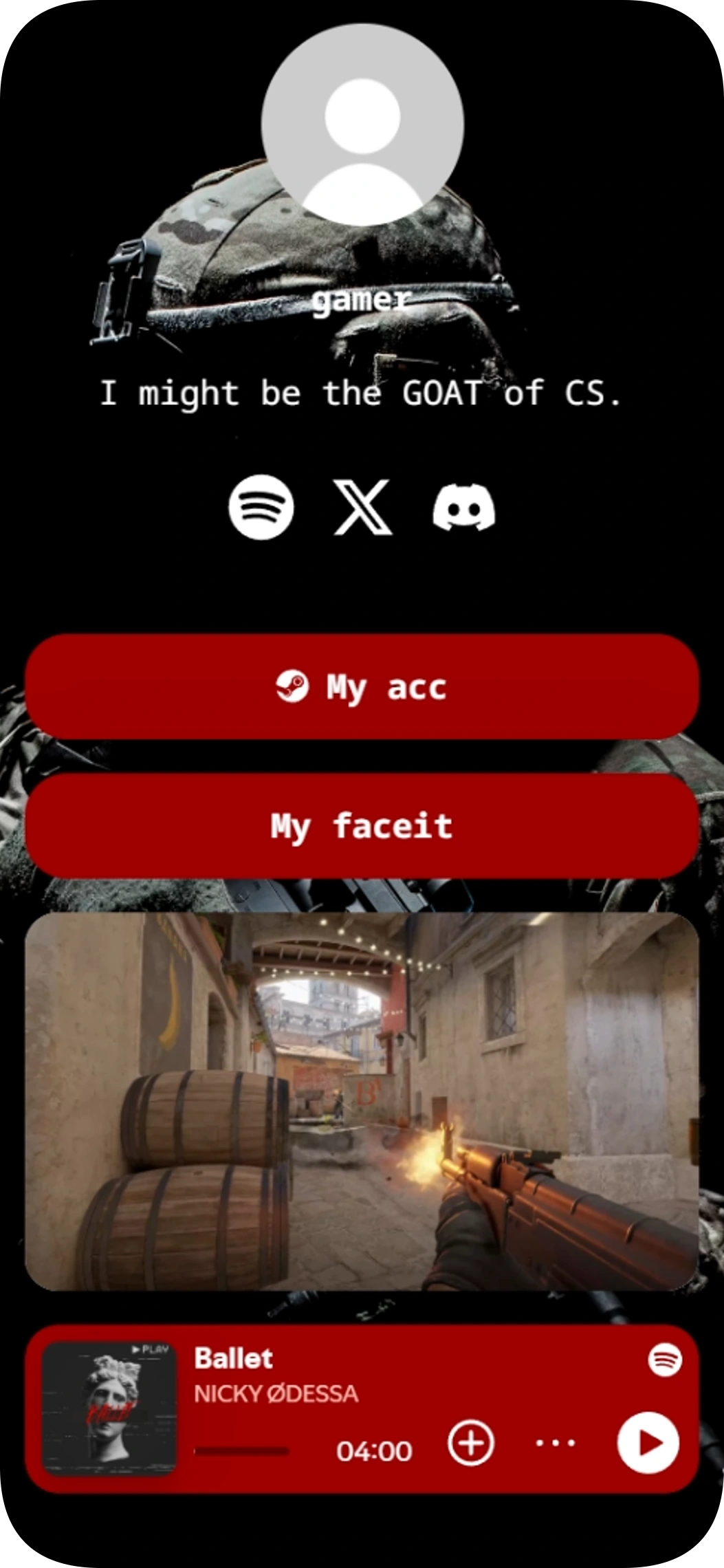
Player template
Player template is a link in bio template for FPS players who want to share gaming profiles, socials, and music from one page. It brings together profile links, an image, Spotify, and social icons in a gaming-focused layout.
Music player on the page
Image gallery
Use template
Browse by category
Your link in bio, ready in minutes
Start with a template, make it yours, and share one link that holds everything.
Free to start
No coding needed
Edit everything later
Sharpening images
Included with Plus and Max