Basic Template: a link in bio template for personal profiles
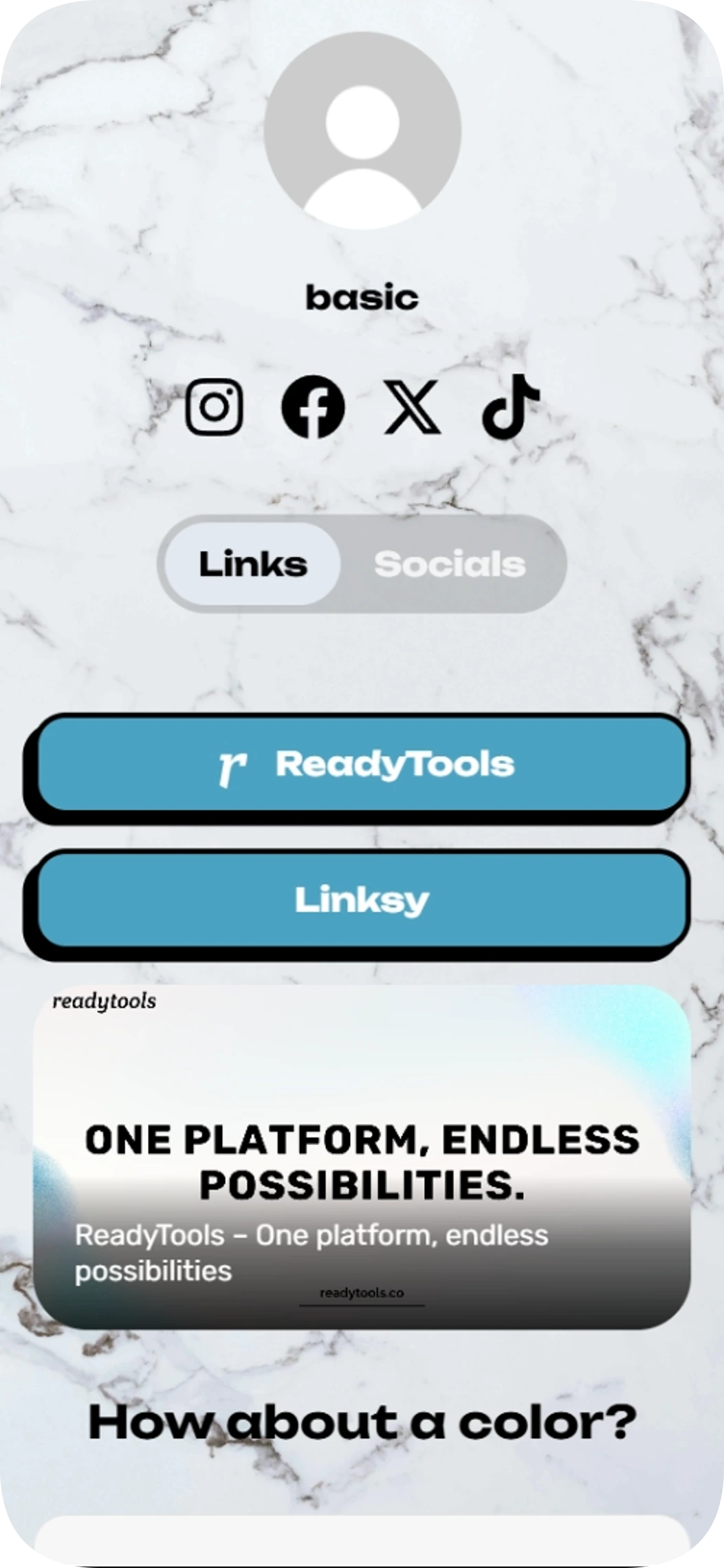
Basic Template is a link in bio template for anyone starting a personal profile. Bring your social channels and key links together in one simple page, with an animated button to draw attention.
Embedded content
2 pages
Social profiles
Included with Plus and Max
Free to start
No coding needed
Edit everything later
What is inside this template
Detected automatically from the template itself — every block below is already set up.
2
Blocks
7
Link buttons
4
Social profiles
Embedded content
Two website embeds let visitors view featured content from ReadyTools and Chromo without relying only on a list of outbound links.
2 pages
The Links and Socials pages separate destinations from social profiles, helping visitors navigate the personal page more easily.
Link buttons
7 ready-made buttons
1 animated buttons
6 buttons with icons
Made for your social profiles
This template already links these networks. Here is how your Linksy page works with each one.
Instagram gives you one clickable link in your bio. Make it this page and every post, offer and profile is one tap away.
Lead your Facebook community to your shop, events and other channels.
X
Pin one link on X that keeps every project, thread and profile within reach.
TikTok
Turn TikTok views into clicks: one bio link that opens your products, videos and other channels.
About this template
Basic Template gives your personal profile a central place for links, social accounts and website content. Visitors can move between the Links and Socials pages to find what they need.
Add your own profile details and destinations to shape the page around you. The design keeps the layout straightforward while making the main buttons easy to spot.
Made for
People setting up a personal profile page
Creators sharing several social accounts
Anyone who wants a simple page for links and website content
Ways to use it
Collect social profiles and important links in one place
Share a personal page from an Instagram or TikTok bio
Direct visitors to website content and other destinations
Why it works
Separate links and social profiles across two pages
Make a key destination stand out with an animated button
Present links in a centered, easy-to-scan layout
Template spec sheet
Every fact below is read from the template itself.
- Category
- Personal
- Price
- Included with Plus or higher
- Blocks
- Embedded content
- Social profiles
- Instagram, Facebook, X, TikTok
- Pages
- 2 · Links, Socials
- Font
- Unbounded
- Last updated
- November 6, 2026
Design at a glance
The page has a centered, vertical layout over a marble-texture image background, with a profile picture area, username, social icons and tabbed navigation. Bold sans-serif headings and button text pair with lighter descriptive text; rounded teal buttons, dark outlines and shadows add contrast against the white, gray and black palette.
Color palette
#000000
#4BA2C2
#FFF
How to use Basic Template for your personal profile
Add the destinations you want visitors to find, then use the Links page for key links and the Socials page for your social accounts. Share the finished page from your Instagram or TikTok bio so people can reach your other destinations.
How to customize Basic Template's buttons and profile
Personalize the profile details and link destinations to match your needs. The template uses rounded buttons, teal accents and one animated button to help a featured link stand out against the marble-style background.
How Basic Template helps visitors find your links
The two-page layout separates links from social profiles, while the visible social icons provide direct paths to Instagram, Facebook, X and TikTok. Website embeds also bring featured website content onto the page.
Go live in three steps
Pick this template
Open it in the Linksy builder with one click.
Add your links and details
Enter your name, socials and buttons once — the layout stays polished.
Share your page
Put your lnksy.co link in your bio and watch what people click.
Linksy
Everything you need after the template
Analytics
See views, clicks and where your visitors come from.
Full customization
Change colors, fonts, buttons and backgrounds any time.
Business blocks
Add bookings, forms, polls and reviews when you need them.
QR code & sharing
Share your page anywhere with a link or QR code.
Frequently asked questions
Can I add Basic Template to my Instagram or TikTok bio?
Yes. Share your Linksy page URL in your Instagram or TikTok bio to give visitors one place to find your links and social accounts.
Can I customize the colors and buttons in Basic Template?
You can personalize the page for your profile. The template's design includes teal rounded buttons, dark outlines and one animated button.
Which Linksy plan do I need for Basic Template?
Basic Template requires the Plus plan.
What do the pages, social icons and website embeds do?
The Links and Socials pages organize destinations into separate tabs. Social icons link visitors to Instagram, Facebook, X and TikTok, while website embeds show content from ReadyTools and Chromo on the page.
Is the Basic Template template a good fit for personal pages?
Yes. Basic Template is listed in the personal category and is made for people setting up a personal profile page and creators sharing several social accounts. You can change every text, link and color after applying it.
You might also like

Clean portfolio
Clean portfolio is a link in bio template for developers who want to bring their work, skills and social profiles together on one page. Its dark design puts your portfolio and code profiles front and center, with a skills display and easy-to-find contact links.
Feature showcase
Use template
Sharpening images
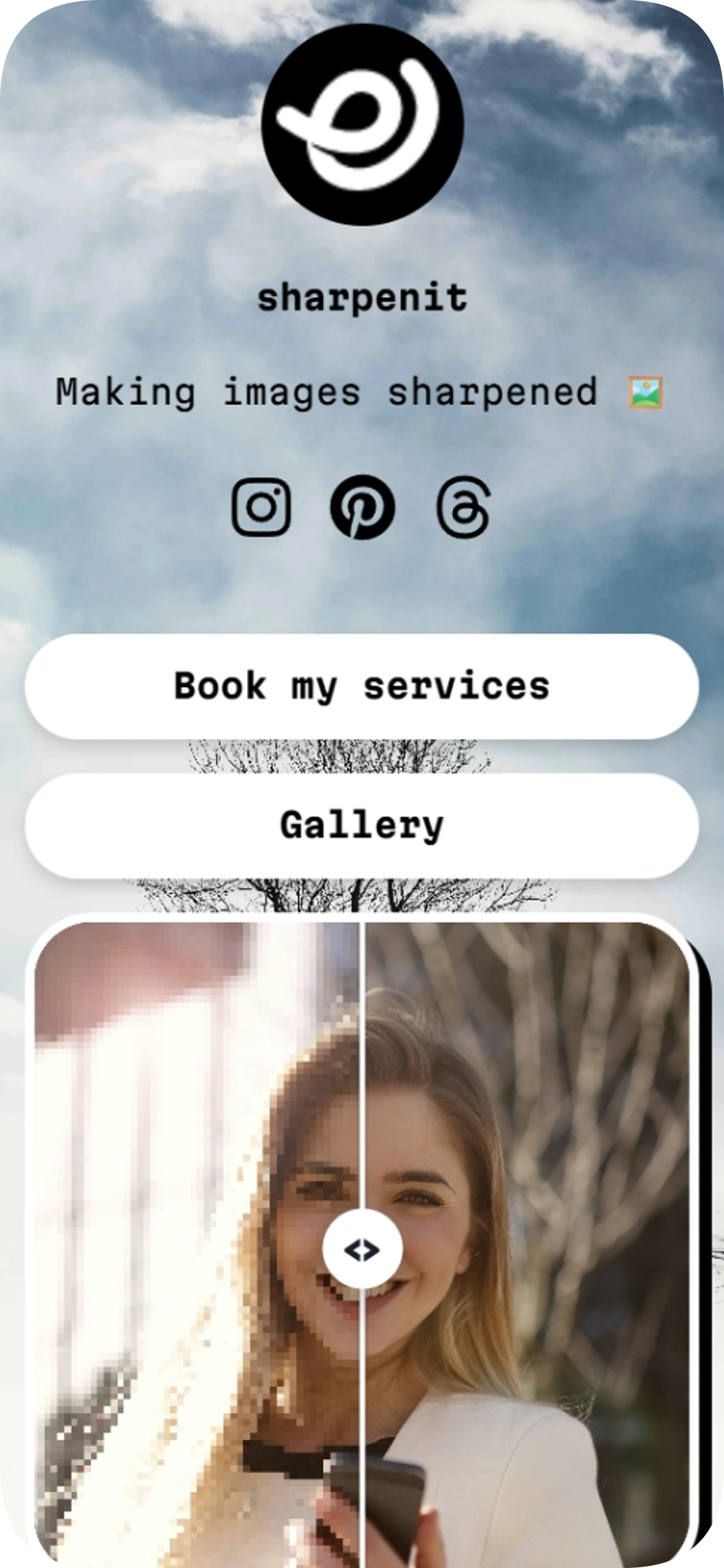
Sharpening images is a link in bio template for photo editors, video editors, and other creative service providers. This link in bio template puts your service and gallery links alongside an image comparison so visitors can see your work.
Image gallery
Use template
Sunny day v2
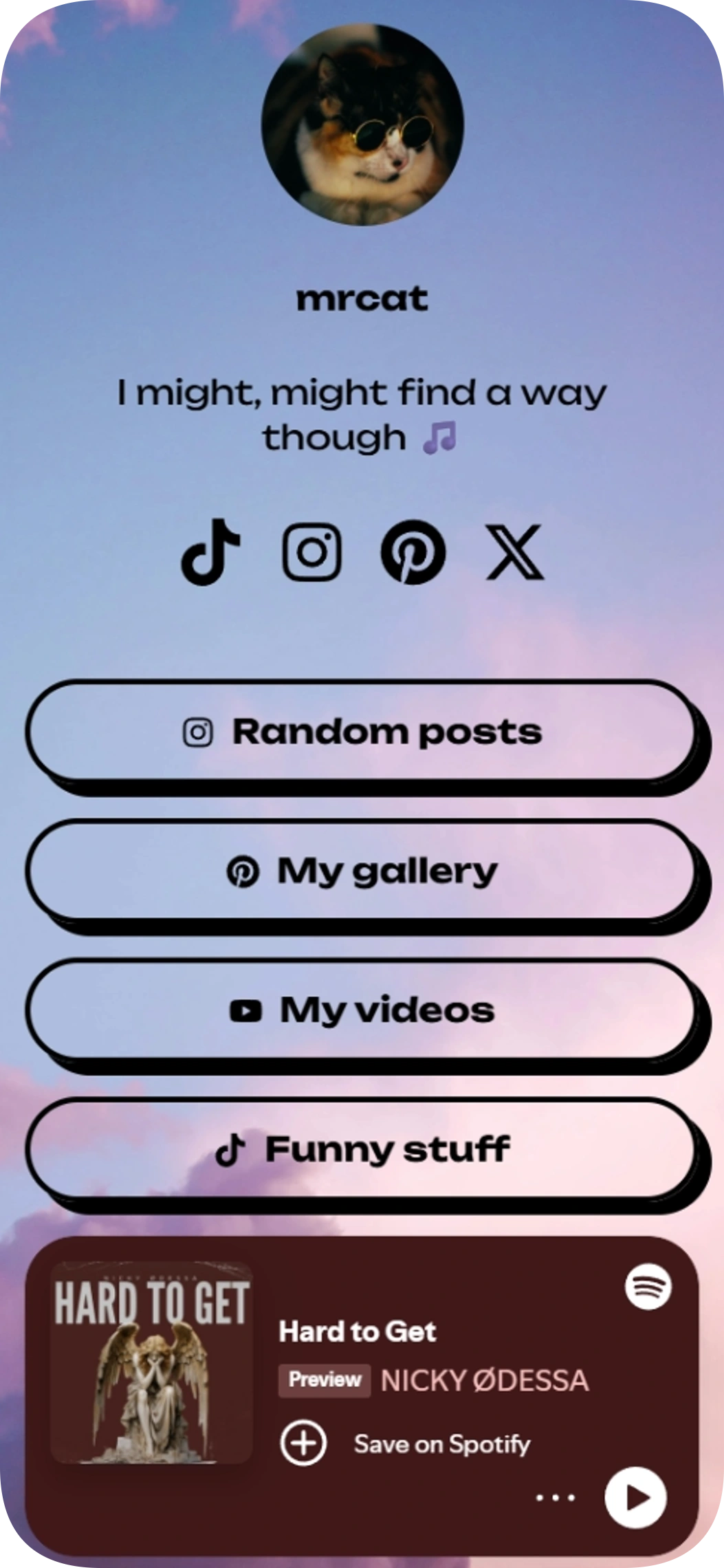
Sunny day v2 is a link in bio template for personal creators who want to share social profiles, content links, and a Spotify track from one page. Its simple layout puts your profile, links, and music together for visitors.
Music player on the page
Use template
UI & UX Designer
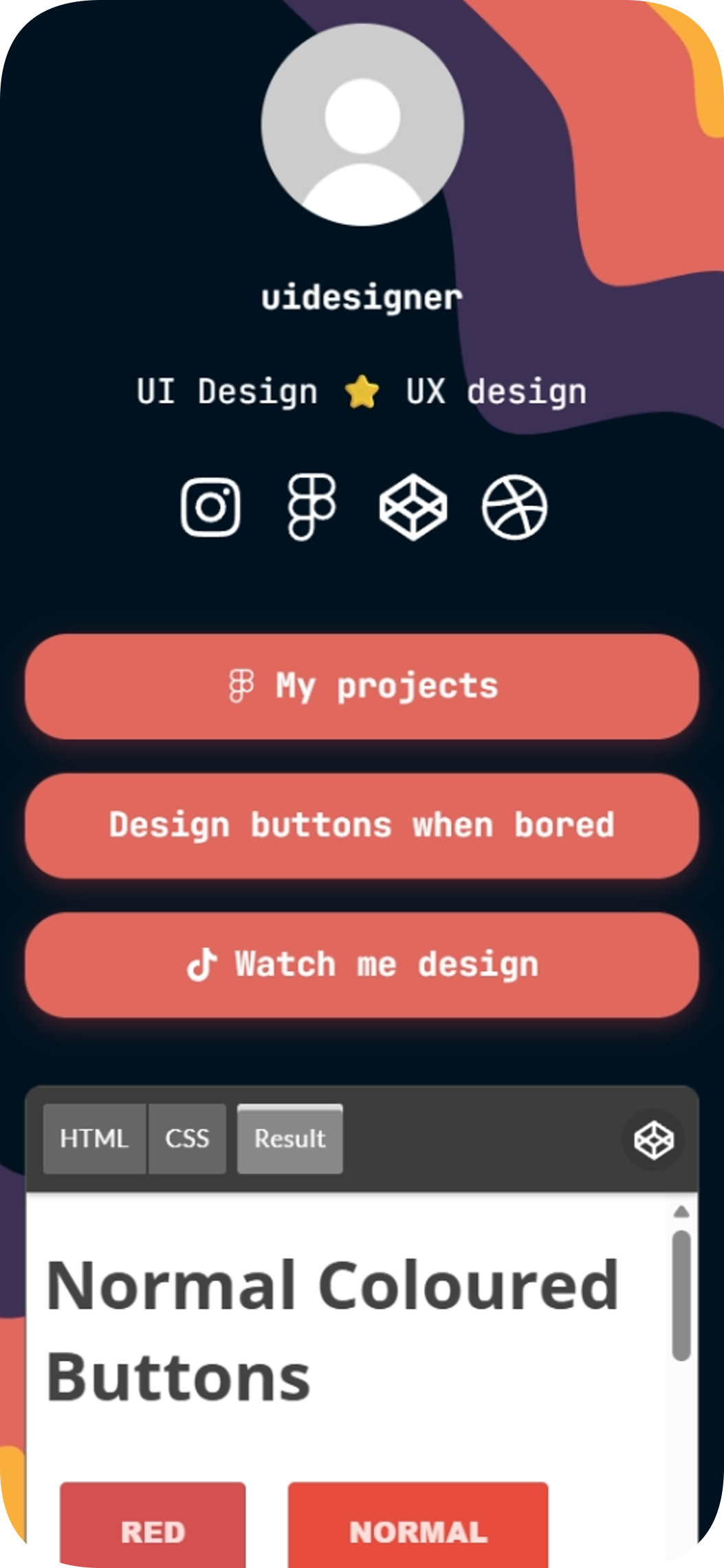
The UI & UX Designer link in bio template is a free, ready-to-edit page for UI and UX designers who want to showcase projects and connect their profiles. Swap in your own URLs and share one link to your work, social accounts, and CodePen embed.
Embedded content
Use template
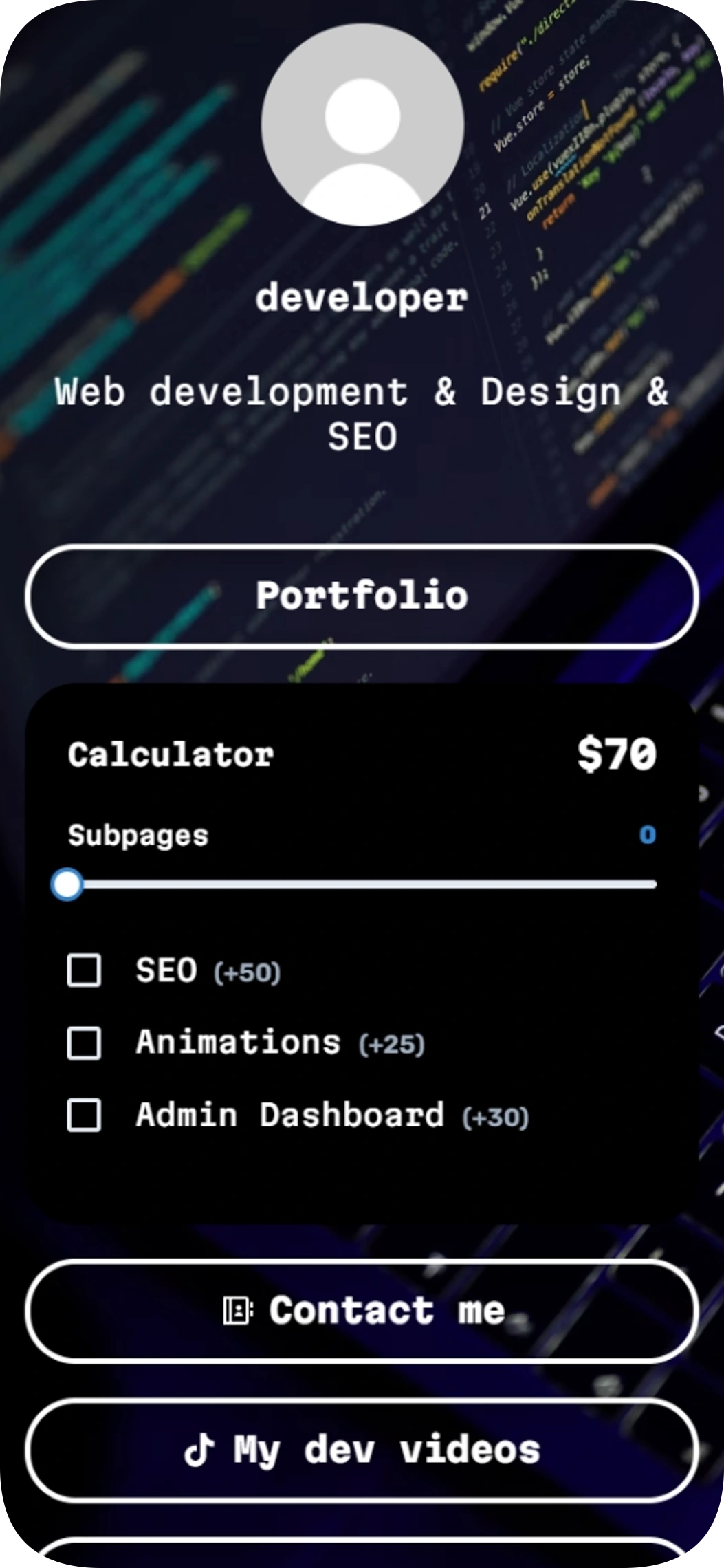
Developer
The Developer link in bio template helps web developers share their work, give visitors a way to estimate project costs, and make contact easy. Add it to your social profiles so people can find your portfolio and other links in one place.
Quick calculator
Contact details
Use template
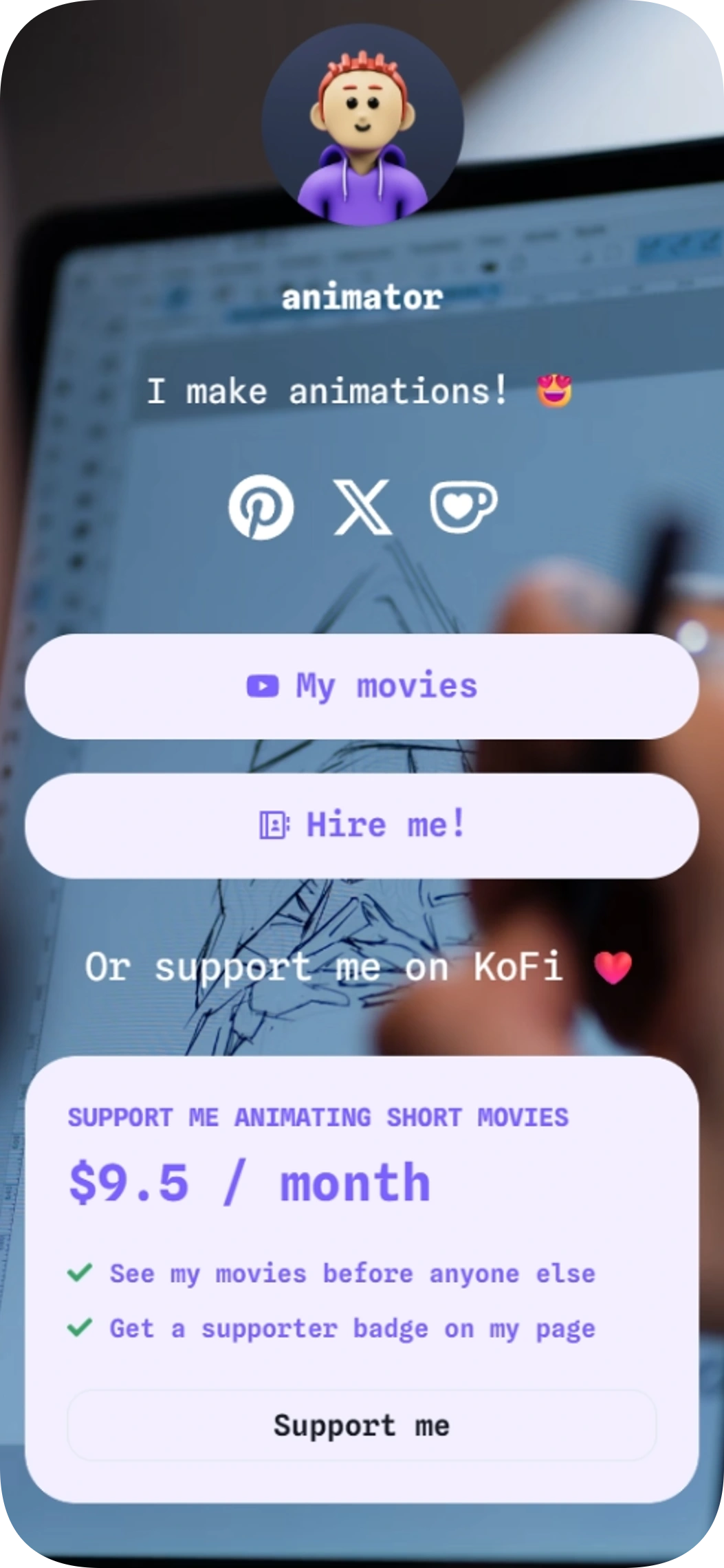
Short animations
Short animations is a link in bio template for animators who want to share videos, welcome commissions, and invite fan support.
Pricing cards
Contact form
Use template
Browse by category
Your link in bio, ready in minutes
Start with a template, make it yours, and share one link that holds everything.
Free to start
No coding needed
Edit everything later
Basic Template
Included with Plus and Max