A premium toolkit for every web task.

From SEO and screenshots to colors, privacy, accessibility, text, images, layout, storage and more, this premium browser add-on brings a deeply crafted toolkit into every tab.

Add to ChromeSee how it works

ReadyTools Web Assistant · browser extension

Included with ReadyTools Plus and Max

01

ReadyTools Web Assistant · browser extension

Tools beside every tab

02

Local-first processing

Included with ReadyTools Plus and Max

03

Manifest V3 security model

Included with ReadyTools Plus and Max

A better way to work on the web

From first look to final export.

The extension follows the way web work actually happens: understand the page, make a change, then create something useful from it.

Understand every page faster.

Open the extension on the page you are already viewing and get a focused read on its structure, search visibility and user-facing quality.

Check titles, descriptions, headings, canonicals, links and social metadata.

Measure key performance signals such as TTFB, FCP, LCP and CLS.

Spot contrast, missing labels, alt text and other accessibility issues.

SEO summary report with meta title, description, canonical URL and slug checks

Try the change before you ship it.

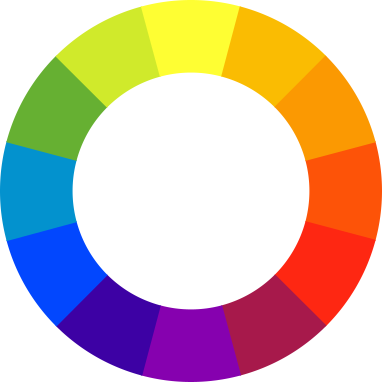
Pick a colour, inspect a typeface or edit CSS live. The Style Editor and layout tools make the invisible parts of a page visible while you work.

Inject and test CSS on any page, then copy the rule when it is right.

Reveal Grid and Flexbox containers, spacing and horizontal overflow.

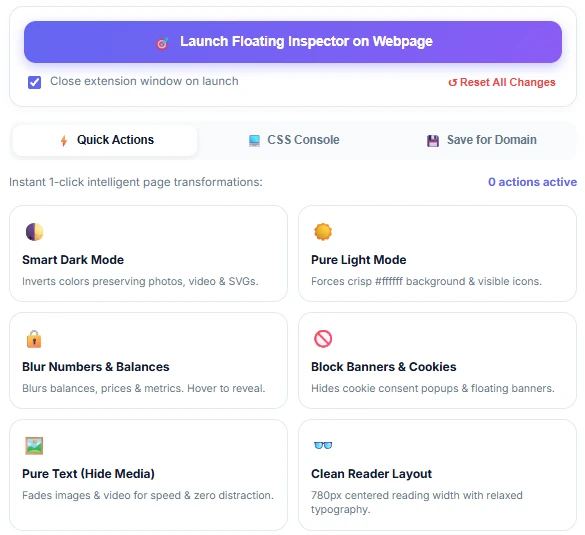
Hide cookie banners, popups and other distracting elements with reusable rules.

ReadyTools Web Assistant Live Style Editor editing a button on a webpage

Turn a capture into something you can share.

Review how a page travels beyond its tab. Inspect Open Graph and Twitter Card data, collect images and prepare a clean visual for a handoff or presentation.

See the social preview before a link goes live.

Capture the full page, visible area or a selected element.

Annotate, redact sensitive details and export a PNG or multi-page PDF.

ReadyTools Web Assistant social preview with Open Graph and Twitter tabs

Screenshot & editor

Your iPhone mockup starts with a screenshot.

Open the built-in editor after a capture and turn a raw screen into a polished visual. Choose a realistic device frame, tune the scene, add frames and export an animation when a still image is not enough.

Place your work in iPhone, Pixel or Galaxy frames and switch finishes in the editor.

Use scenes and keyframes to show a flow, a before-and-after or a product walkthrough.

Export a clean image, animated GIF or MP4/WebM video from the same workspace.

Device Mockup StudioAnimation & Keyframe Studio

Screenshot Editor

Canvas · presentation mode

Pro included
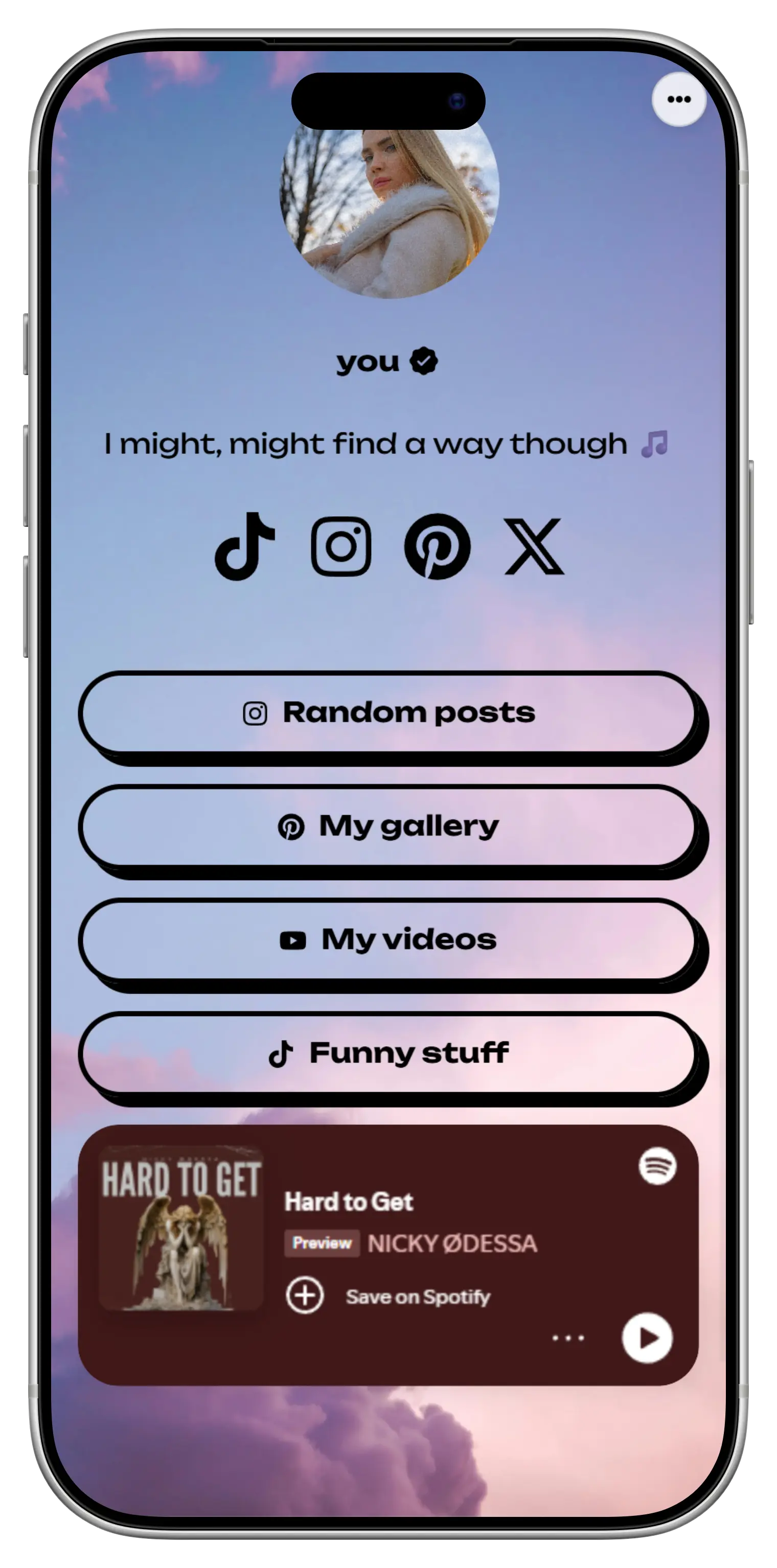
Website screenshot shown inside a mobile phone mockup

Choose a frame

iPhone 17 Pro Max

iPhone 16 Pro Max

Pixel 9 Pro XL

Galaxy S21


Animation timeline

0:03.2

Animated GIFMP4 / WebM

One extension, many small wins

The tools you reach for every day.

ReadyTools Web Assistant brings the useful middle layer between browsing and DevTools into one calm, searchable toolkit.

Inspect & measure

Get the page facts that matter for search, speed and accessibility.

SEO AnalyzerPerformance SnapshotAccessibility AuditLink AuditorText AnalyzerImages

Design & debug

See the structure, style and colour decisions behind the page.

ColorsFont AnalyzerStyle EditorLayout & Overflow DebuggerContrast CheckerText Sizer

Protect & simplify

Keep sensitive details private and remove friction from the page in front of you.

Threat & Privacy RadarWebsite SecurityStorage & CookiesElement BlockerSnippetsMore Tools

Privacy by design

Your browsing stays yours.

The extension is built for practical web work without turning your browsing into a data source. Page analysis, screenshots and editor work happen in the browser whenever the feature allows it.

Local-first

Screenshots and most page checks are processed directly in your browser.

No remote code

The extension follows the Chrome Manifest V3 model and ships its own code.

No tracking

ReadyTools does not sell your browsing history or use the extension as an ad profile.

Already part of ReadyTools

Plus and Max already include Web Assistant Pro.

There is no separate Web Assistant subscription. Your existing ReadyTools Plus or Max plan includes the Pro editor features, so the extension can stay a useful part of the plan you already have.

01

Install the extension from the Chrome Web Store.

02

Connect your ReadyTools account in the extension settings.

03

Use the Pro tools your Plus or Max plan already covers.

No separate checkout, upgrade path or Web Assistant subscription exists. Account connection is used to verify your existing ReadyTools access.

Made for real web work

Useful when the page is not yours.

Whether you are building, reviewing or presenting, the extension gives you context and control without making you open another tool for every small task.

Developers

Debug responsive layouts, test CSS, inspect network-facing signals and check the page before opening a full DevTools panel.

Designers

Sample colours, inspect typography and create polished device mockups from the sites you are designing around.

SEO & marketing

Review on-page SEO, social cards, content length, images, links and performance while you research or publish.

Start in a minute

A small addition to your browser. A better daily workflow.

Keep the setup simple and put the useful tools where the work already happens.

01

Install

Add ReadyTools Web Assistant from the Chrome Web Store. Microsoft Edge can install it through its Chromium extension support.

02

Open on any page

Click the extension when you need a quick audit, a colour, a screenshot, a layout clue or a cleaner view.

03

Connect Plus or Max

Link your ReadyTools account once to use the Pro mockup, animation and export features already included in your plan.

Good to know

Questions, answered.

The details behind installation, access and privacy.

Install once. Keep your web workflow close.

Add ReadyTools Web Assistant to Chrome, connect your ReadyTools account if you use Plus or Max, and keep the tools you need beside every tab.

Get Assistant

Top tools

WorkspaceLinksySEO AnalyzerChromoQR Code Generator

ReadyTools

CareersContactTools
Pricing7 days free
SupportSecurityGuidesDocsBlogUpdatesLaraVault

Select Language

Set theme

ReadyTools

© 2026 ReadyTools. All rights reserved.